Remove Virtual Machines from Load Balancer
To remove a virtual machine from a Load Balancer, follow these steps:
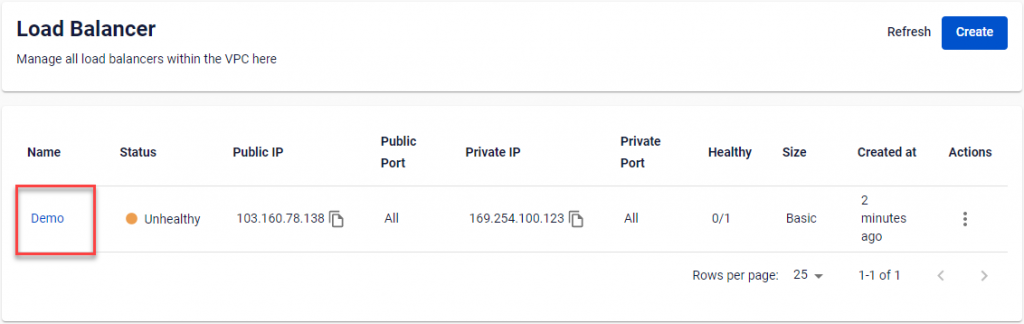
Step 1: Go to the Load Balancer details page by selecting the Load Balancer name in the Load Balancer Management dashboard.
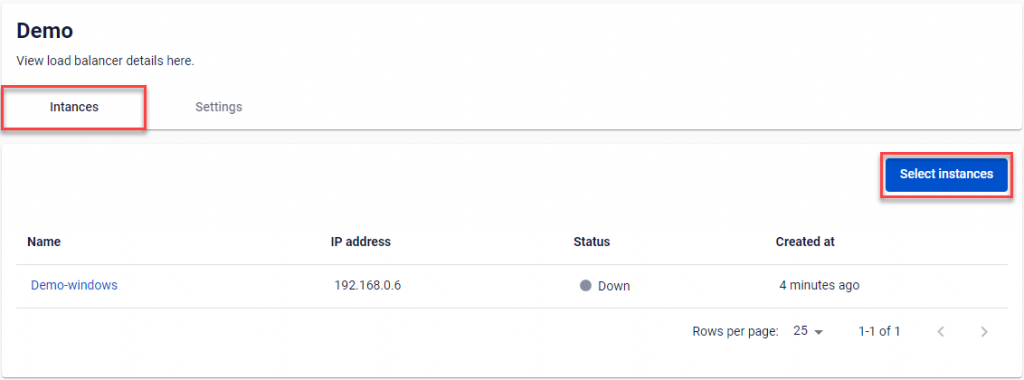
Step 2: In the Instances tab, the list of virtual machines added to the Load Balancer is shown. Click Select instances.
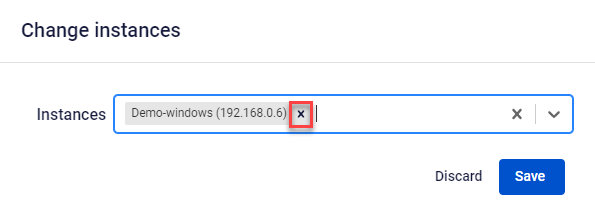
Step 3: In the Change instances popup, click the remove icon at the end of the virtual machine name you want to remove in the Instances field.
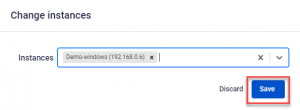
Step 4: Click Save.