Add Credit
If your balance is insufficient to create a new GPU container, please top up your account and try again by following these steps:
- In the left-side menu of AI Factory Portal, click the Billing
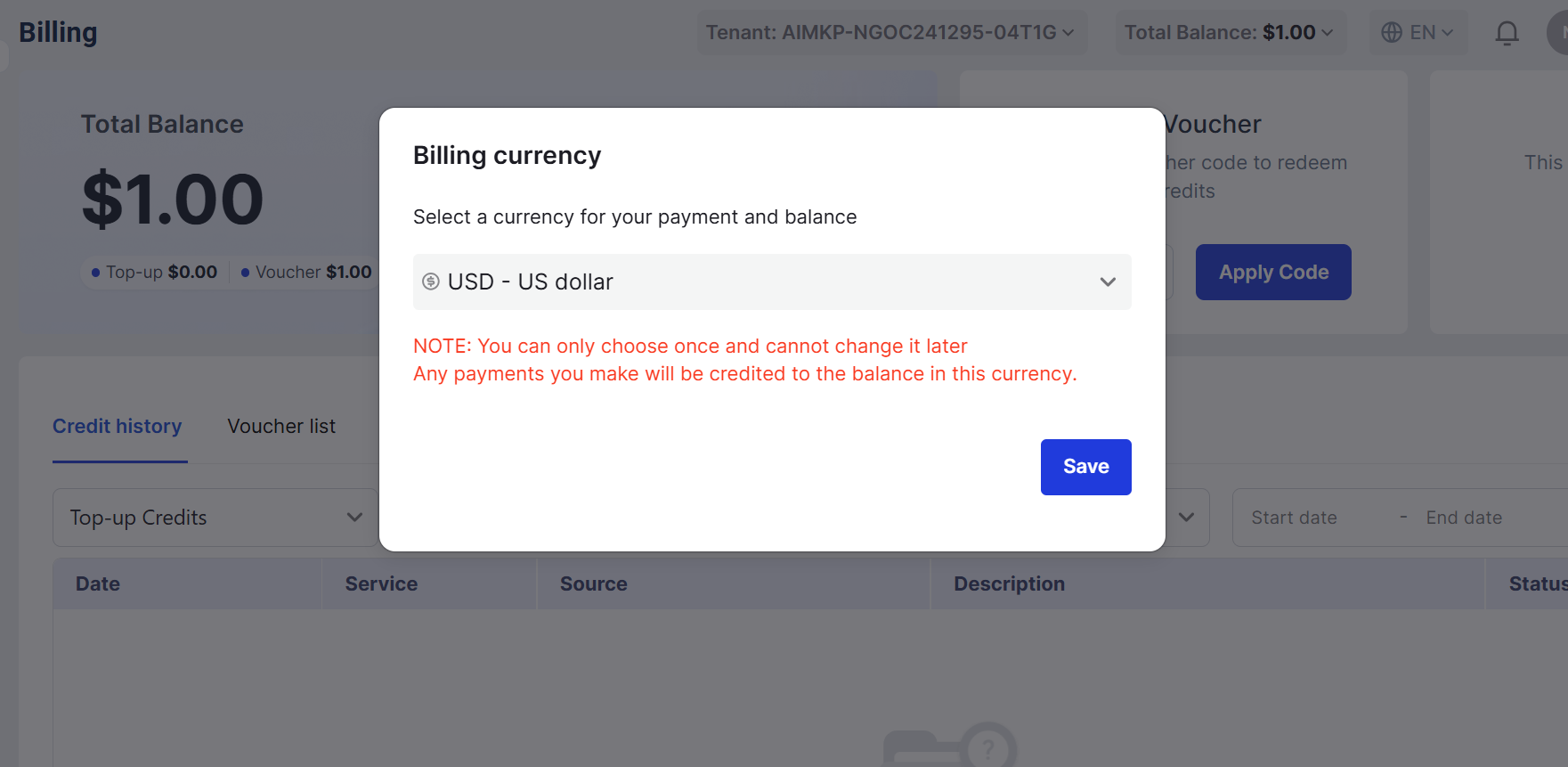
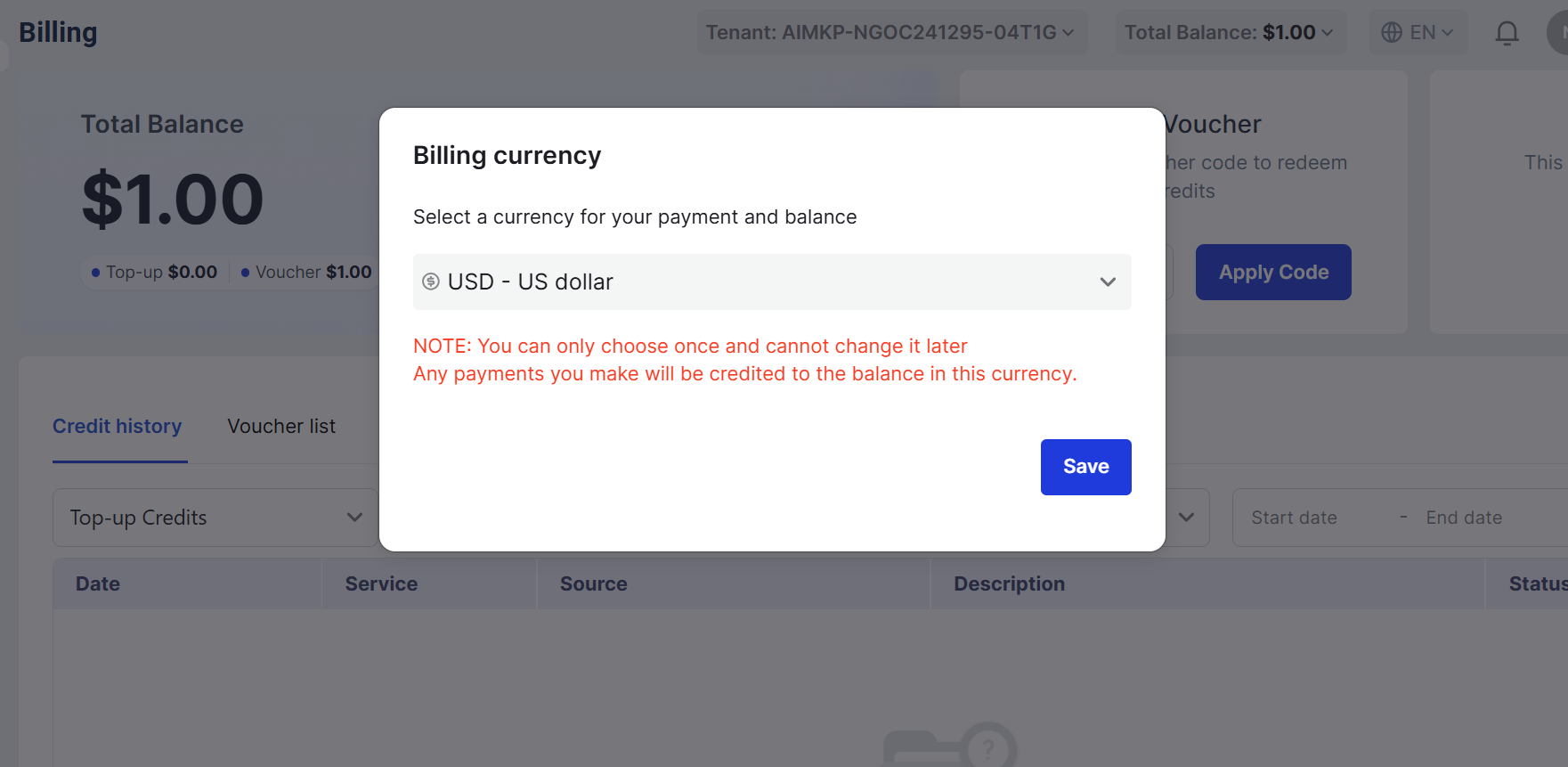
- You have to choose a currency if it is the first time you access Billing.
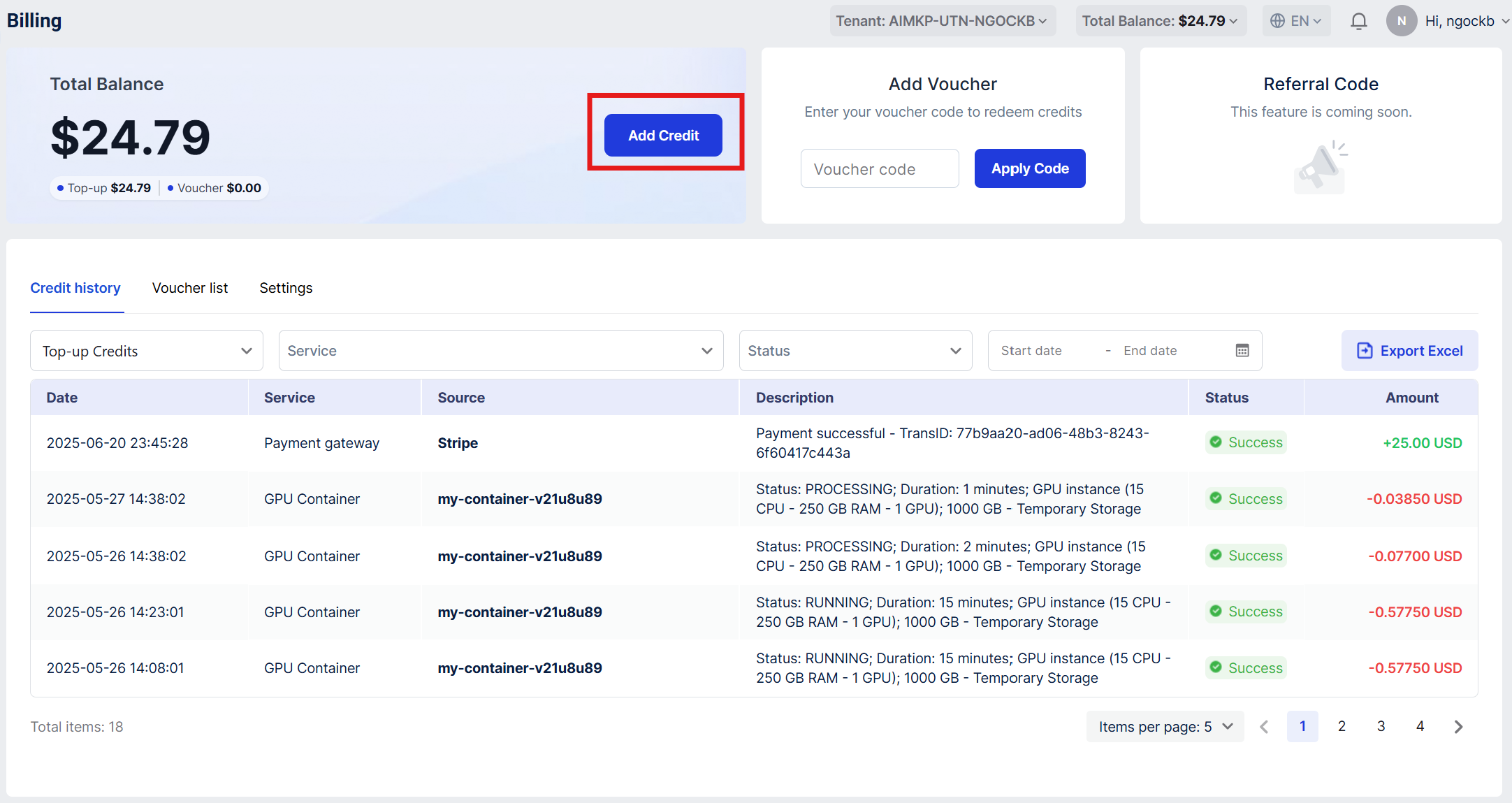
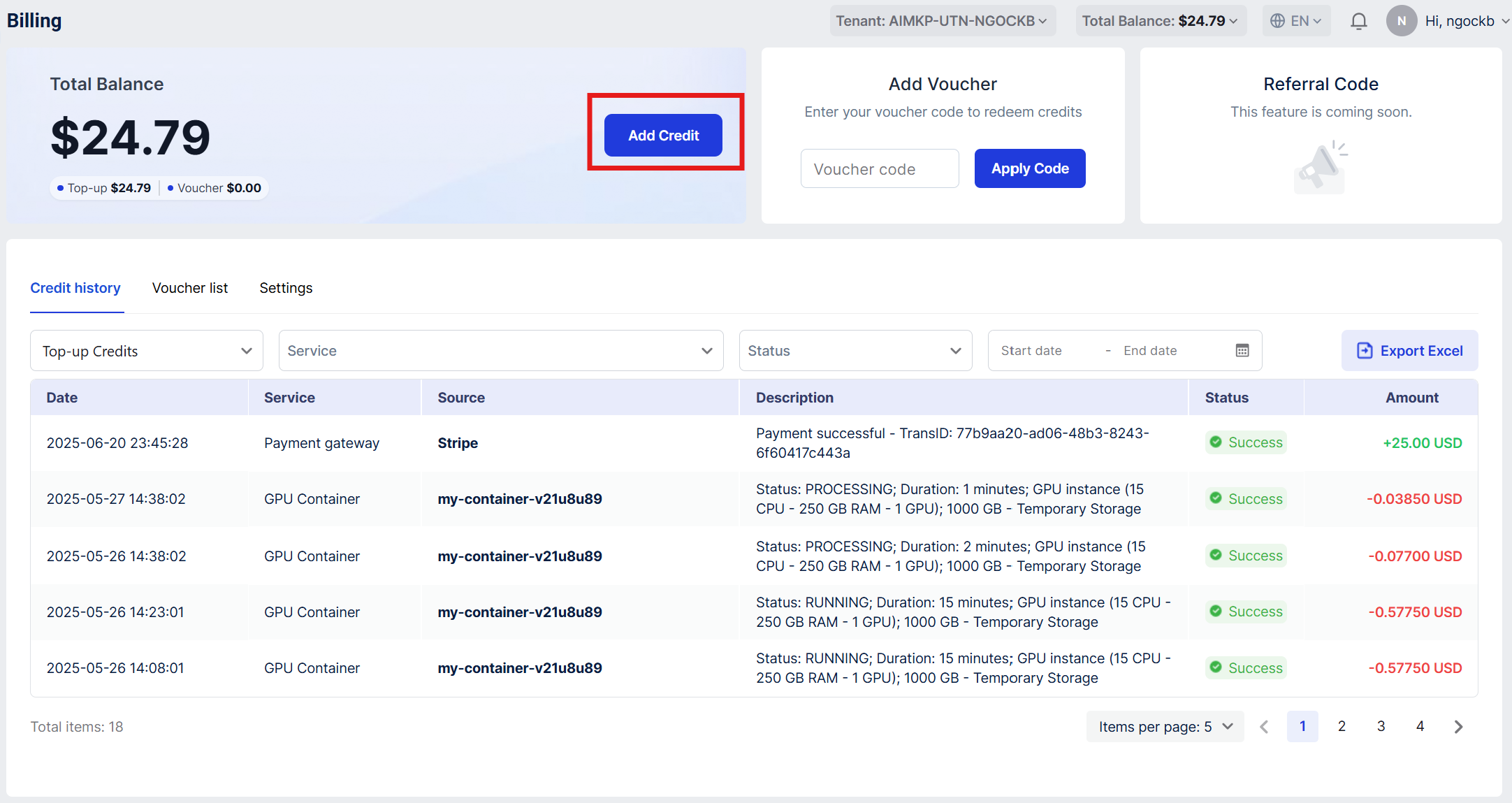
- Click the Add credit button
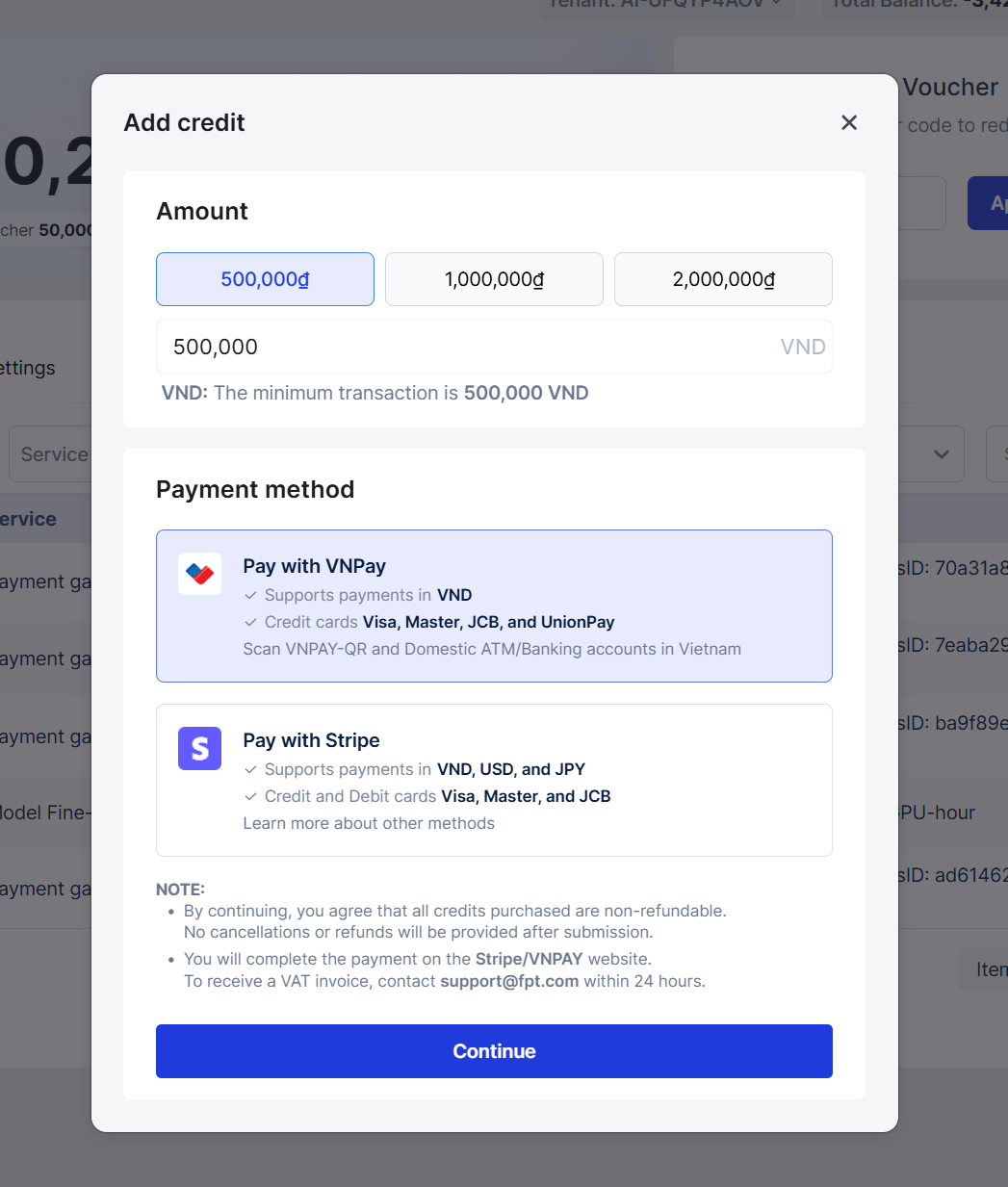
- In the Add credit pop-up , you can select a suggested amount or enter the amount of credits you want to add to your balance.
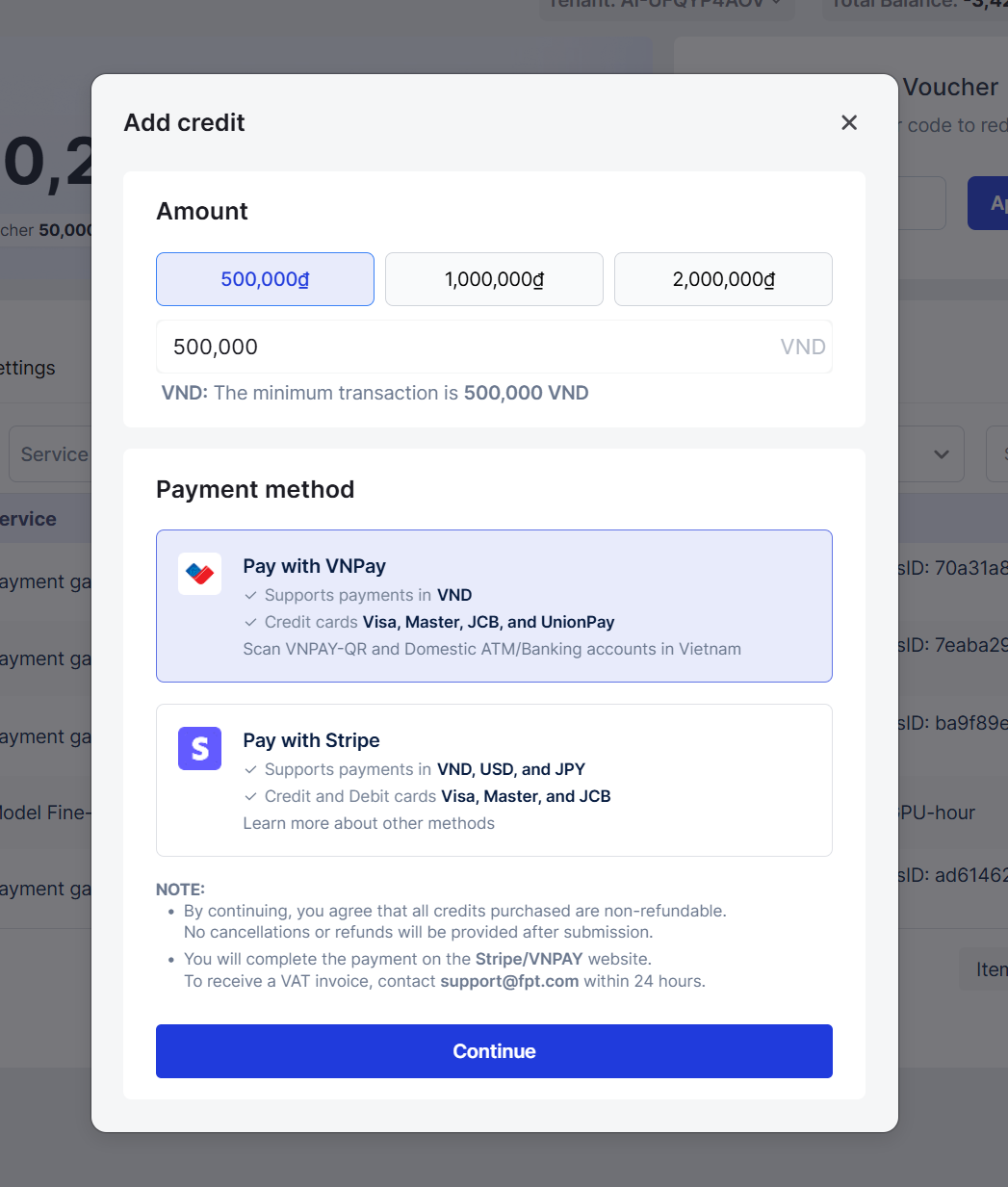
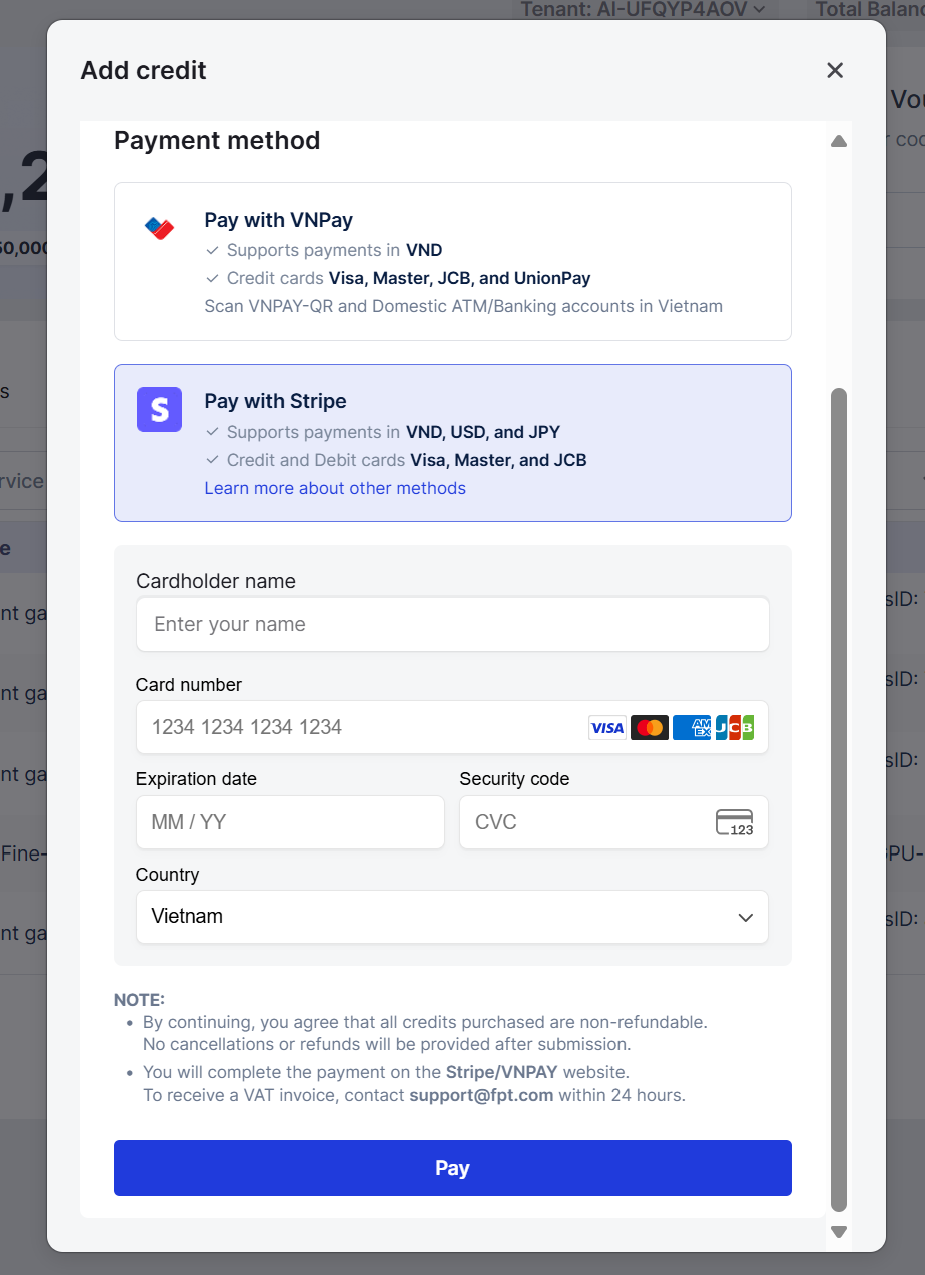
- Then select a payment method :
- VNPay : Only supports the Vietnam region and Vietnamese dongs. You will complete the transaction on the VNPay checkout website.
- Stripe : Enter the card details in the pop-up window to proceed with the payment. All transactions are securely processed by Stripe, and FPT does not store card information.
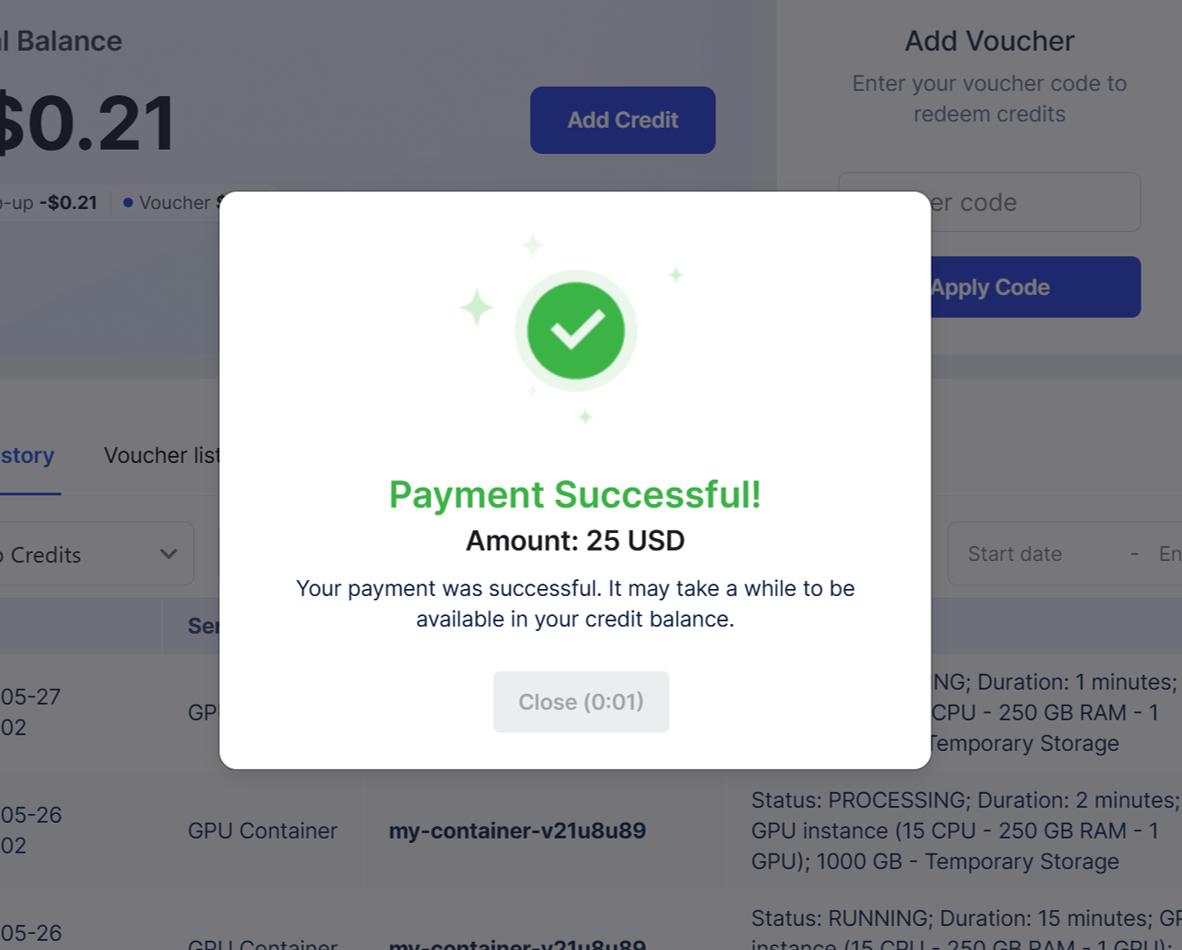
- After the payment is completed, a pop-up will appear displaying a success notification, and your balance will be updated accordingly.