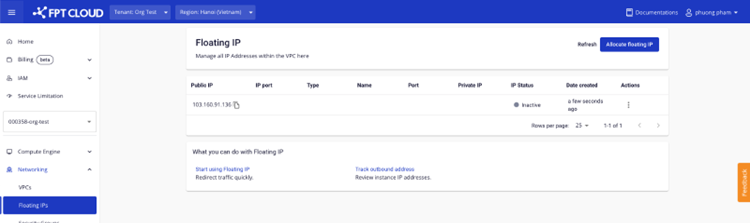
Purchase a Public IP
After topping up your account, you can purchase additional Public IPs.
note
- You must have at least 50,000 VND plus the cost of one hour of IP usage to allocate an IP.
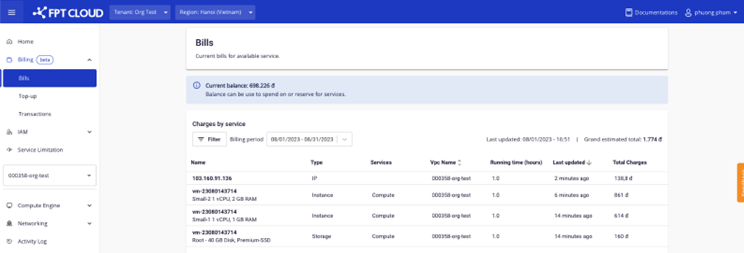
- The system will immediately deduct one hour of IP usage cost upon allocation.
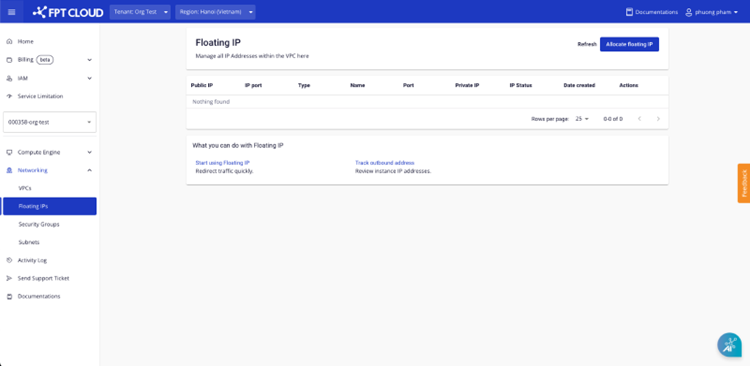
- Go to the Networking – Floating IPs page.
-
Click Allocate IP address.
-
Select Allocate new IP from pool:
- Choose the number of IPs to allocate.
- The system estimates the hourly IP usage cost for your reference.
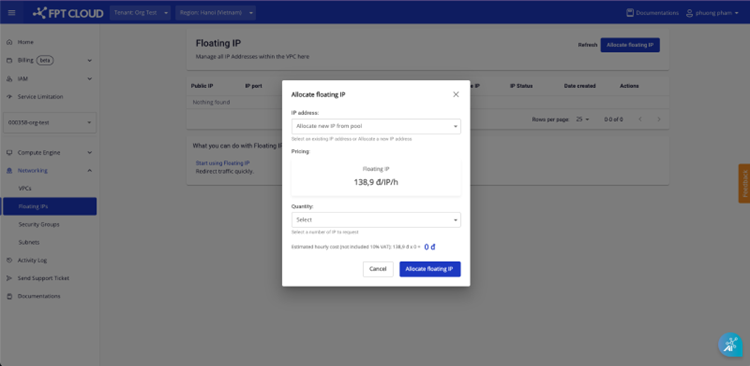
- Click Allocate floating IP. If the information is valid, the system allocates the IP to your account.