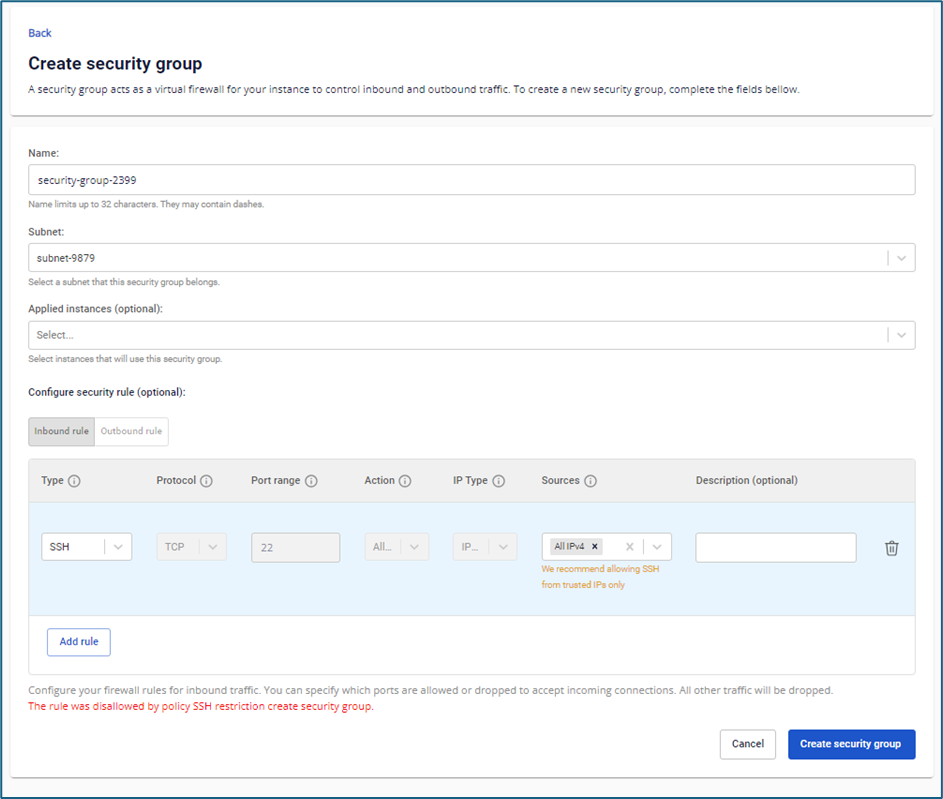
Apply policy
Scenario: Block users from creating an SSH rule with source IP set to All IPv4 (Any).
Step 1: In the menu, select Security Group, then select Create security group.
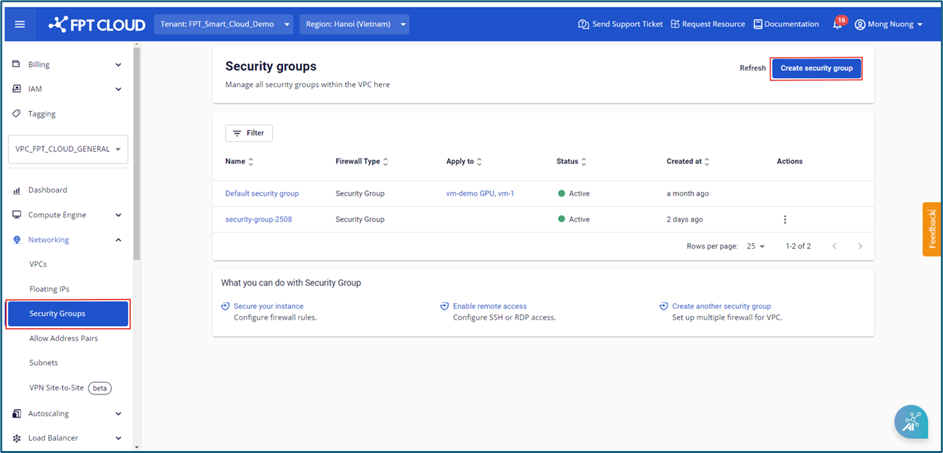
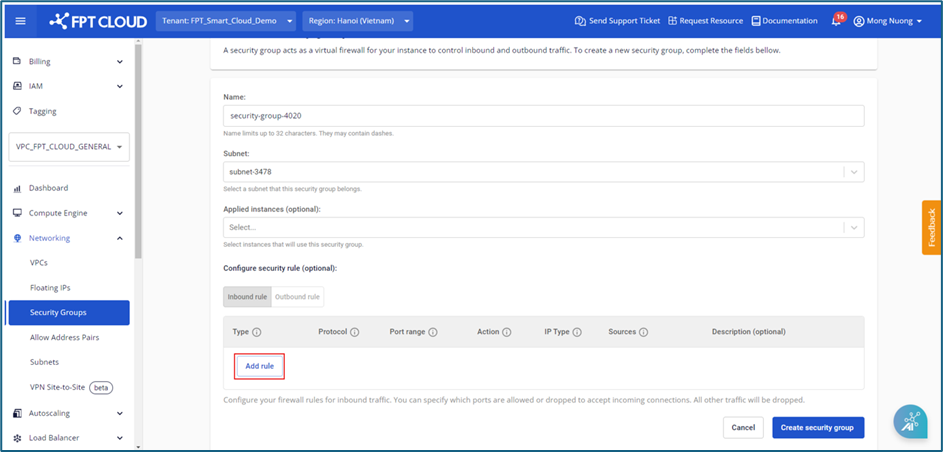
Step 2: On the Create security group screen, select Add rule.
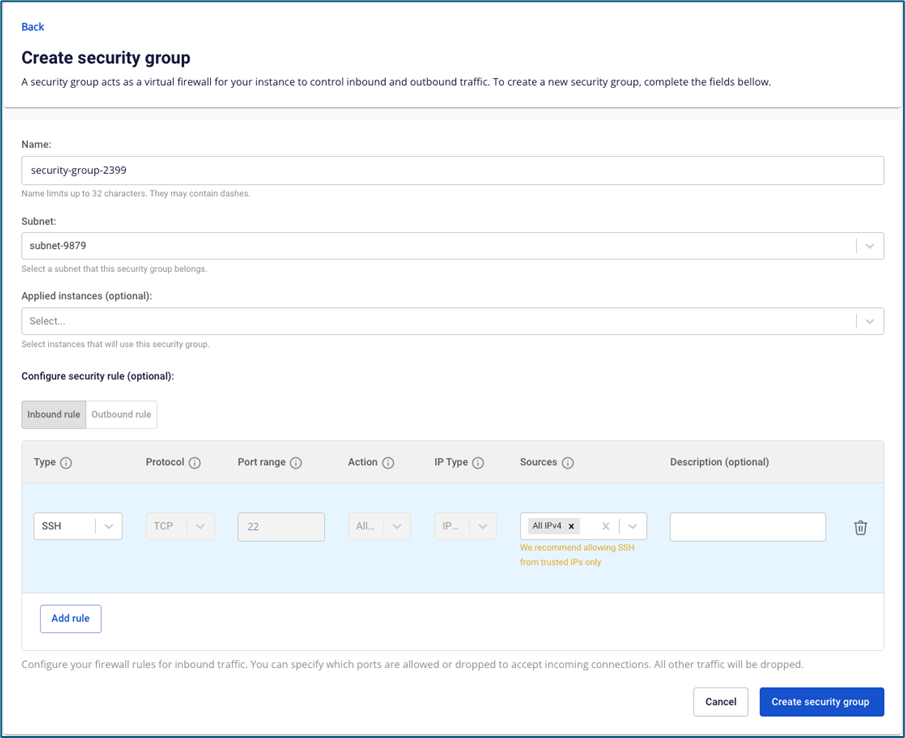
Step 3: Fill in the corresponding rule information:
- Type: SSH
- Sources: All IPv4
Step 4: Click Create security group. The system will display an error: the action is prohibited by policy.