Using SSO
After SSO is configured, you can log in to the system in two ways:
Method 1: Direct URL
-
Go to:
http://sub-domain.fptcloud.com -
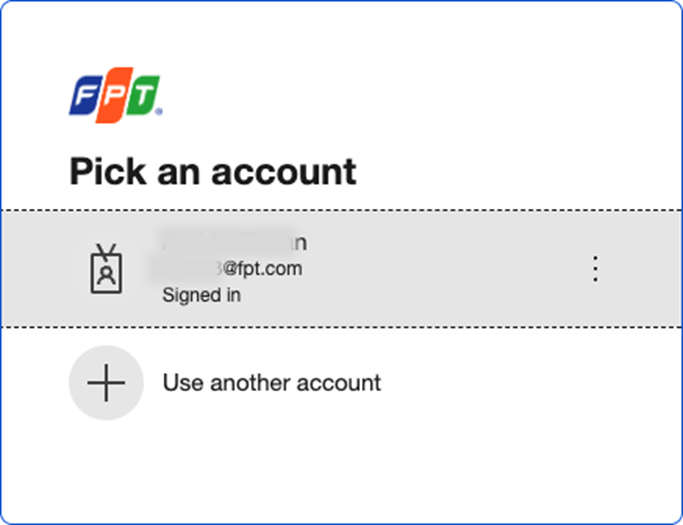
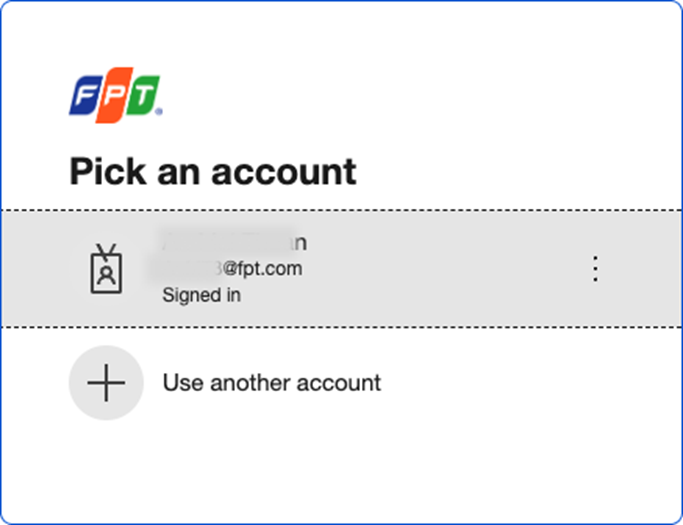
Authenticate your login credentials
-
The system authenticates your login and redirects you to the instance management page
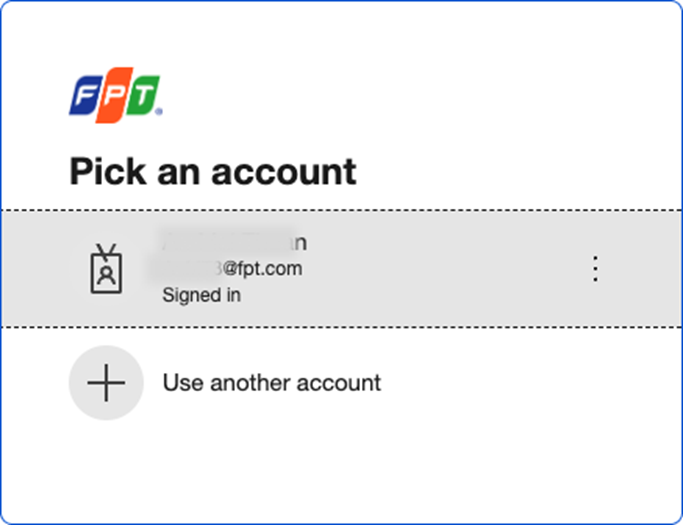
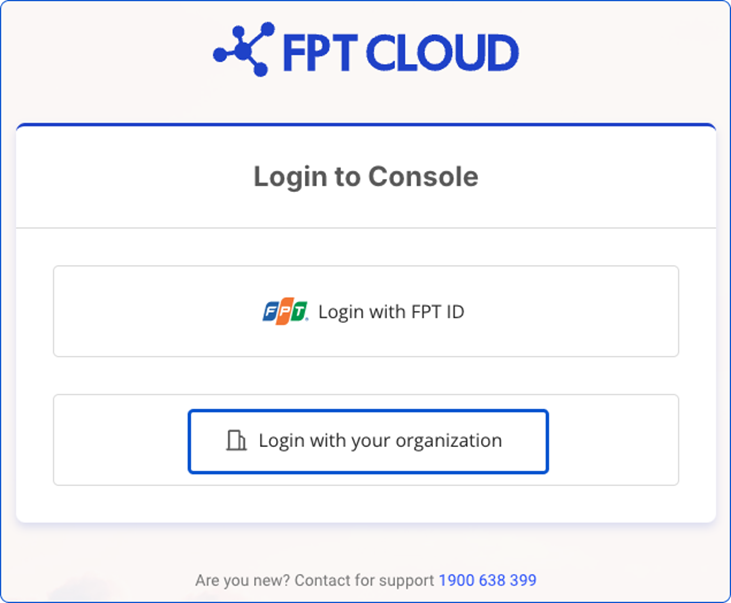
Method 2: Select-method page
-
Go to:
https://console.fptcloud.com/login/select-method -
Select Login with your organization
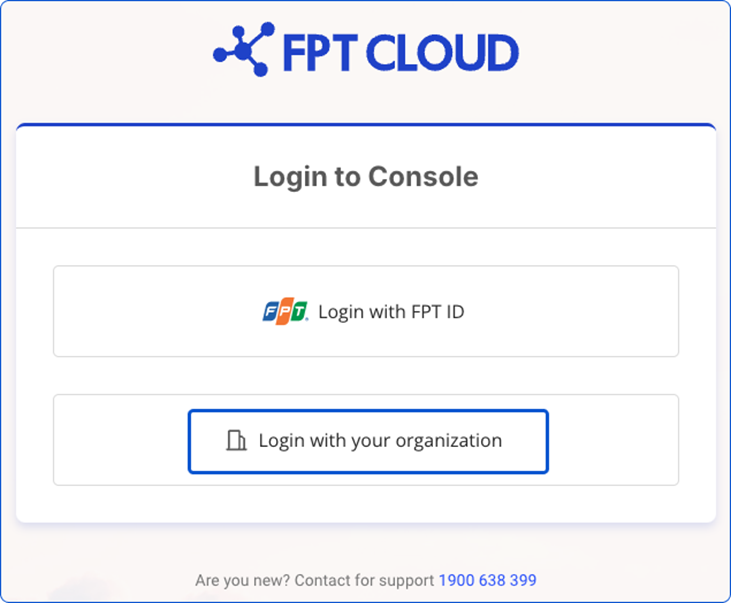
-
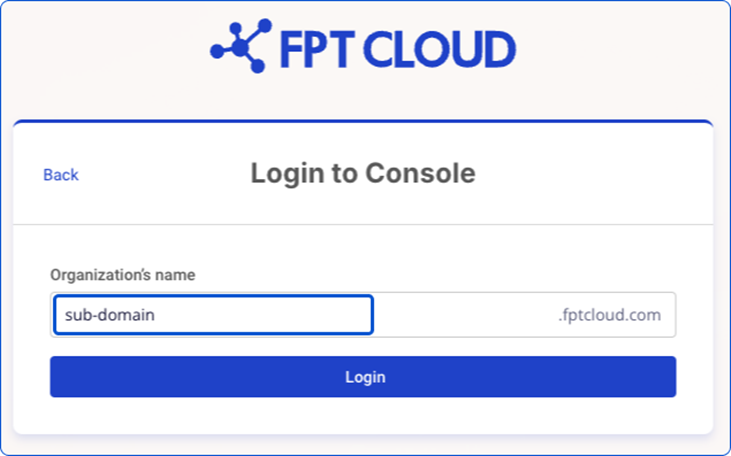
Enter your registered sub-domain
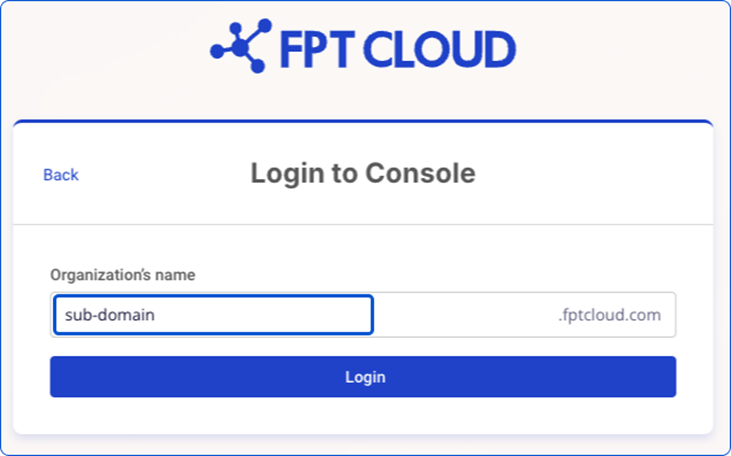
-
Authenticate your login credentials
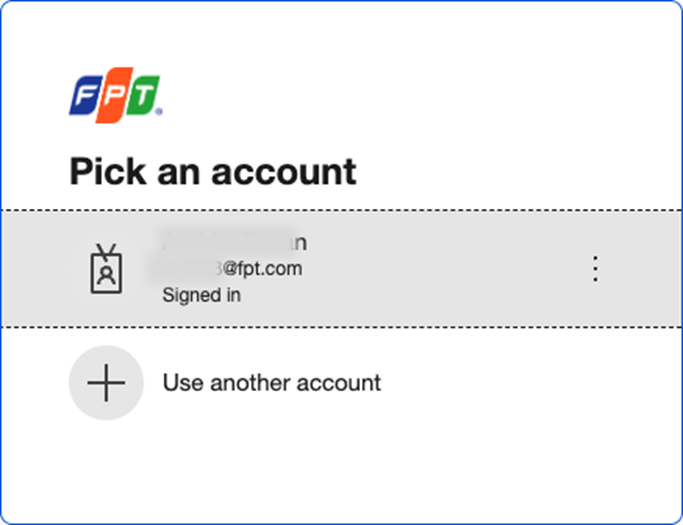
-
The system authenticates your login and redirects you to the instance management page