Delete images or artifacts in repositories
When you need to free up storage space or remove unused images and artifacts, follow the steps below. Deletion cannot be undone.
danger
Deleting an image, artifact, or tag is irreversible. Ensure you no longer need this resource before deleting.
Delete a repository
-
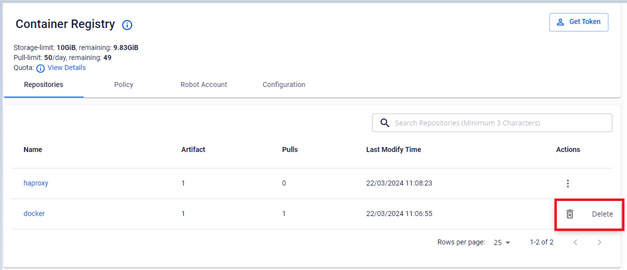
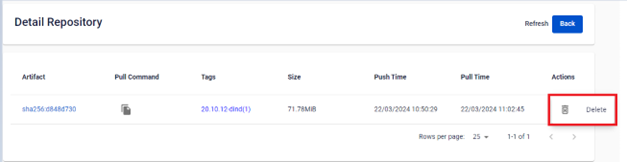
In the Action section of the image or artifact, select Delete.
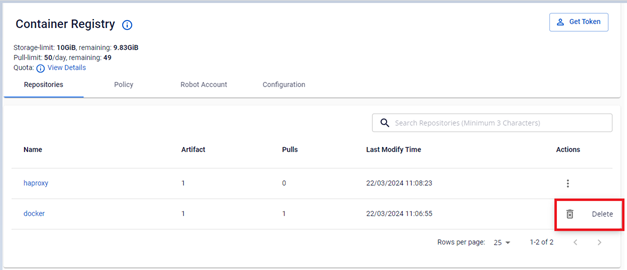
-
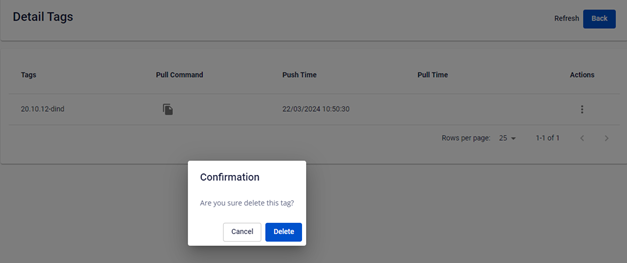
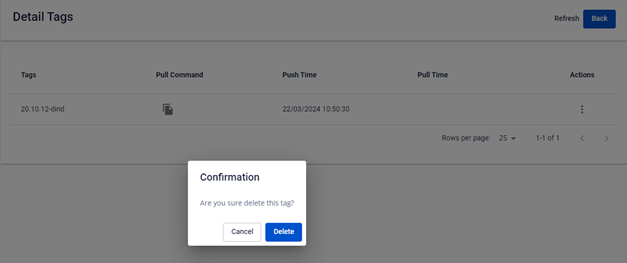
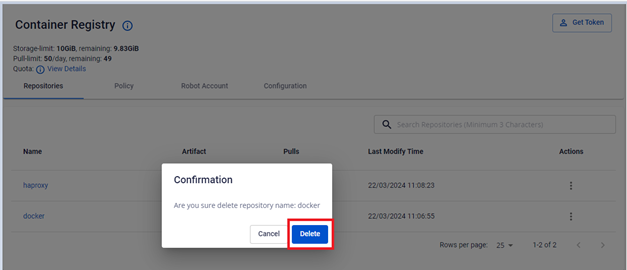
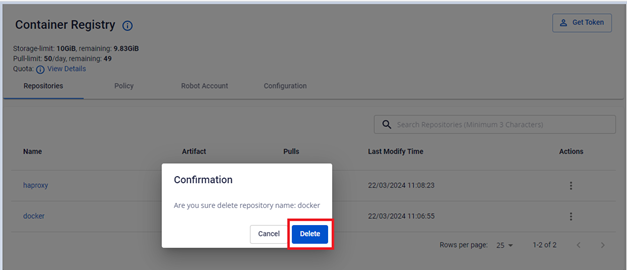
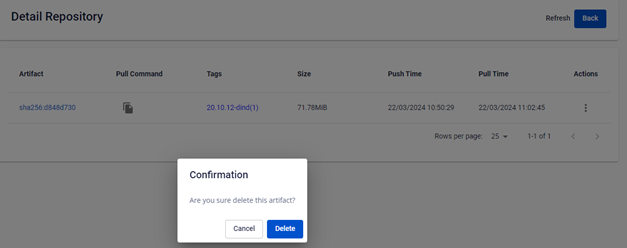
Click Delete in the confirmation dialog.
Delete an artifact
-
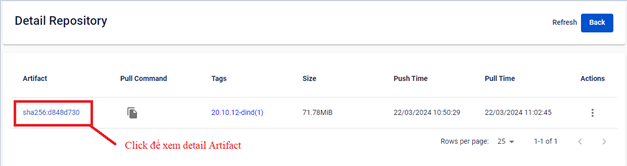
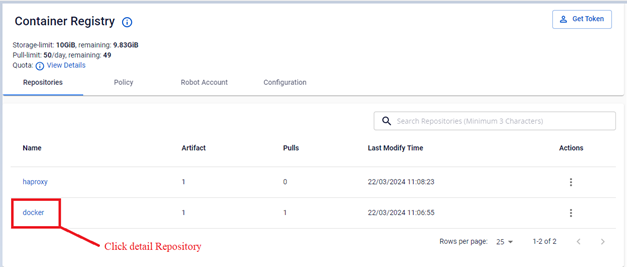
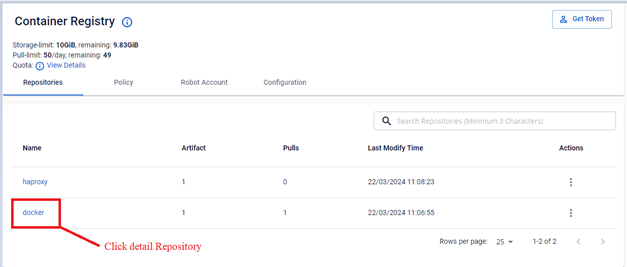
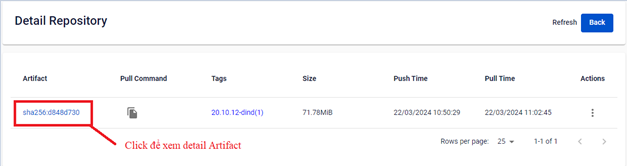
Open Detail Repository to view the artifact list.
-
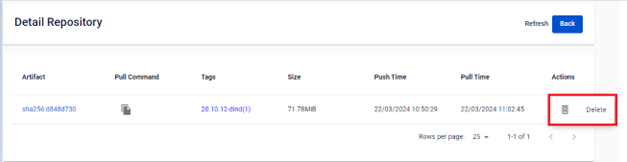
In the Action section of the artifact, select Delete.
-
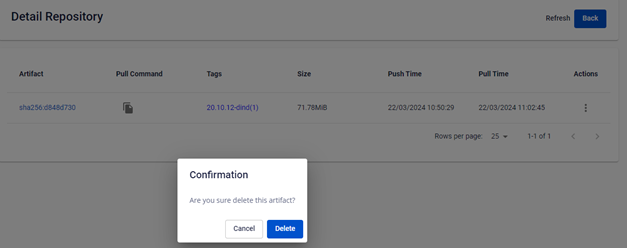
Click Delete in the confirmation dialog.
Delete a tag
-
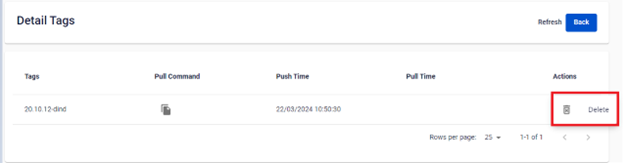
Open Detail Tag to view the tag information.
-
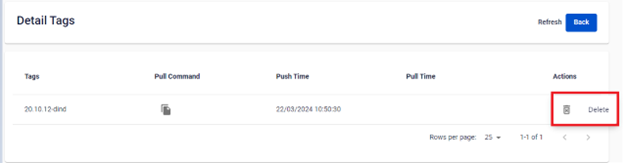
In the Action section of the tag, select Delete.
-
Click Delete in the confirmation dialog.