View Queues
Step 1 : Choose a queue that you want to view detailed information. Step 2 : Click View. This will display the information you entered, including:
- Name : Queue name.
- Status : Queue status.
- Entered informations such as max length, max length byte, message TTL, overflow, etc., will also be shown here.
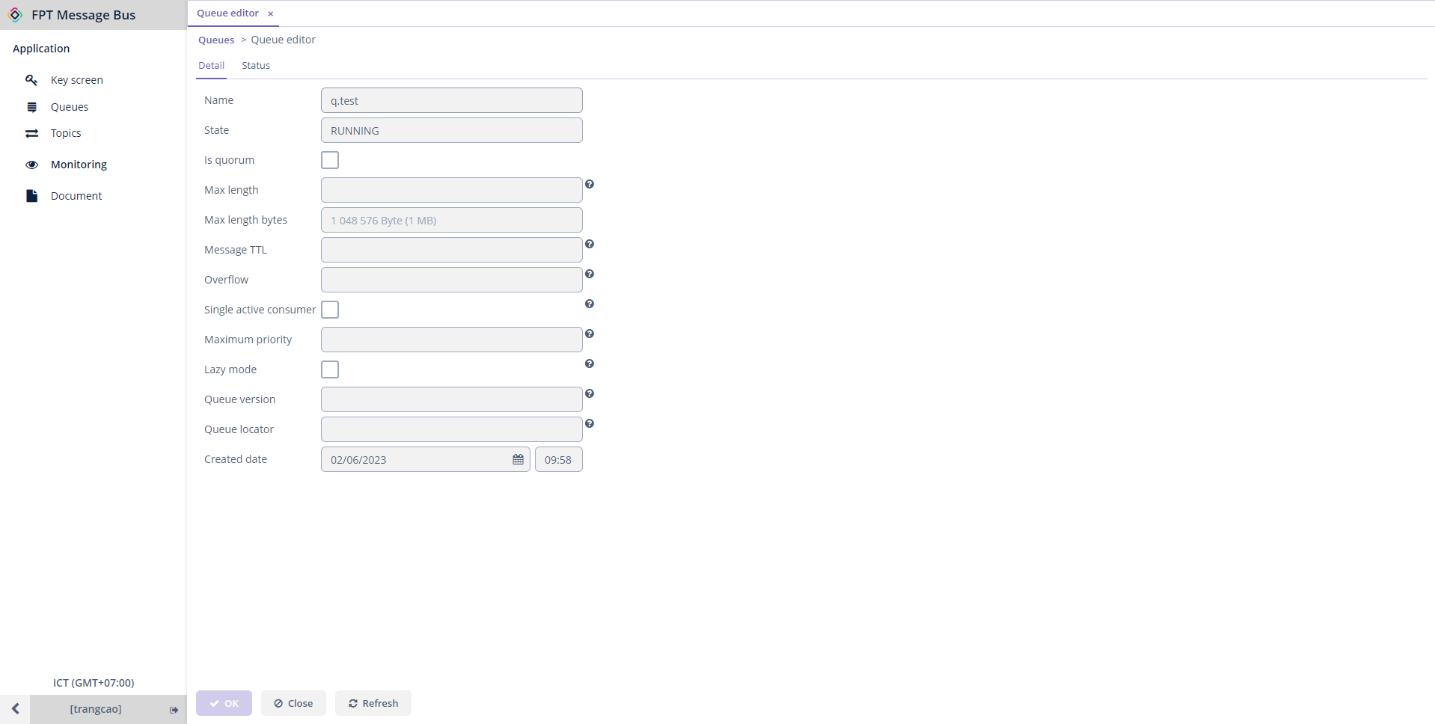
These details are read-only, and there is no permission to edit.