Create a connection
Connect Data Hub to FPT Object Storage to manage your datasets.
- Access Object Storage management at FPT Cloud Console and select the Buckets tab.
- Click Create Bucket. For details, see Create a bucket.
- Upload objects to the bucket. For details, see Upload objects.
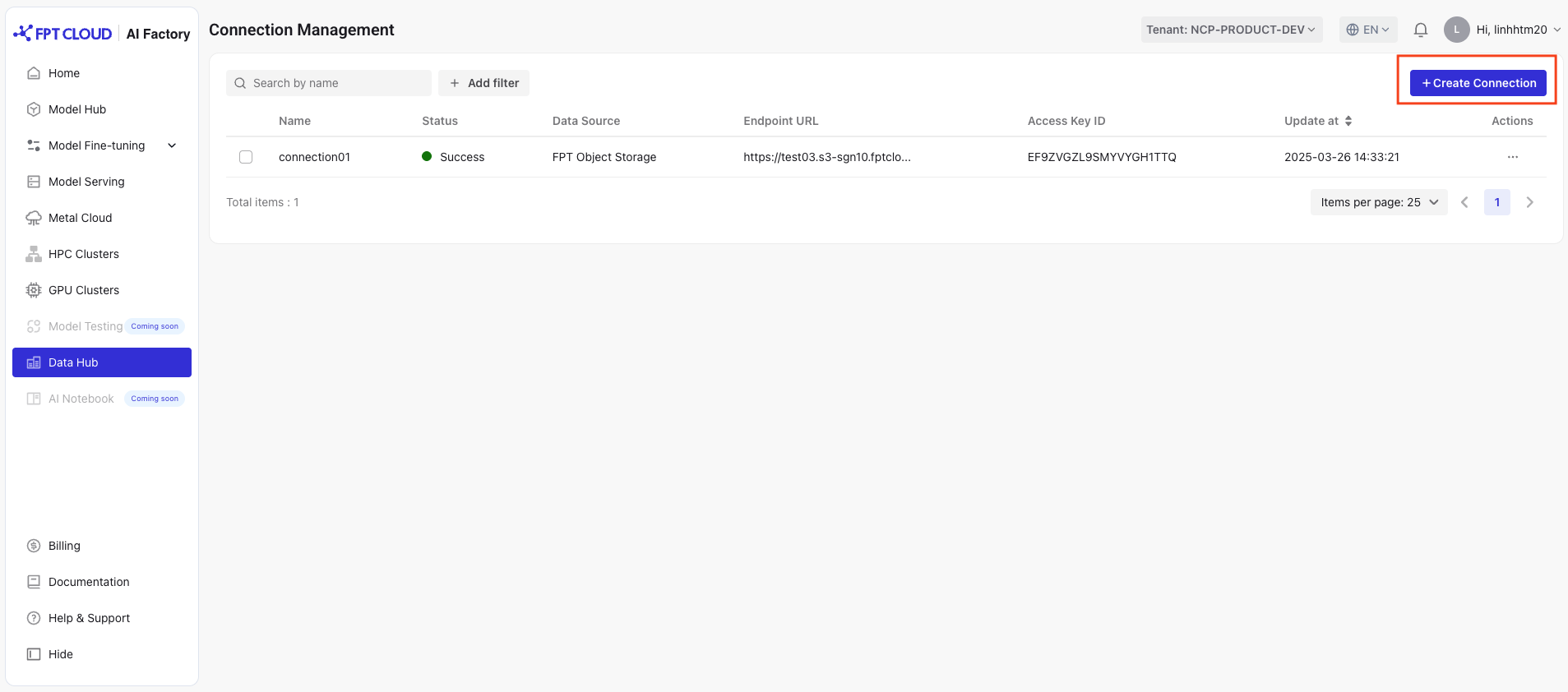
- Access the Data Hub service, go to Connection List, and click Create Connection.
-
Fill in the connection details:
- Name: Connection name (letters a–z, digits 0–9, hyphens only; 3–64 characters).
- Data Source: Select the data source to enable the connection.
- Endpoint URL: The endpoint address of the bucket, for example
https://test-bucket-name.s3-han02.fptcloud.com. - Access Key and Secret Key: Authentication credentials for the connection.
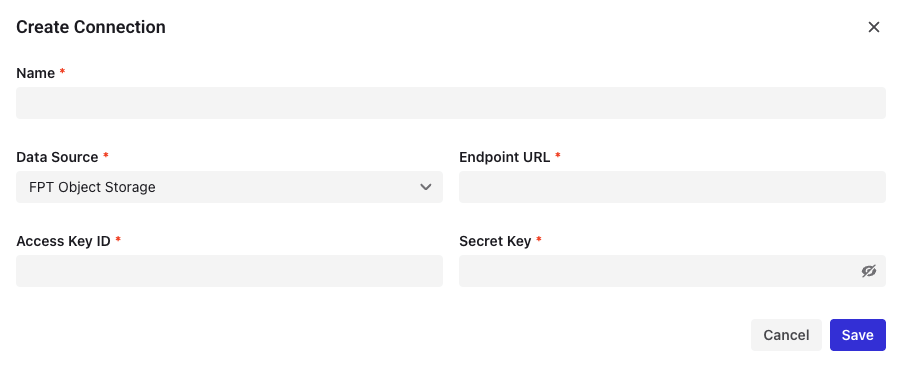
- Click Save to create the connection.