Logs
Logs provides detailed insights into the execution of a specific fine-tuning pipeline. It helps you monitor progress, troubleshoot issues, and maintain transparency in the model training workflows.
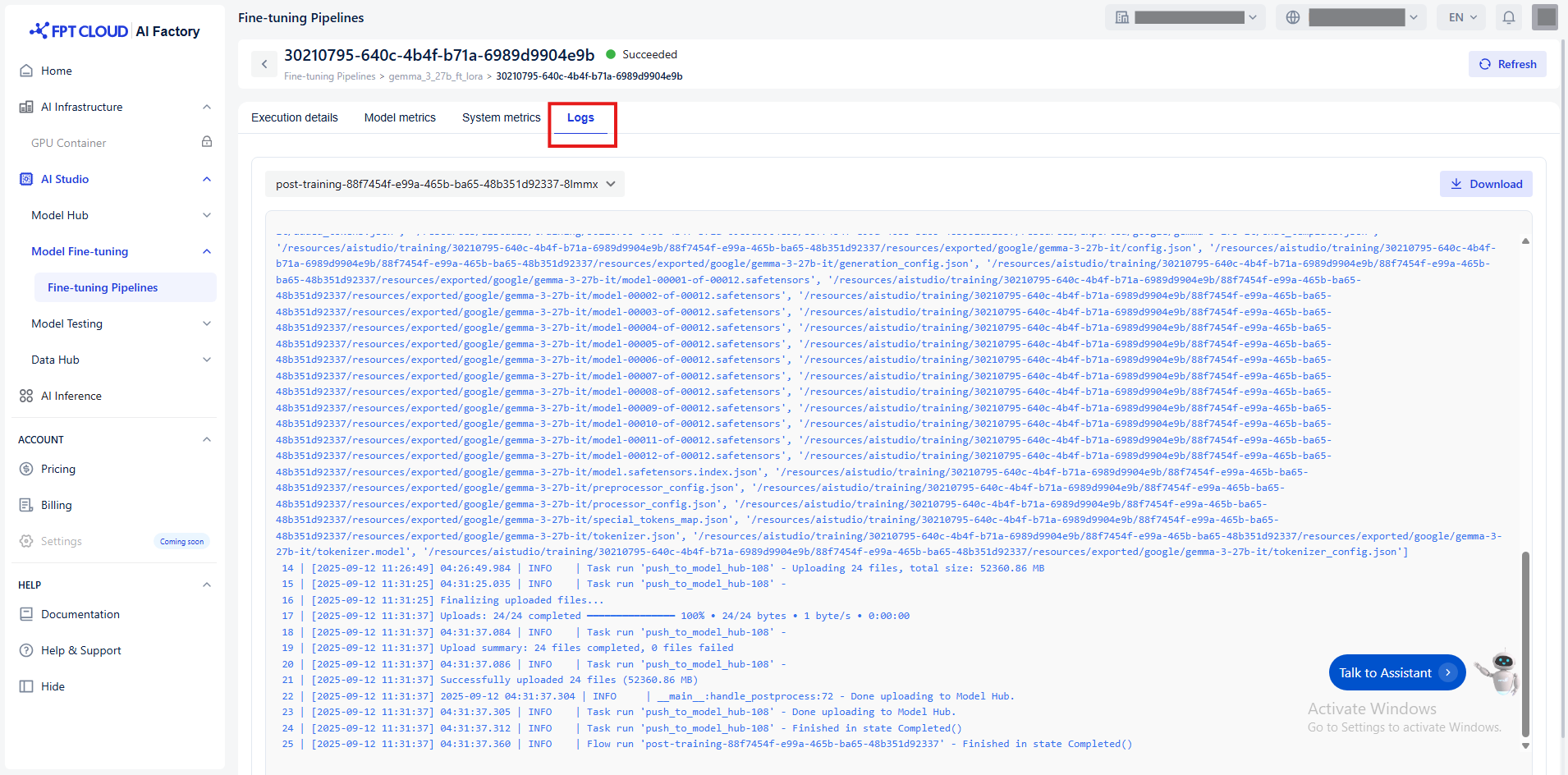
You can use Logs to:
- Trace the sequence of events using timestamps
- Check status messages for errors or warnings
- Download logs before contacting support for faster resolution.