Edit a model
Edit Model allows users to update the details of an existing private model, including its metadata, configuration, and access settings.
Step 1: Locate Your Model
- Use the search bar at the top to find your model by name or keyword.
- Apply filters (e.g., version, size, tags) to narrow down the list.
Step 2: Select the Model
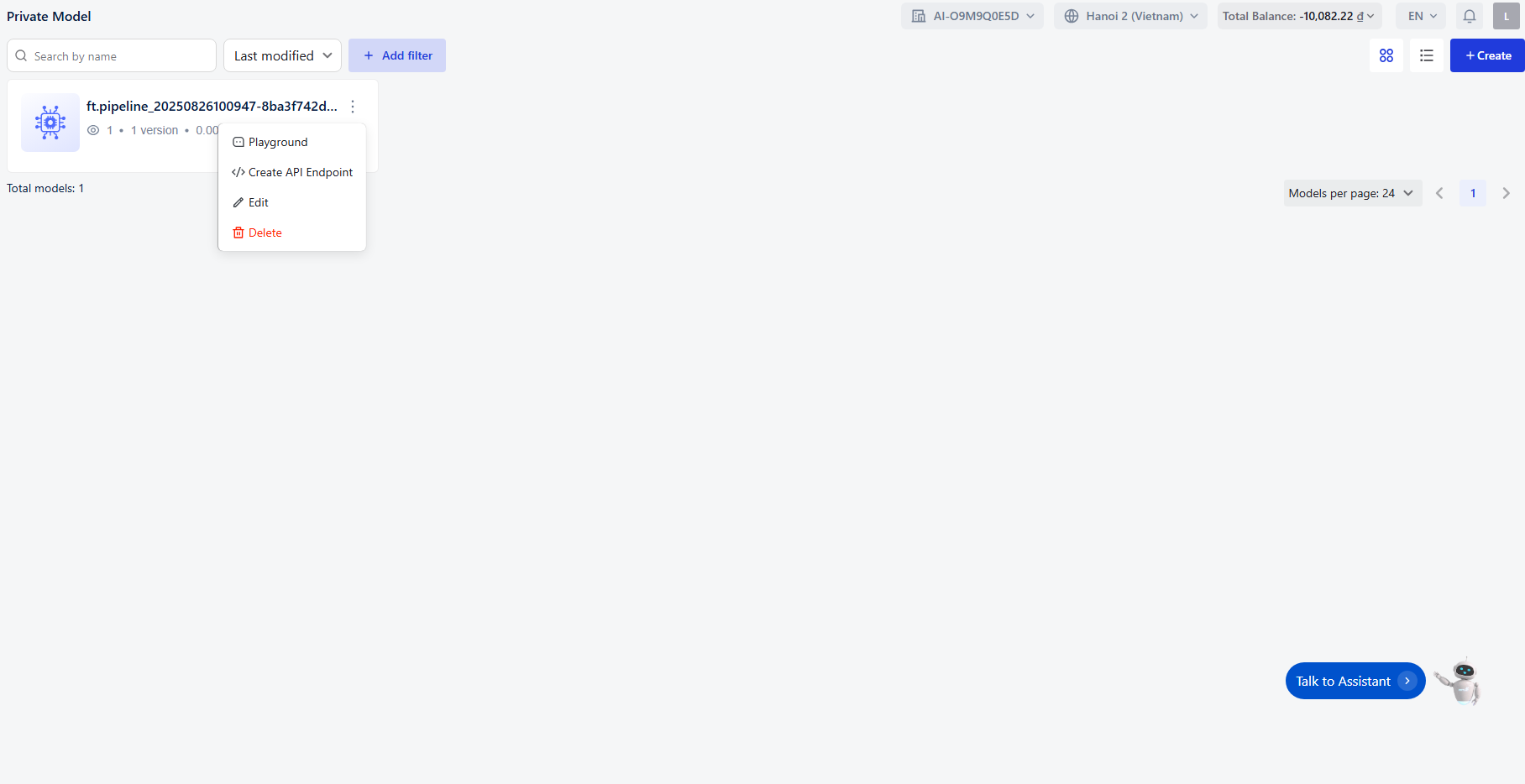
- In the model list, each entry displays:
- Model Name
- Version
- Size
- Tags
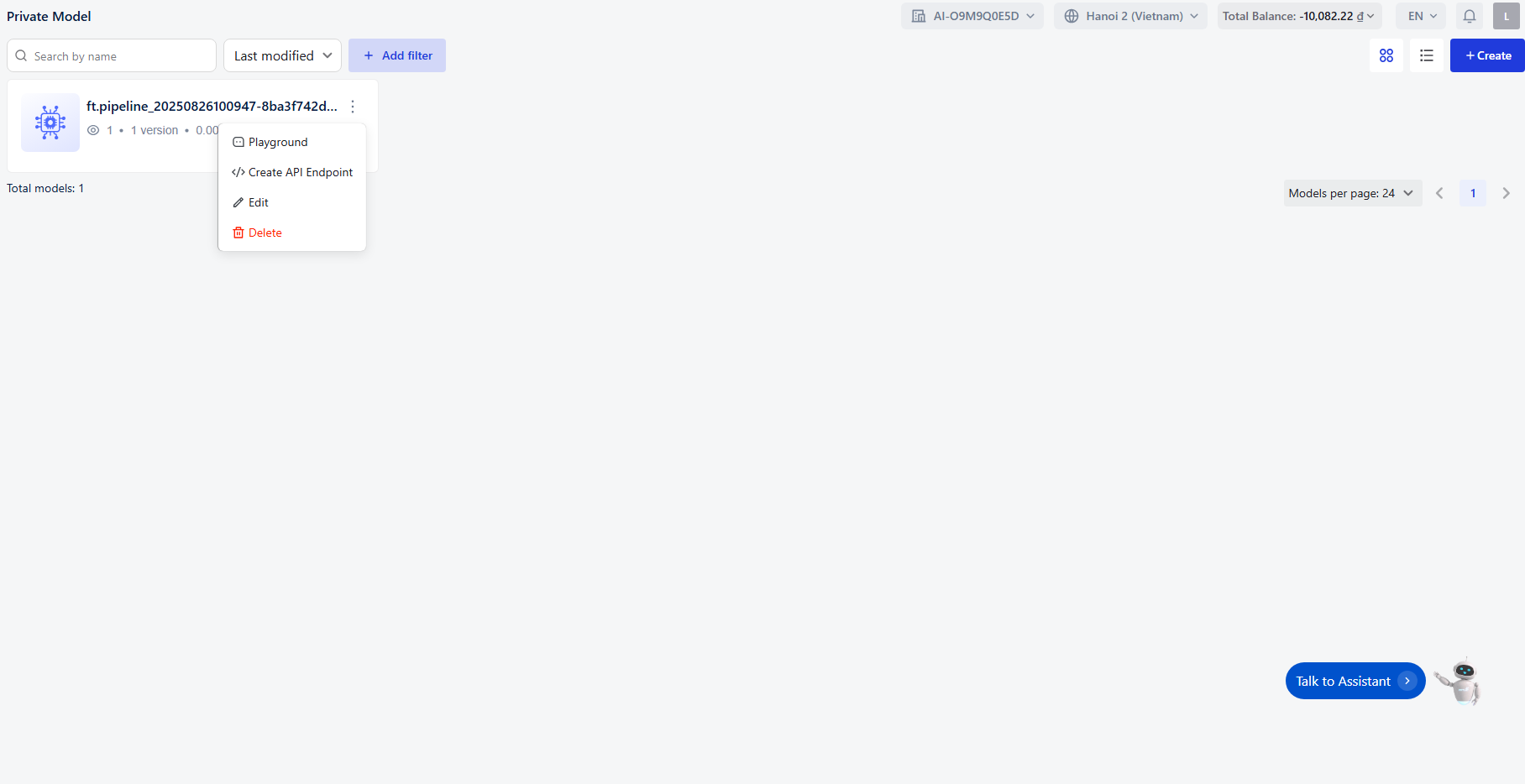
- Click the Edit button next to the model you want to modify.
Step 3: Editing the Model
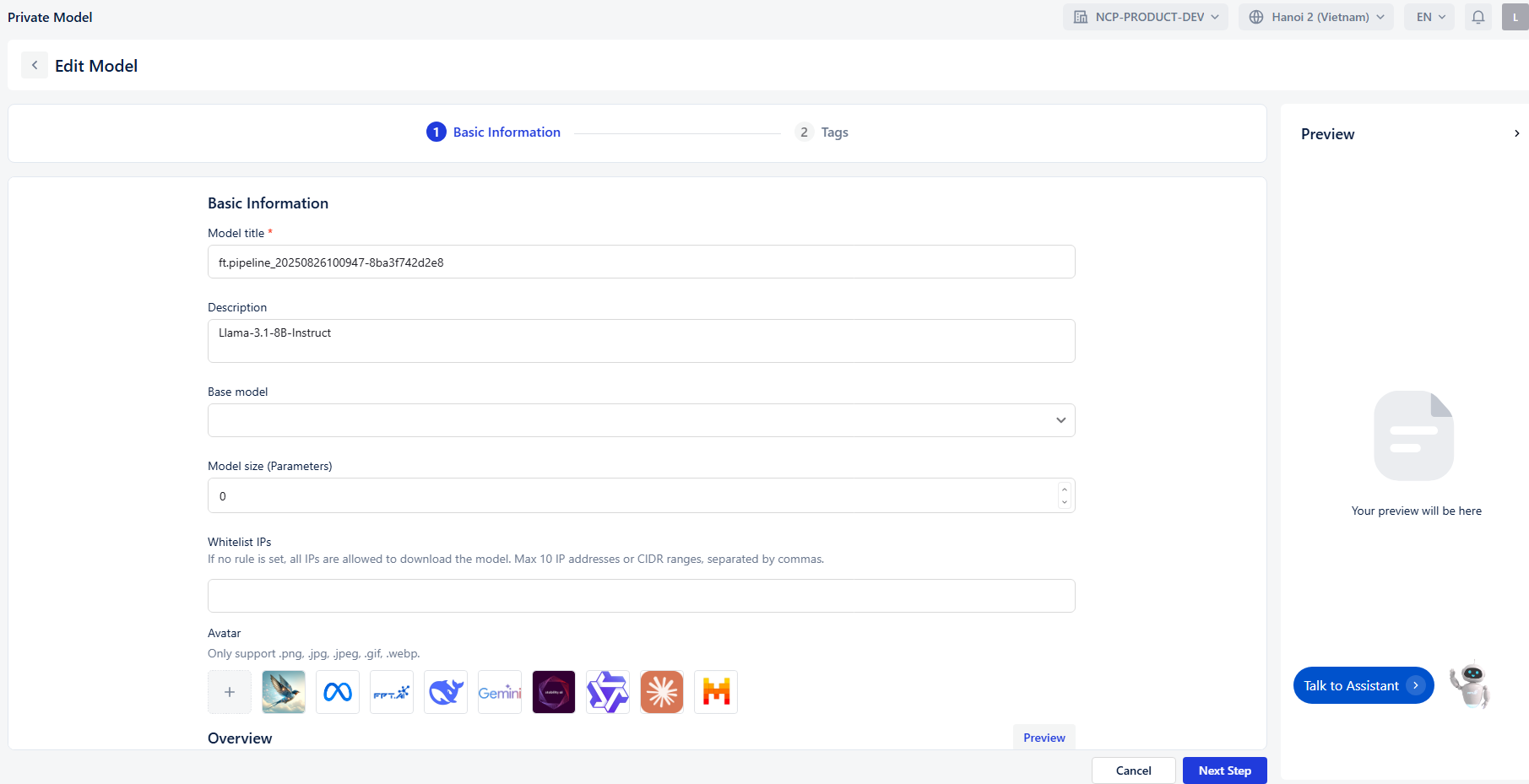
Once you click Edit , you’ll be taken to the model configuration interface where you can:
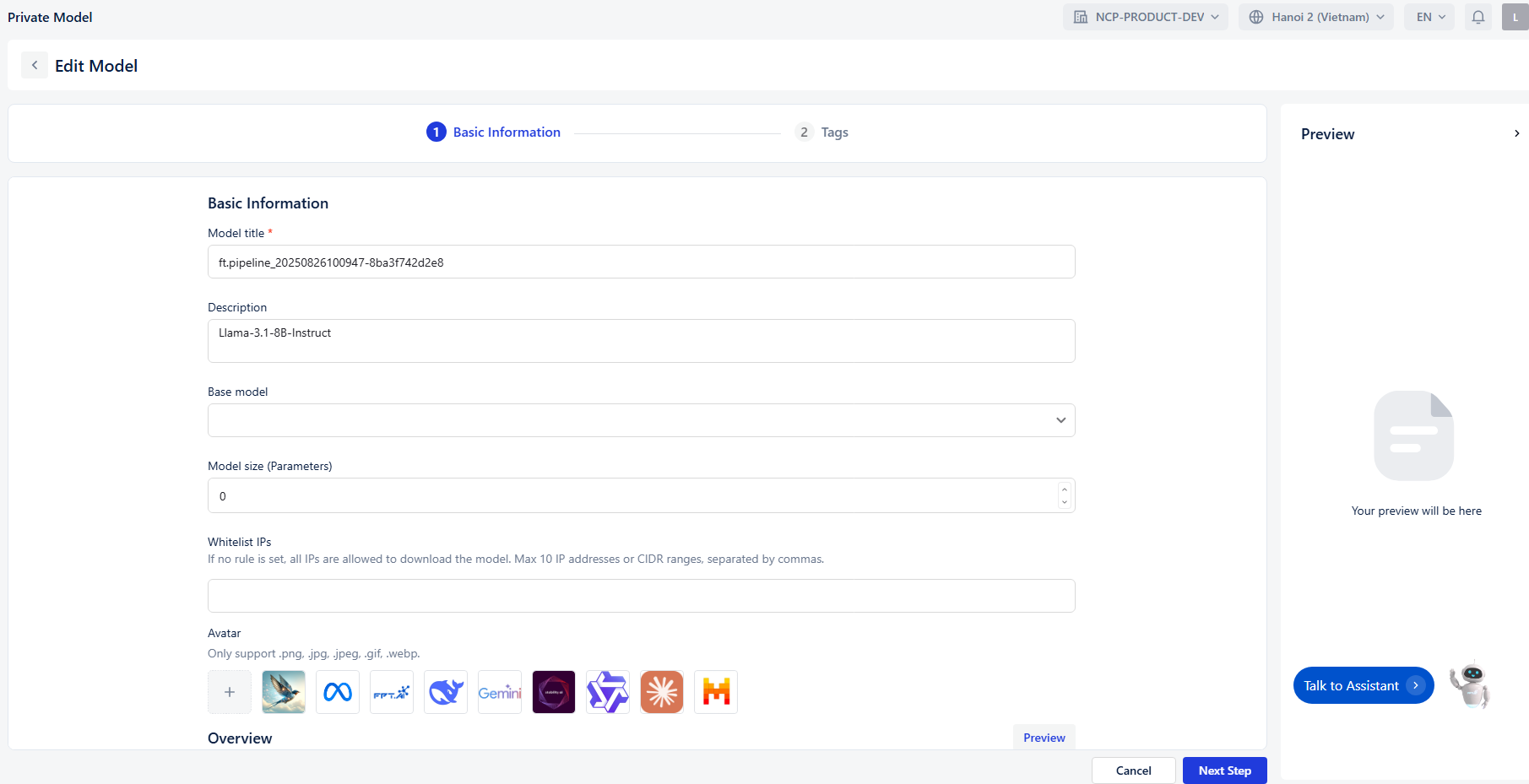
- Update Basic Information : Change the title, description, base model, size, avatar, and whitelist IPs.
- Modify Tags : Add, remove, or update tags under categories like Frameworks, Architecture, Subject, Task, and Others.
- Preview Changes : Use the preview panel to review updates before saving.
Step 4: Finalizing Changes
- Click Submit to save your edits.
- Use Back to return without saving.