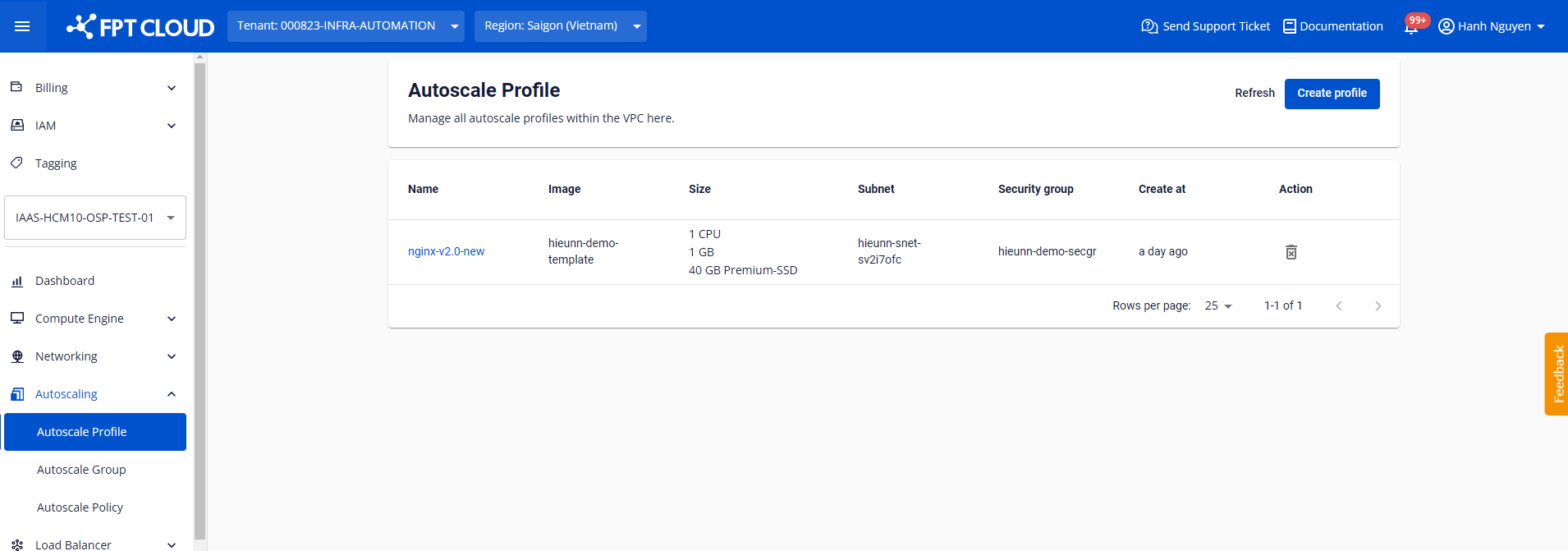
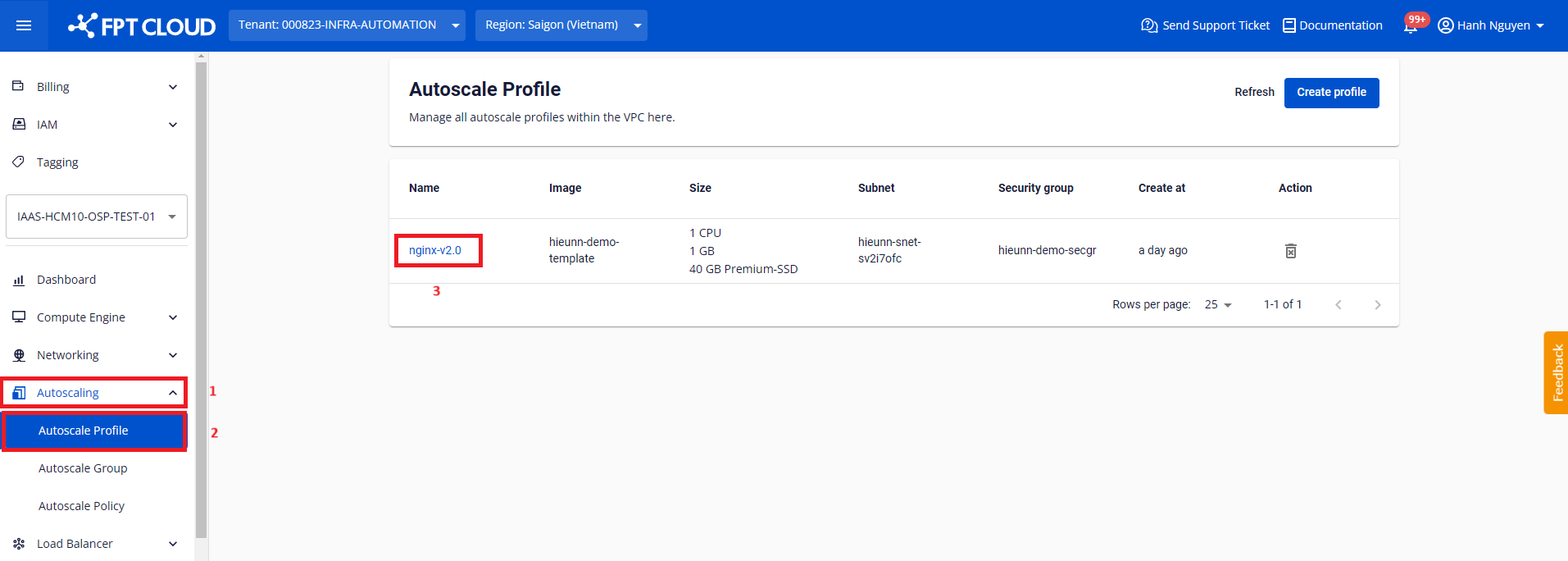
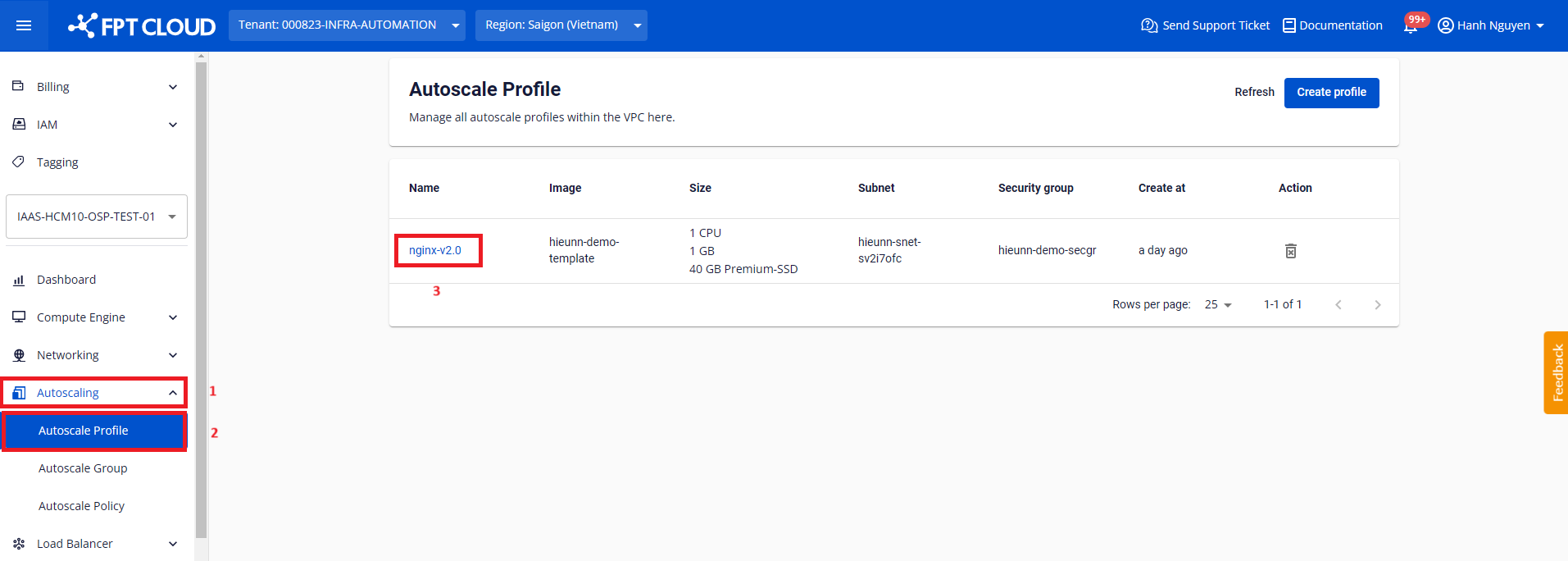
Step 1: Go to Autoscaling > Autoscale Profile. Click the name of the profile you want to rename.
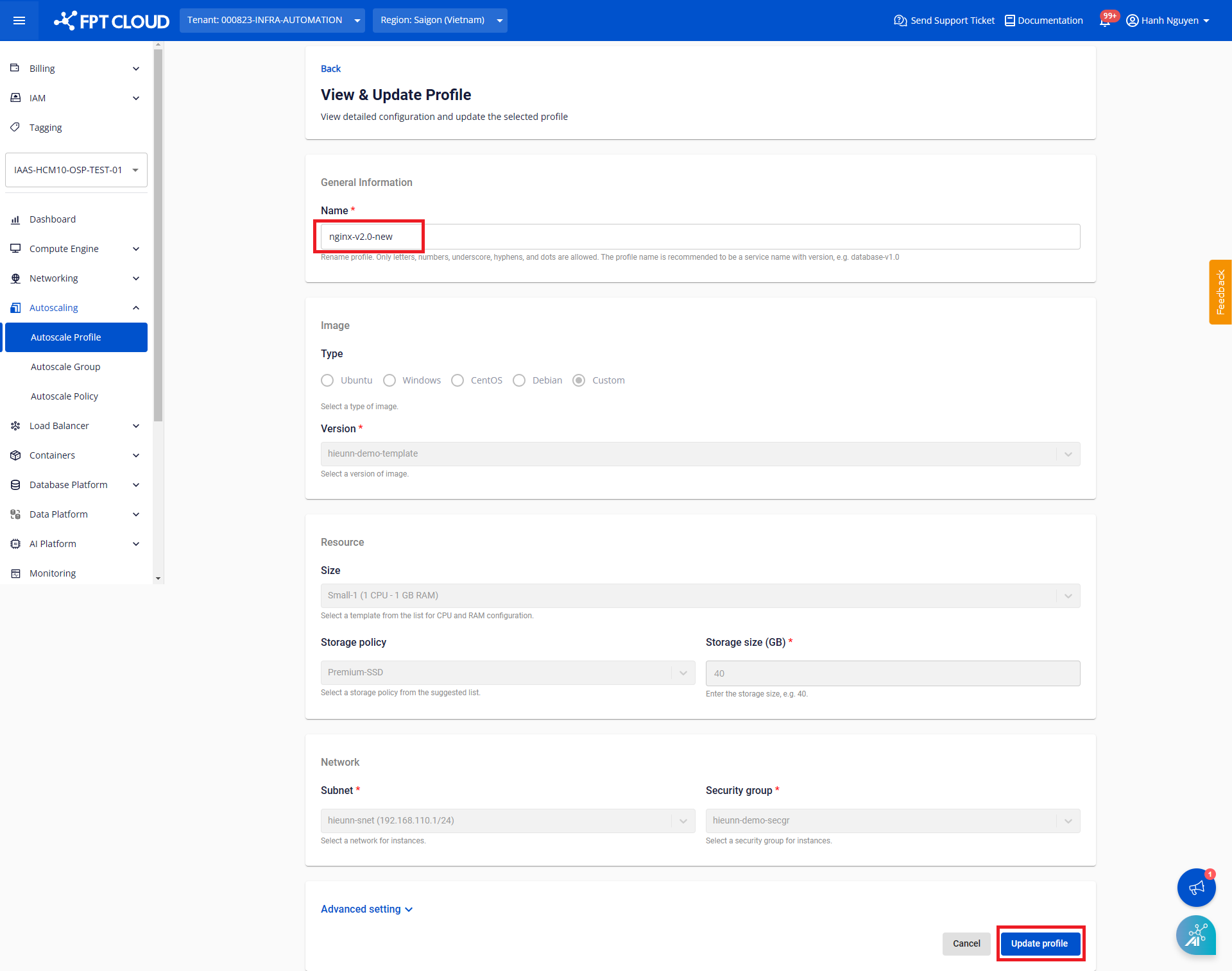
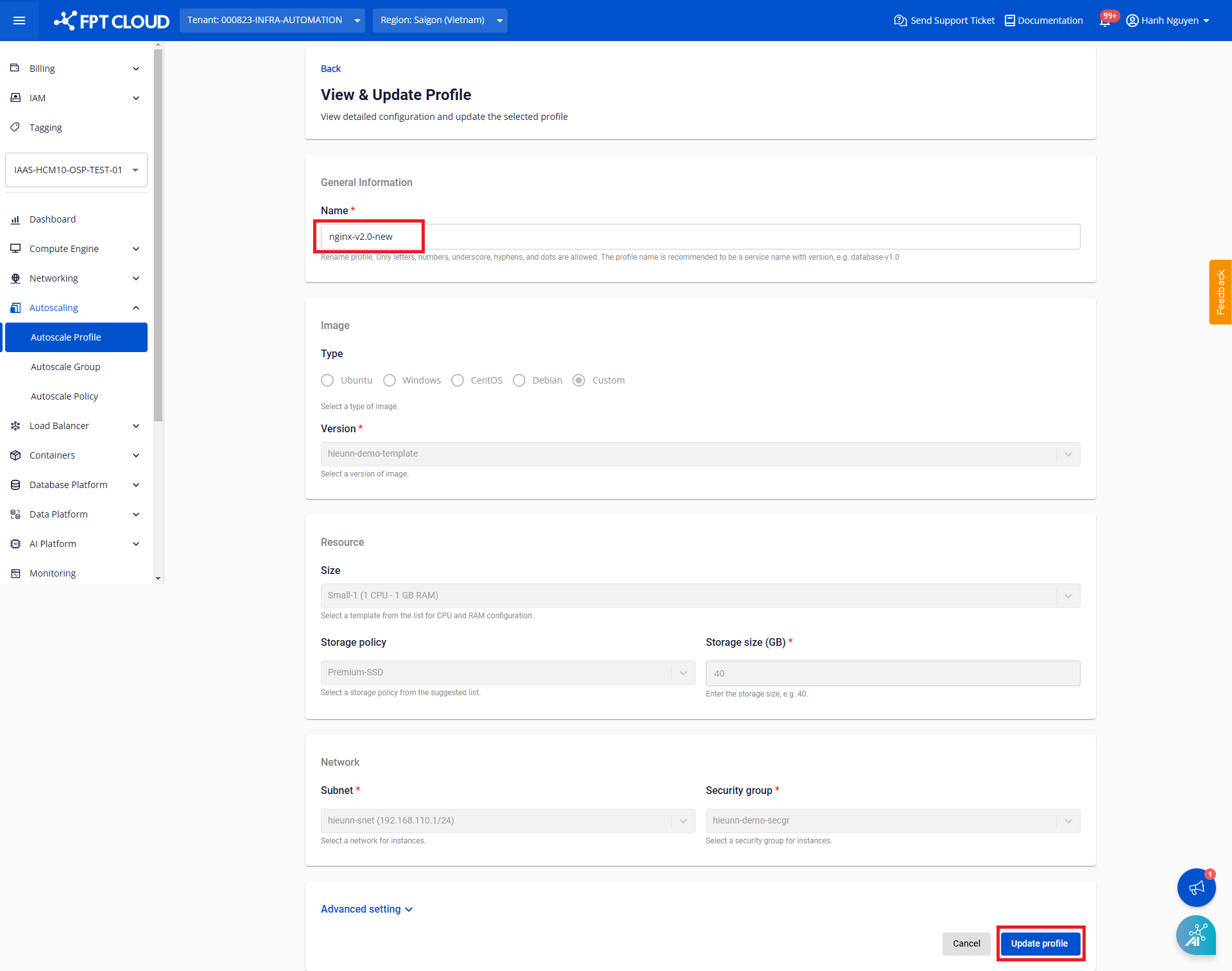
Step 2: Enter the new name for the profile and click Update profile to confirm.
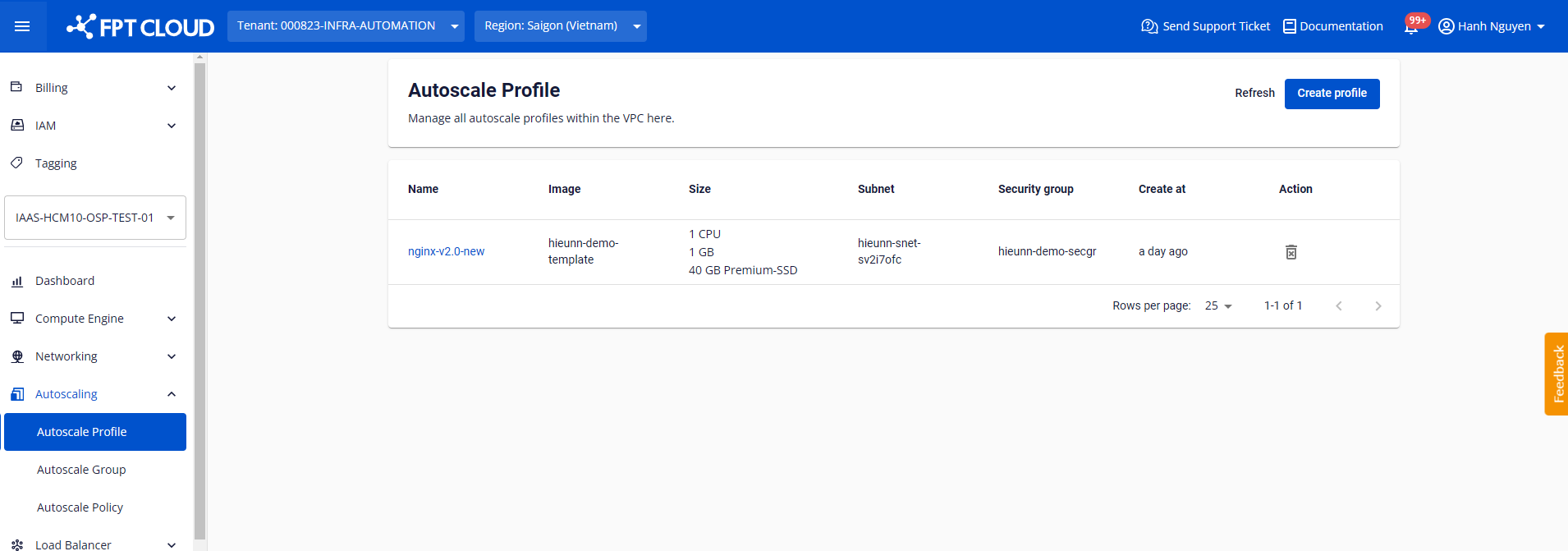
After a successful update, the profile appears in the list with the new name: