Create an Organization
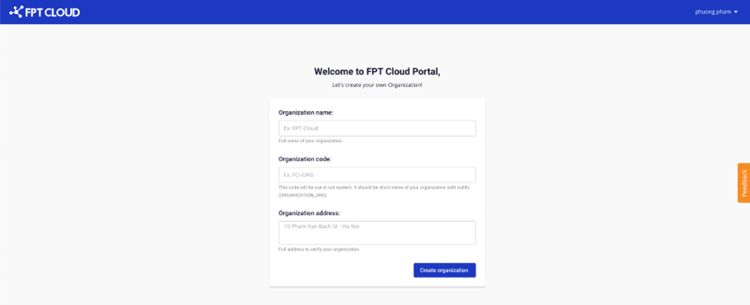
After verifying your phone number via OTP, the system redirects you to the Organization creation page.
- Fill in your organization or individual details:
- Organization name: the name of your organization or customer name.
- Organization code: the display name of your organization in the system.
- Organization address: the address of your organization (optional).
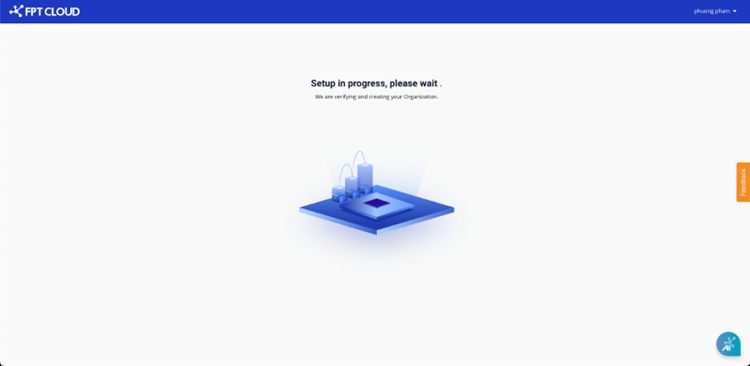
- Click the create Organization button. The system will provision default resources for you to start using the service. Resource provisioning takes approximately 1–3 minutes.