Change Storage Disk Capacity
You can change the policy and capacity of an existing storage disk.
note
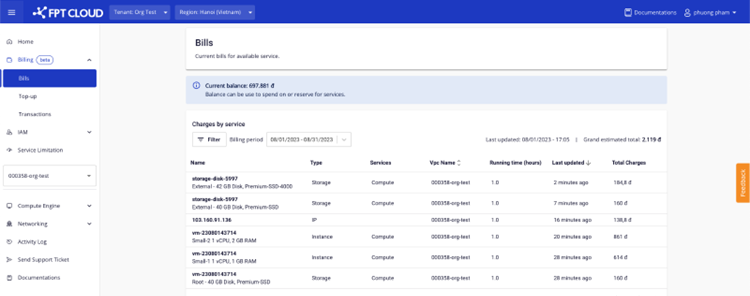
- You must have at least 50,000 VND plus the cost of one hour of storage usage to make changes.
- The system will immediately deduct one hour of storage usage cost based on the new configuration when the change is applied.
- Storage disks not attached to a virtual machine cannot change storage policy.
-
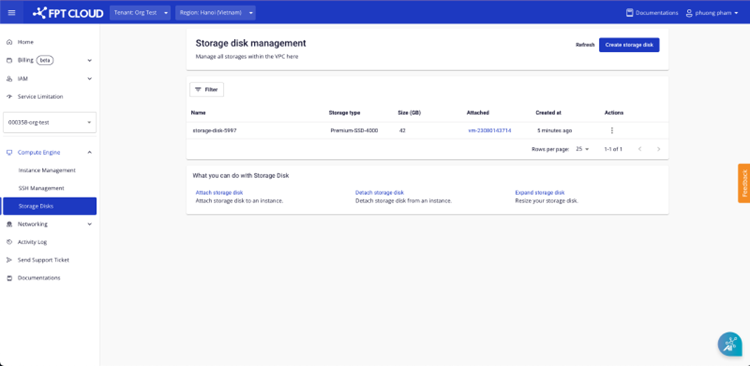
Go to the Compute Engine – Storage Disks page.
-
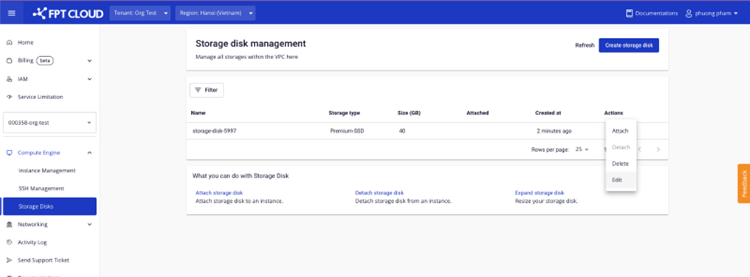
On the disk you want to change, click Action and select Edit.
- Select the new policy and capacity. The system estimates the hourly usage cost for your reference.
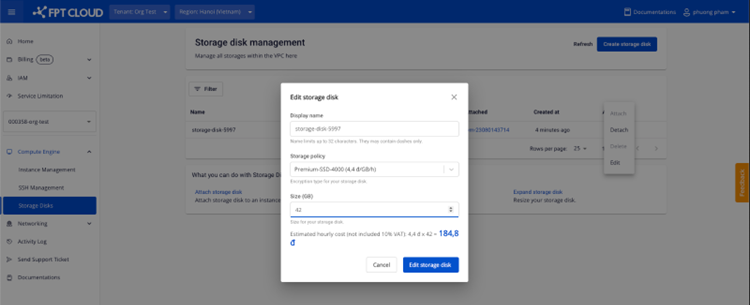
- Click Edit storage disk.
- If the information is valid, the system updates the storage and redirects you to the Storage Disks page.
- If you have reached your resource limit, the system displays an error message and prevents the change.