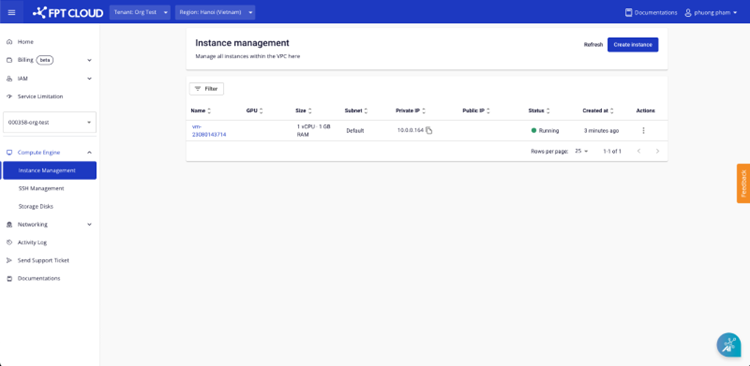
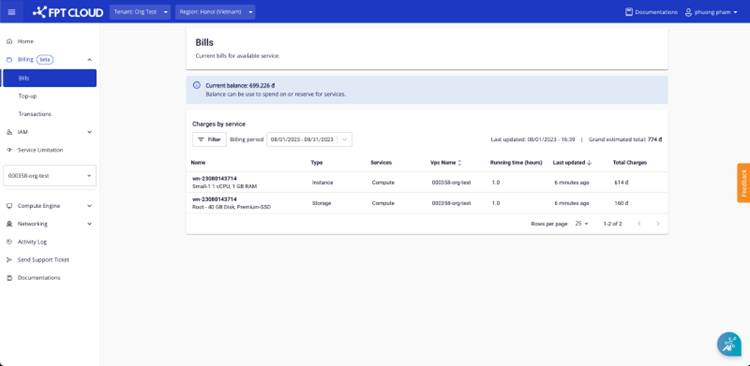
Purchase a Virtual Machine
On the Instance page, you can create virtual machines and pay under the PAYG model.
note
You must have at least 50,000 VND plus the cost of one hour of service to create a virtual machine. The system will immediately deduct one hour of usage cost upon creation.
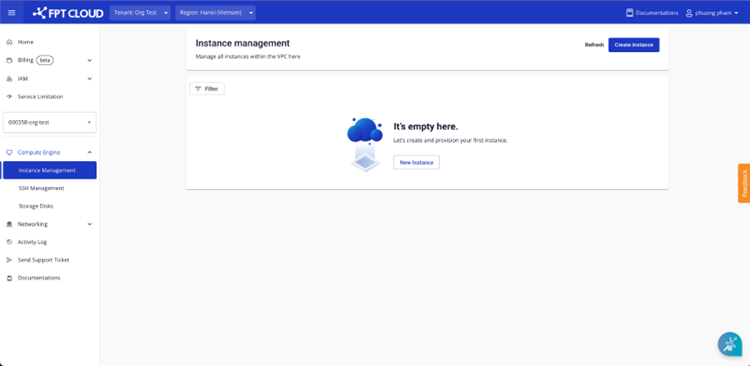
- Go to the Instance Management page.
-
Click New Instance.
-
Select a virtual machine configuration:
- Choose a configuration package; the system displays the configuration details and corresponding price.
- The system estimates the monthly usage cost for your reference.
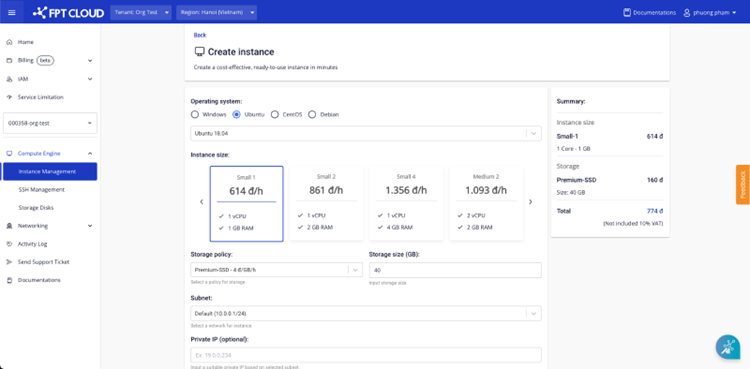
- Click Create instance.
- If the information is valid, the system creates the virtual machine and redirects you to the Instance Management page.
- If you have reached your resource limit, the system displays an error message and prevents further purchases.