Top Up via VNPay
You can top up your account balance through the VNPay payment gateway.
- Go to the Billing page and select the Topup menu.
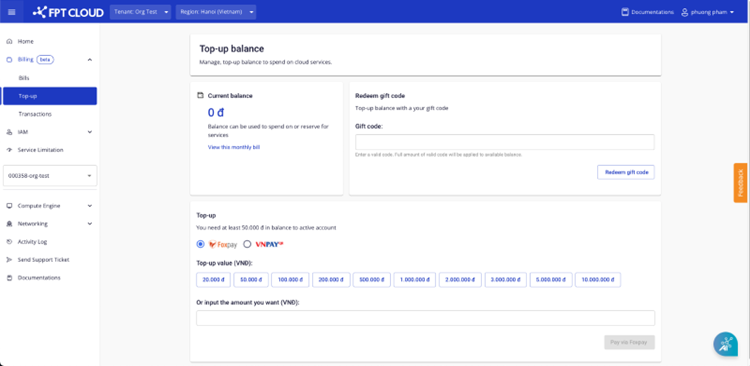
- Select a preset denomination or enter a custom amount.
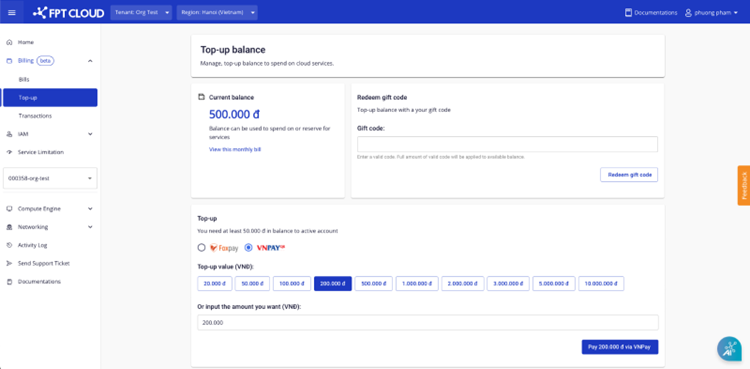
- Click Pay via VNPay and complete the VNPay payment process.
note
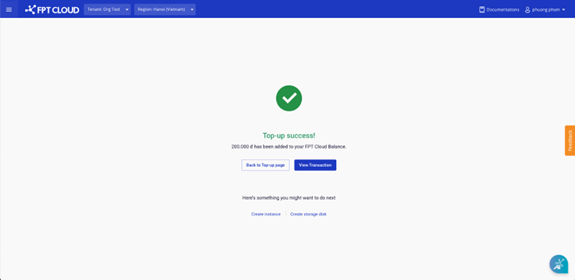
If the payment is successful, the system will display a confirmation message and credit the amount to your account.