Delete a tag
When a tag is no longer needed, you can delete it to keep your tag list organized. Deleting a tag will remove it from all associated resources.
danger
Deleting a tag removes all resource associations. This action is irreversible.
Delete a tag
-
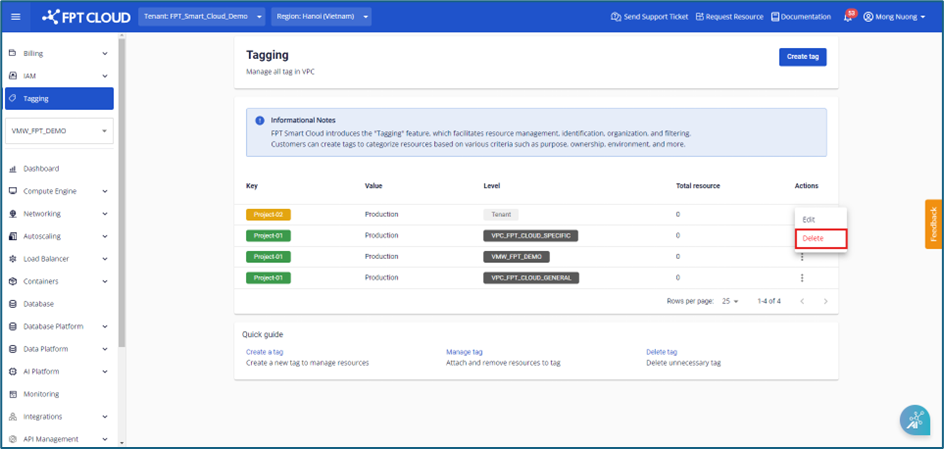
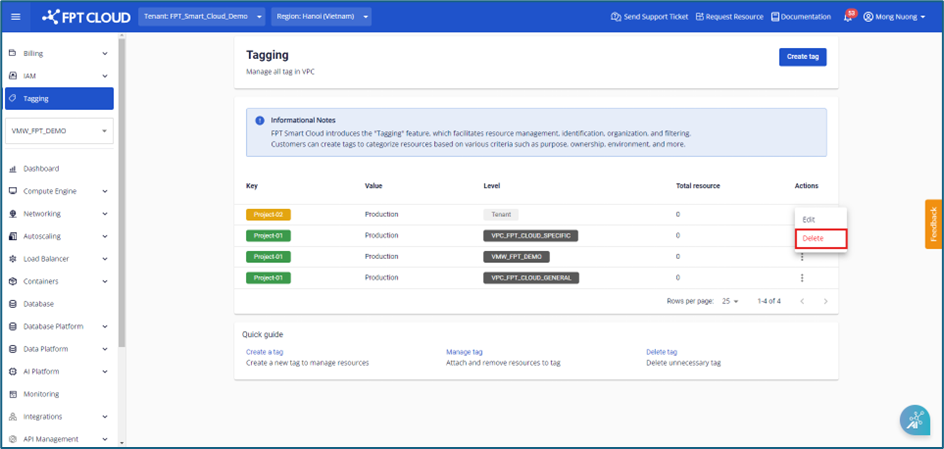
Select Tagging from the menu, then at the tag you want to delete, select Actions → Delete.
-
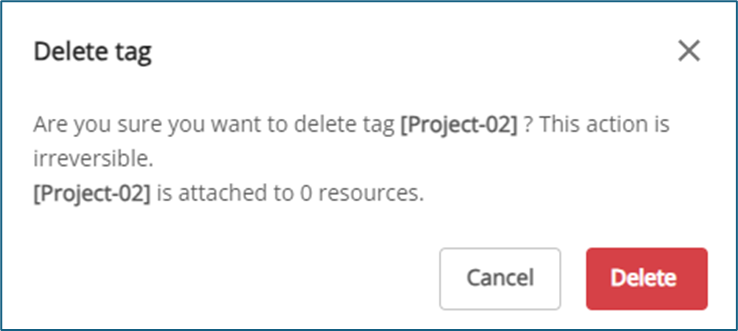
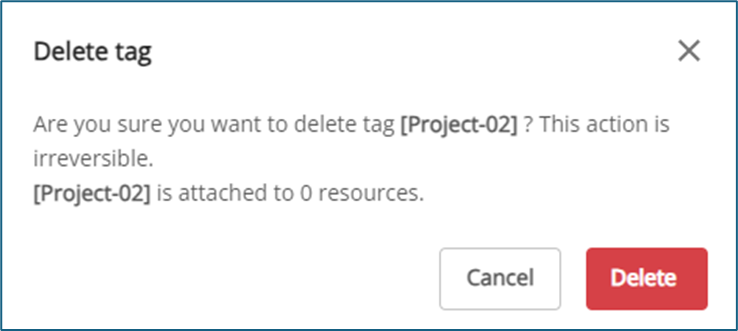
A warning dialog displays the tag name and the number of associated resources. Click Delete to confirm.
The system removes all resource associations and deletes the tag from the list.