Edit tags
When you need to update an existing tag, you can edit its Key, Value, Color, or resource scope without deleting and recreating it.
Edit a tag
-
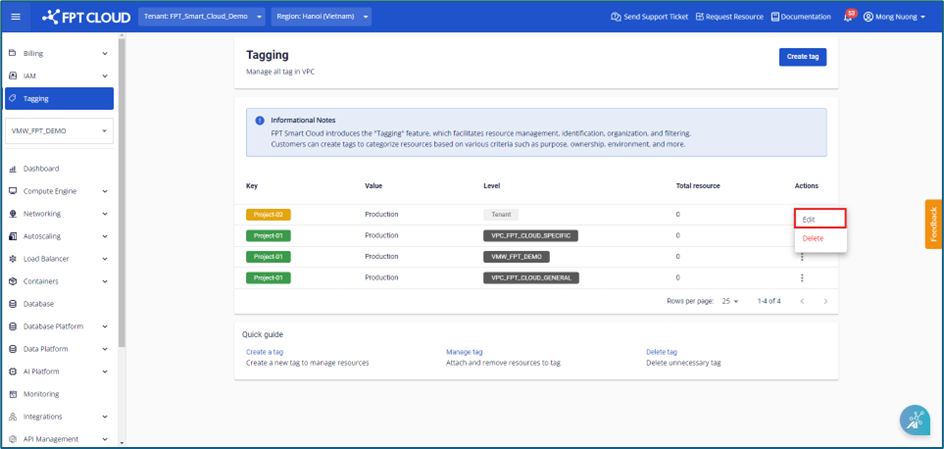
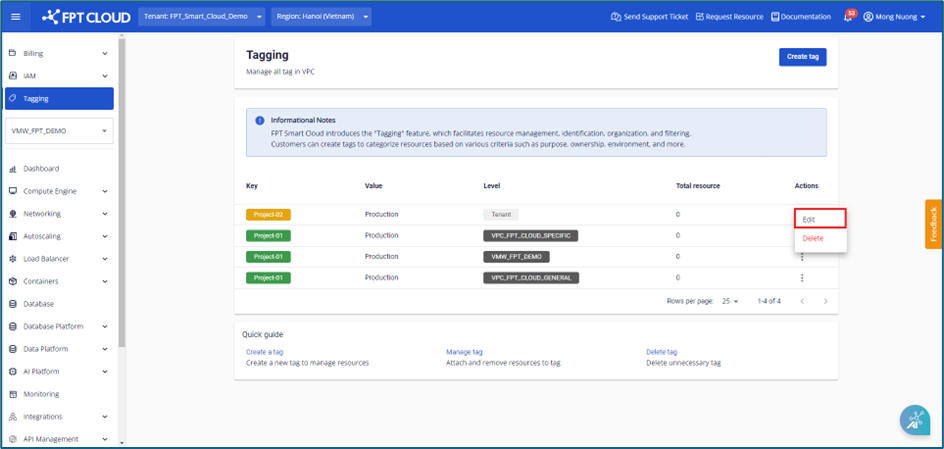
Select Tagging from the menu, then at the tag you want to edit, select Actions → Edit.
-
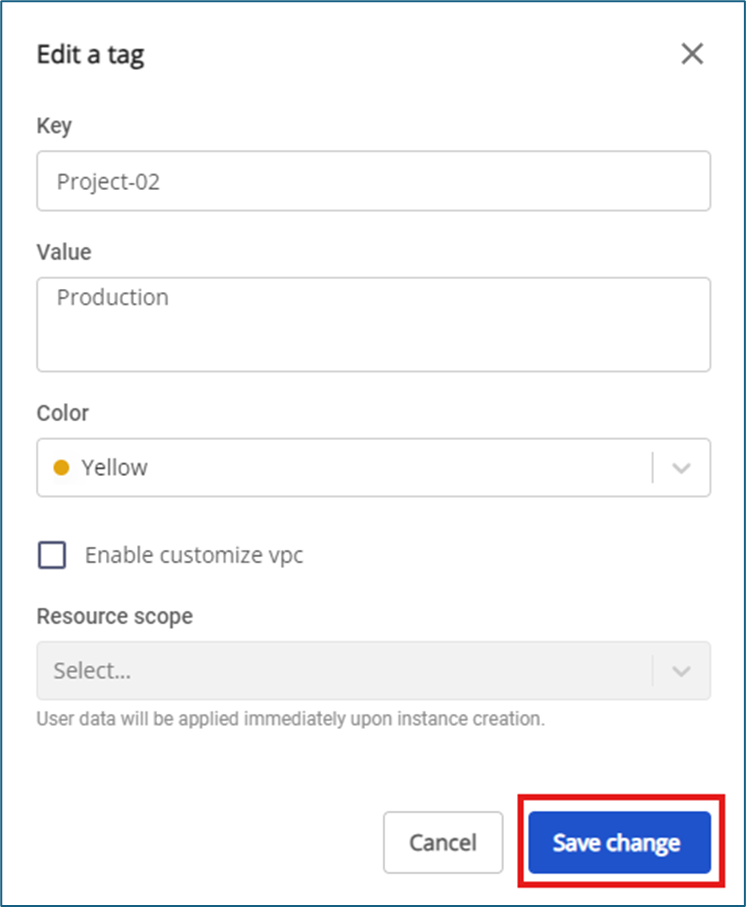
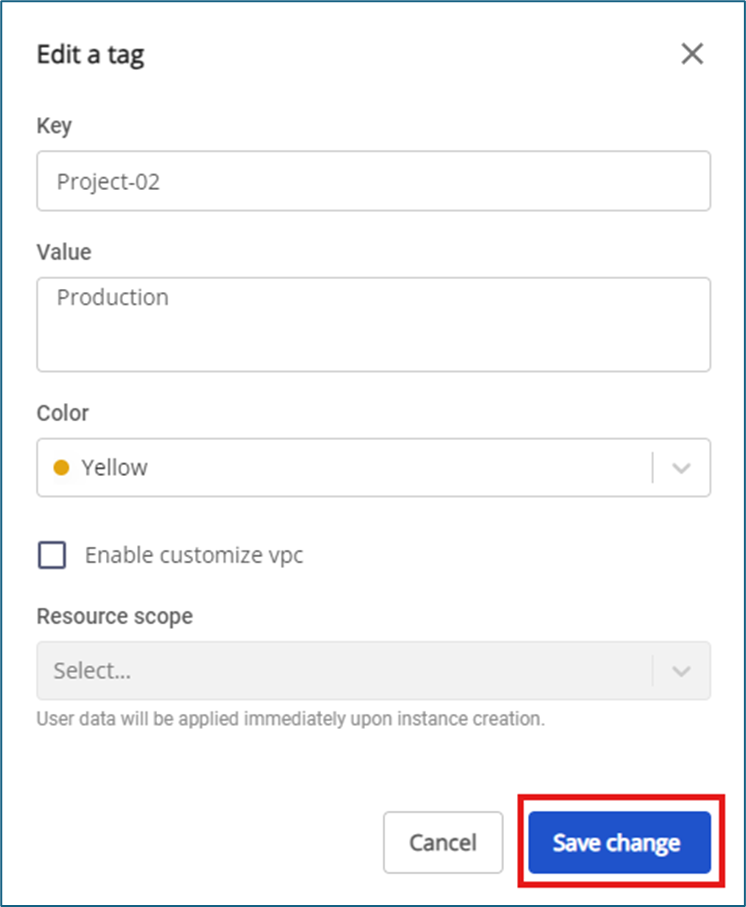
Update the information and click Save change to apply.
- For users with tag permissions on Tenant: tags currently applied across the Tenant (all VPCs) can be changed to specific VPCs by checking Enable customize VPCs.
note
- You cannot change the Tag Level after creation.
- The system does not yet support switching from specific VPCs back to Tenant-wide (all VPCs).
- When removing a VPC from the resource scope, the system automatically removes tags from resources in the removed VPCs.