Pull a Docker image from FPT Container Registry to local
After pushing an image to the registry, you can pull it to any machine with access. Each pull counts against the Pull-limit of your current service plan.
-
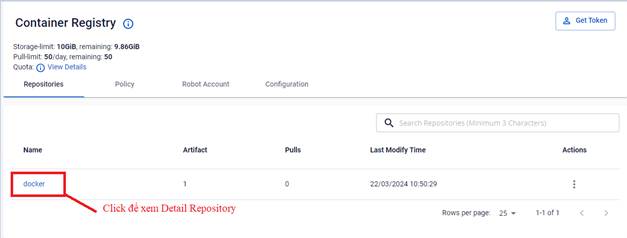
On the Repository screen, click the image you want to pull to view its details.
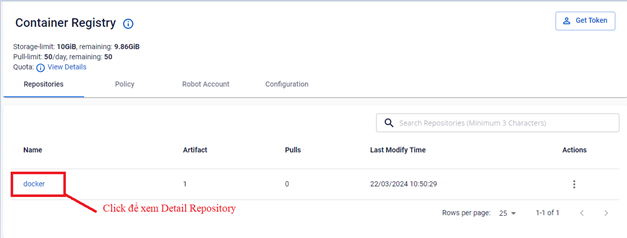
-
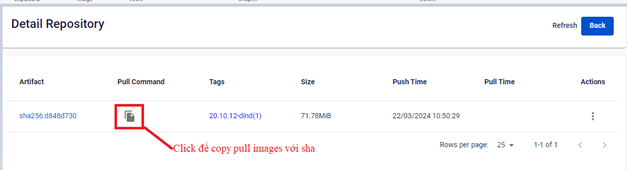
Select Detail Repository to view image details. Click the copy icon to copy the pull command.
FPT Cloud supports pulling by tag or by SHA:
-
Pull by SHA:
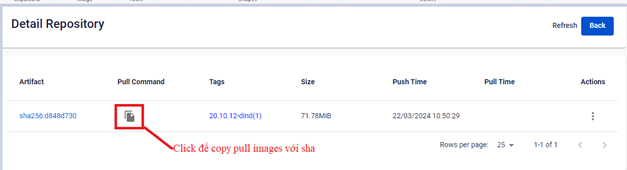
-
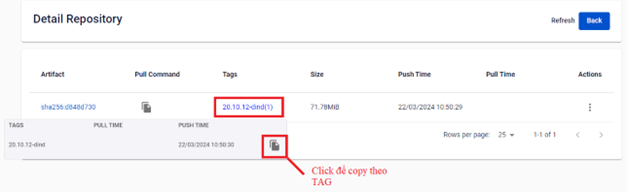
Pull by tag:
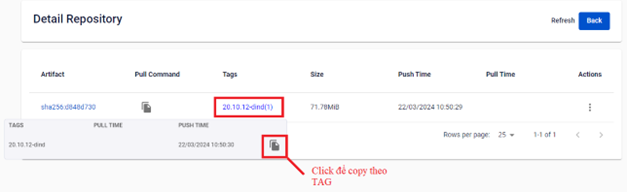
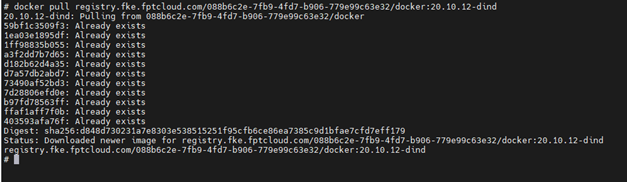
Example:
docker pull registry.fke.fptcloud.com/088b6c2e-7fb9-4fd7-b906-779e99c63e32/docker:20.10.12-dind -
-
Use the Docker CLI to pull the image to your local machine.
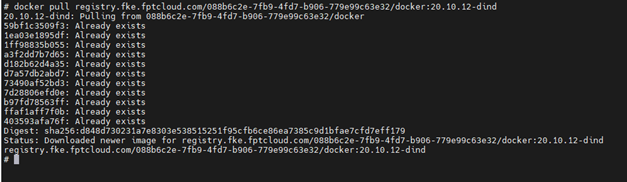
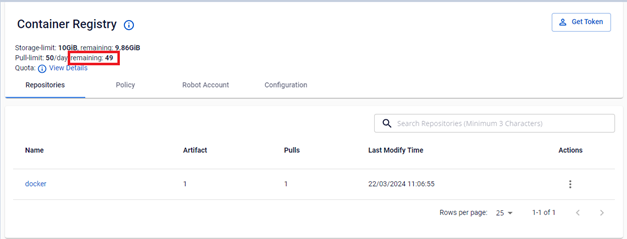
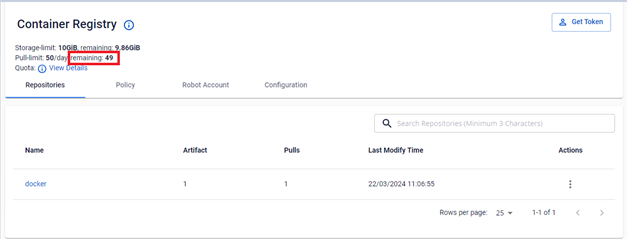
After each pull, the Pull-limit is updated: