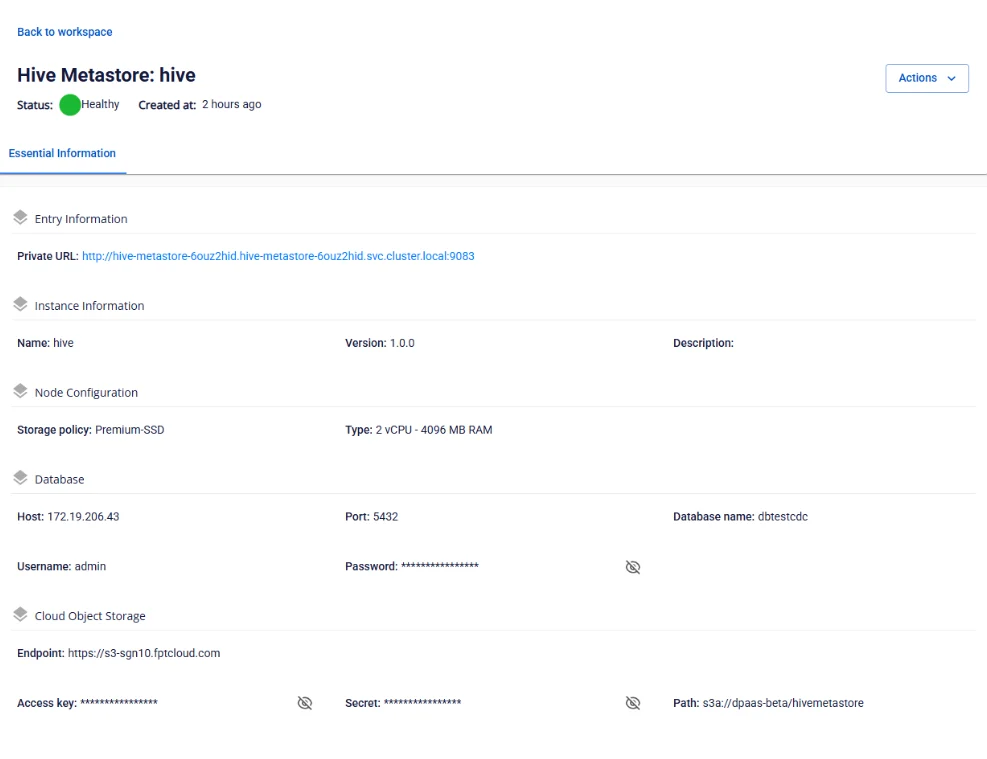
View Hive Metastore information
To view Hive Metastore information, follow these steps:
Step 1: In the menu bar, select Data Platform > Workspace Management > select the Workspace name
Step 2: In the Service section, select Hive Metastore
Essential Information tab
Displays the detailed configuration of Hive Metastore as set up by the user. Other services will access Hive Metastore via the Private URL.