Airflow & dbt Guide
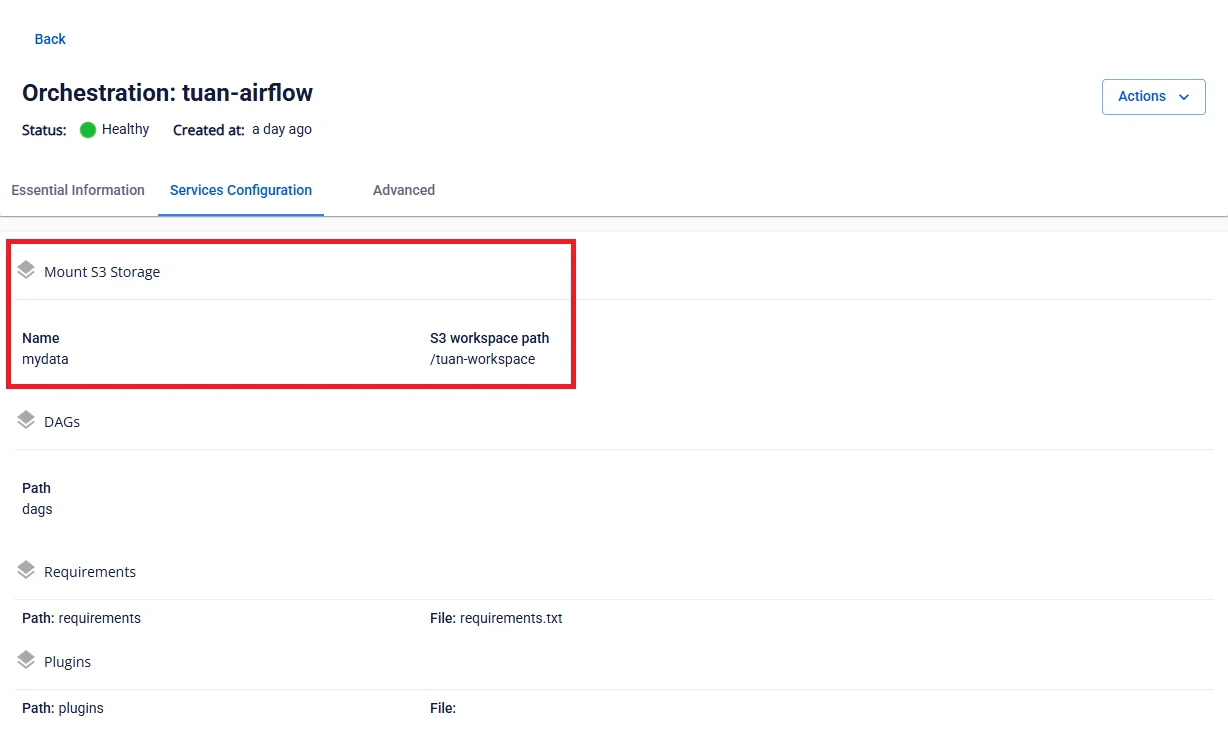
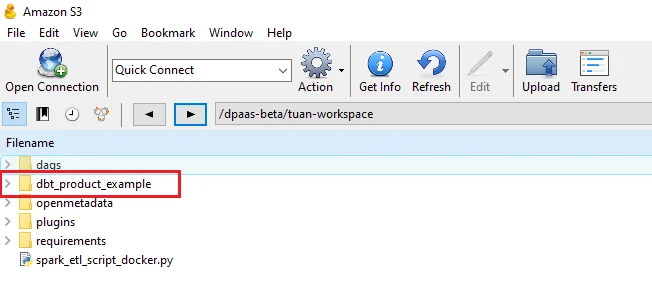
Step 1. Upload the dbt project to the mount path directory configured for the Orchestration service
Step 2. Create a DAG from the template to execute the dbt job
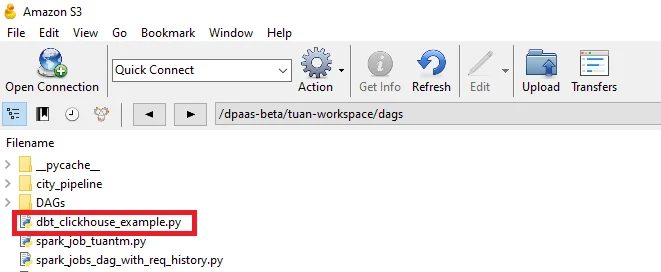
dbt_clickhouse_example.py
Change the path to point to the directory containing the dbt project:
DBT_PROJECT_DIR = "/mnt/<WORKSPACE-STORAGE-NAME>/<DBT-PROJECT-DIRECTORY>" |
Step 3. Upload the DAG file for the dbt job to the dags directory of the Orchestration service
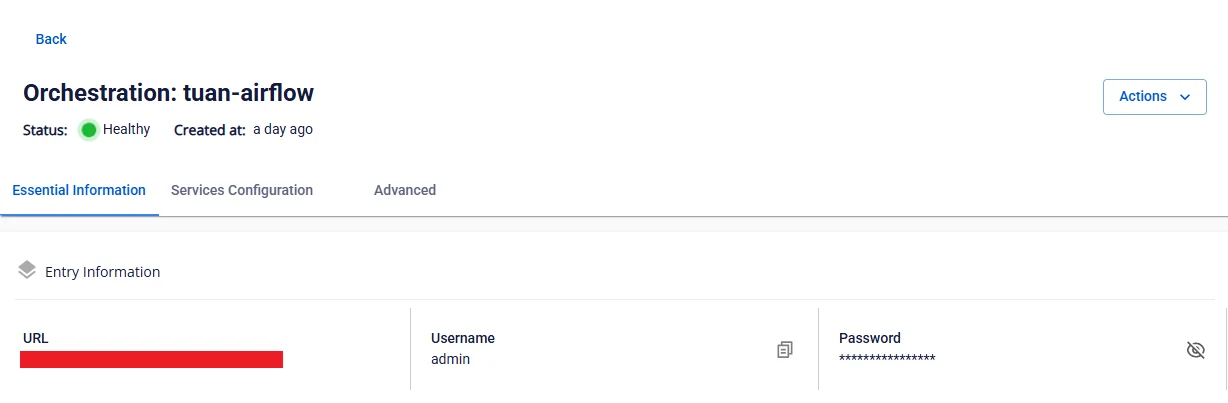
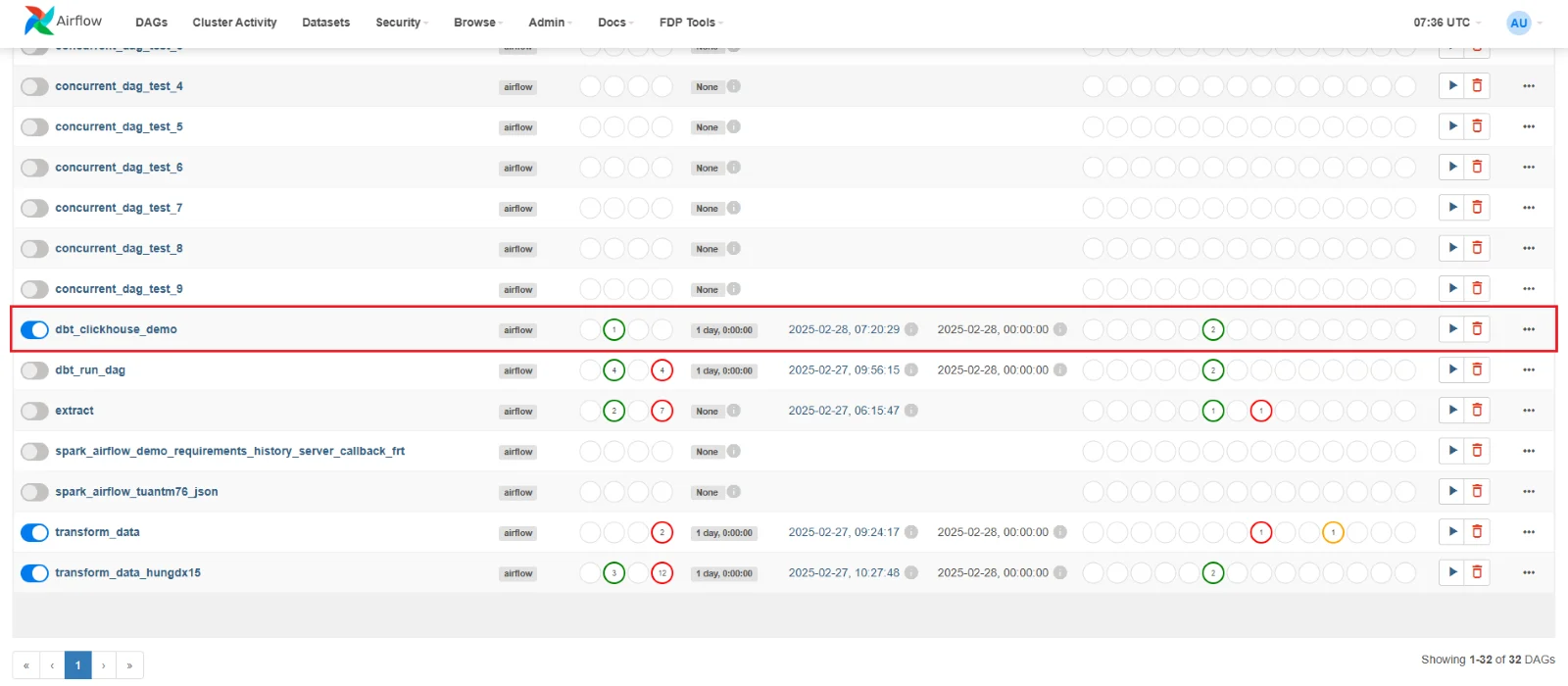
Step 4. Access and log in via the Airflow URL of the Orchestration service to run the DAG