Create a Role
A Role links an Auth Method with a Policy, defining the set of permissions granted to an application upon successful authentication. After creating a Role, the system generates a Role ID and Secret ID used for authentication.
-
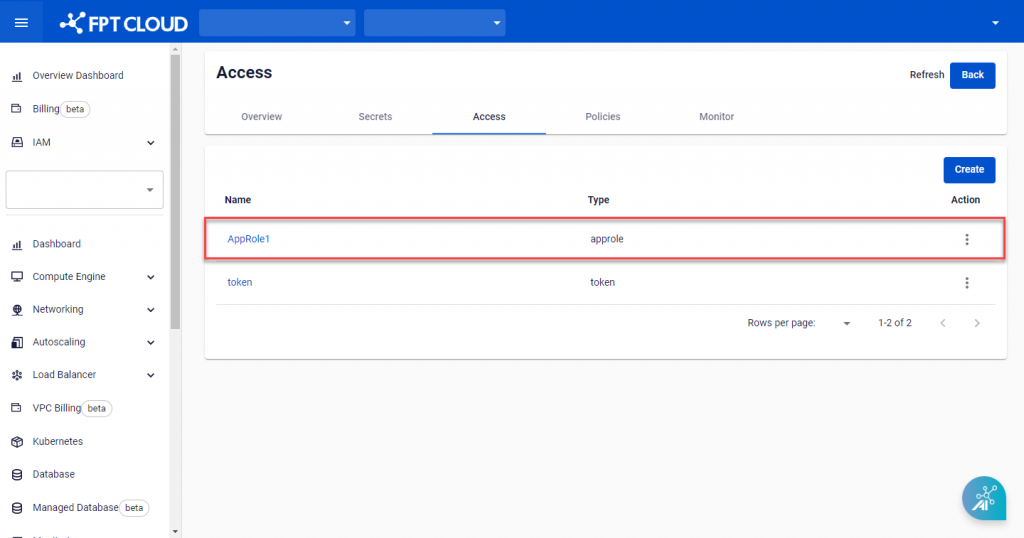
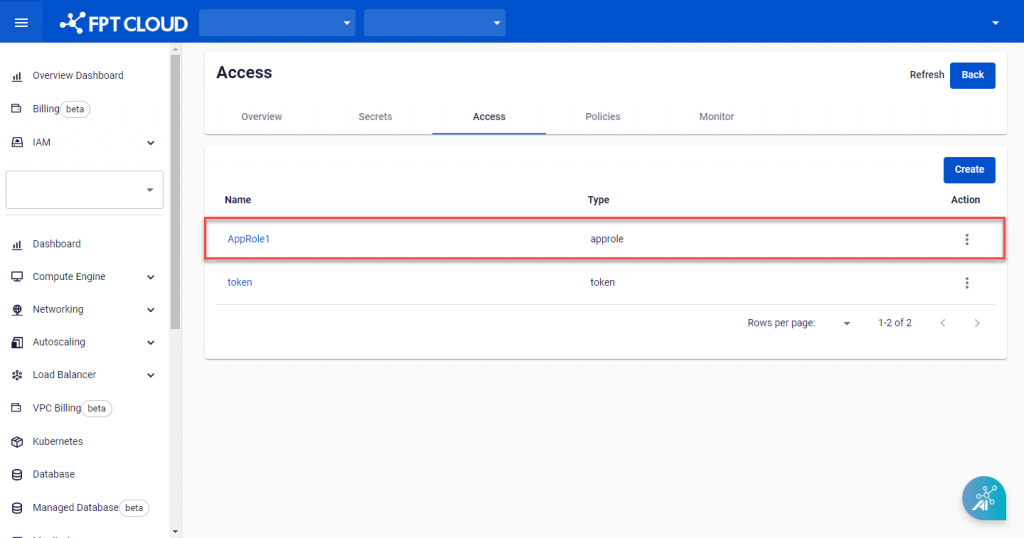
On Access Detail, select the Auth Method to add a Role to.
-
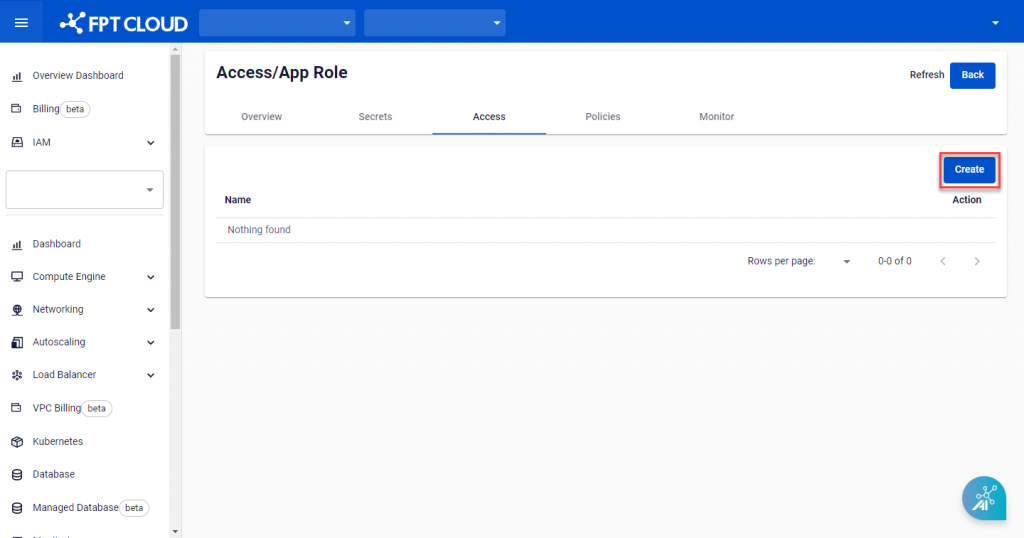
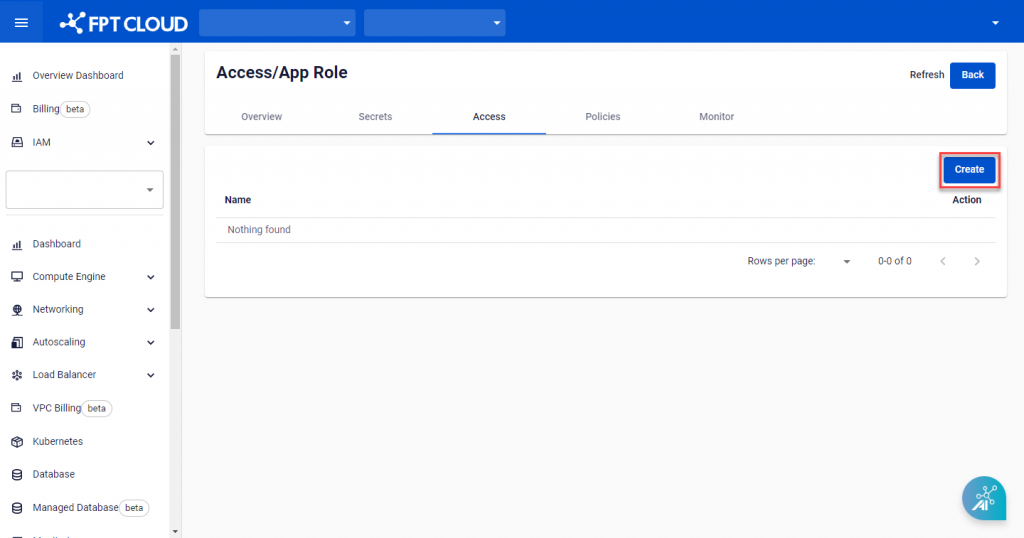
Click Create.
-
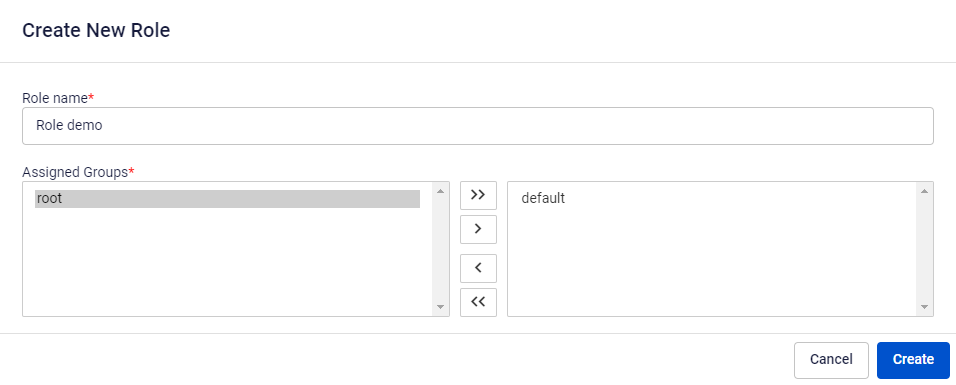
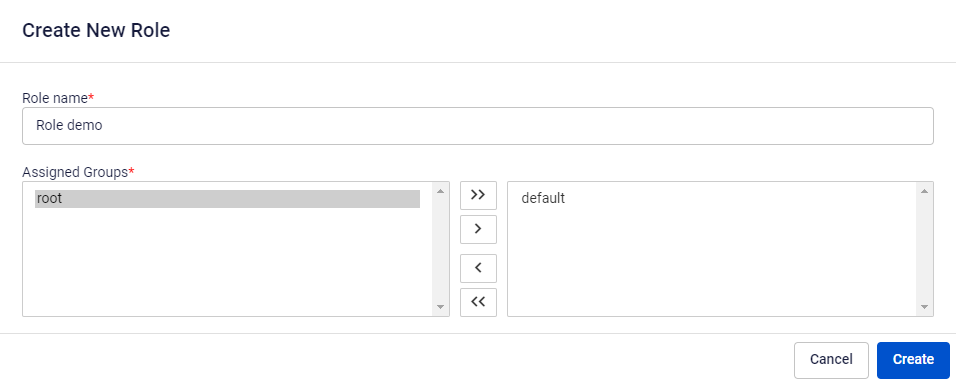
On the Create New Role screen, enter the required information:
- Role Name: The Role name.
- Assigned Groups: Add the Policy created in Policy management.
-
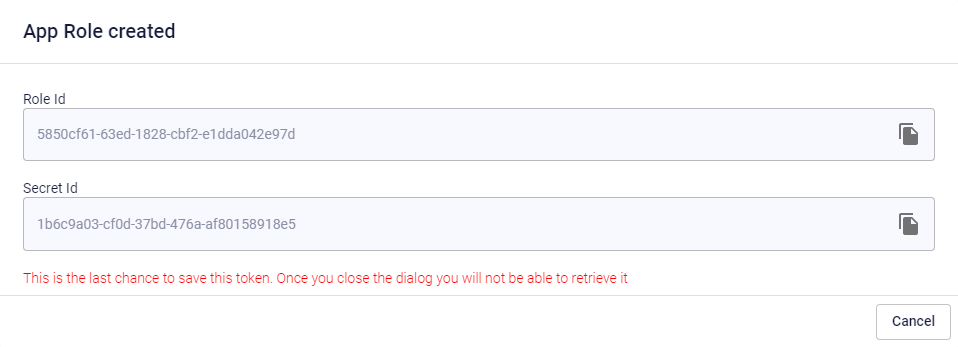
Click Create. After successful creation, a popup containing the Role ID and Secret ID appears.
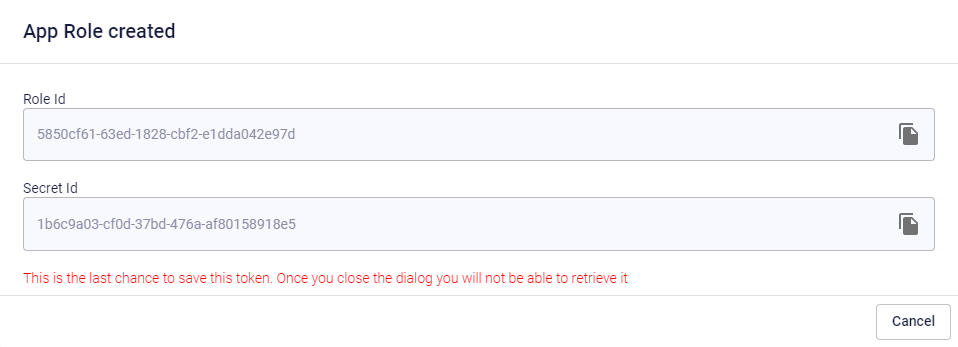
warning
Role ID and Secret ID are displayed only once. Store them in a safe place immediately after creation.