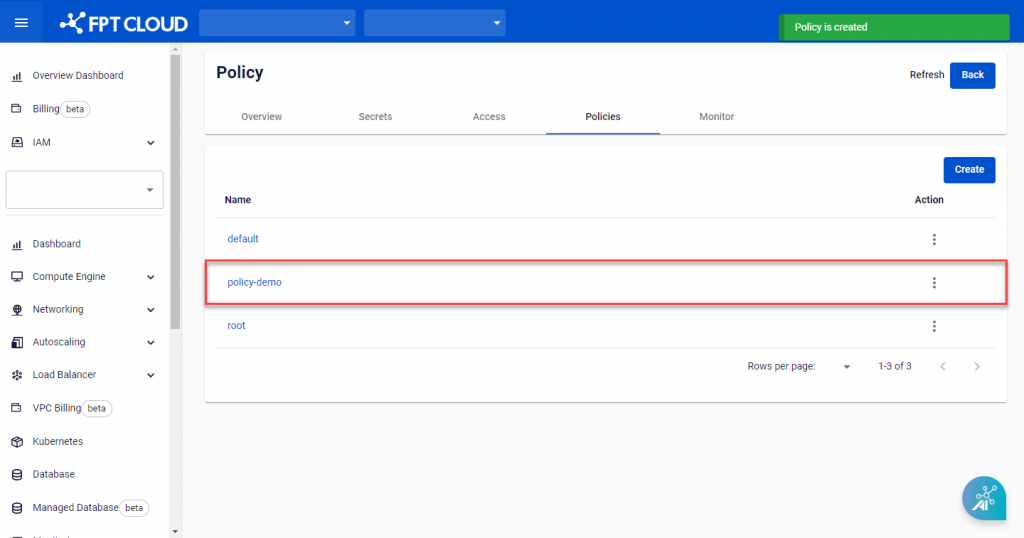
Create a Policy
A Policy defines access rules for Secret paths in Vault. Use Policies to control which users or applications can read, write, or delete Secrets.
-
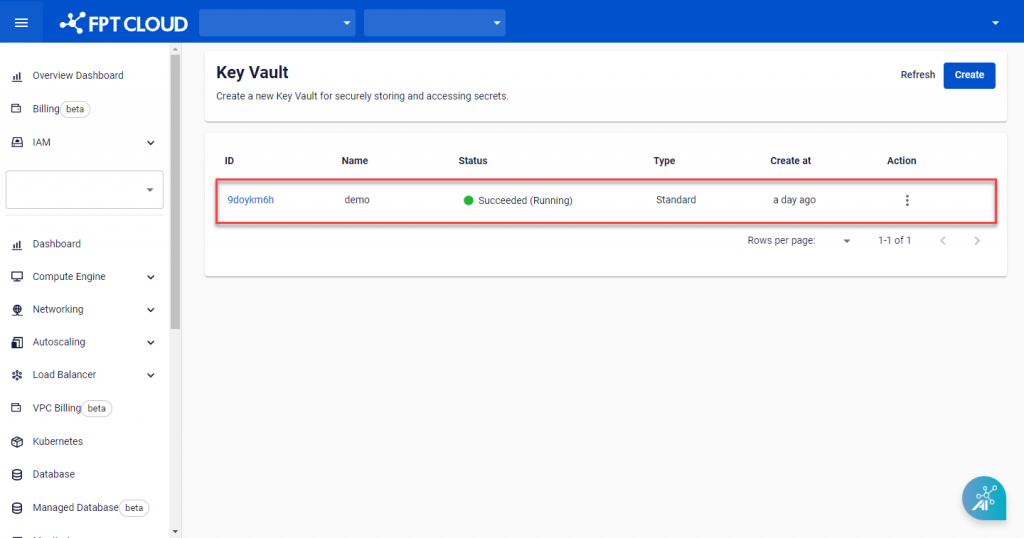
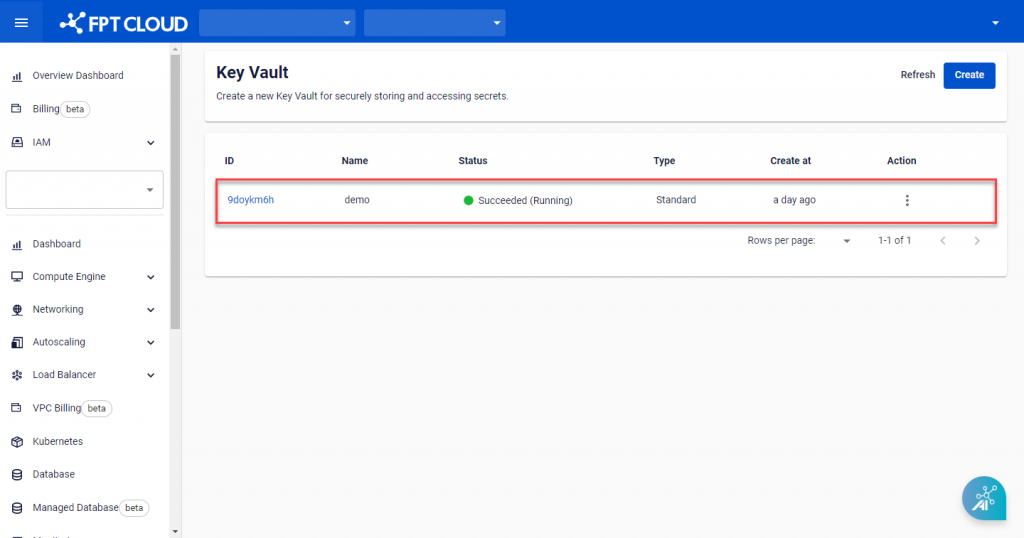
On Key Vault Management, select the Key Vault to add a Policy to.
-
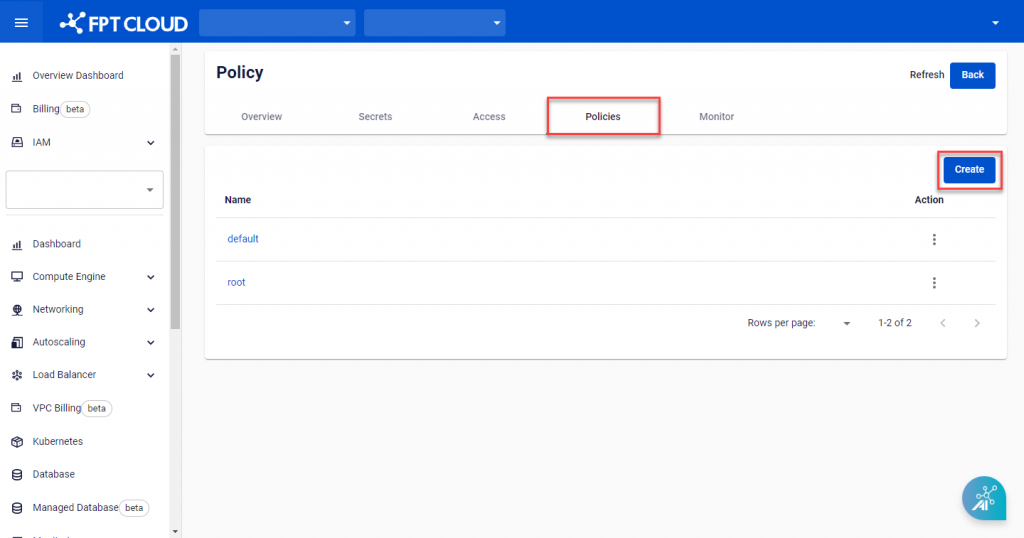
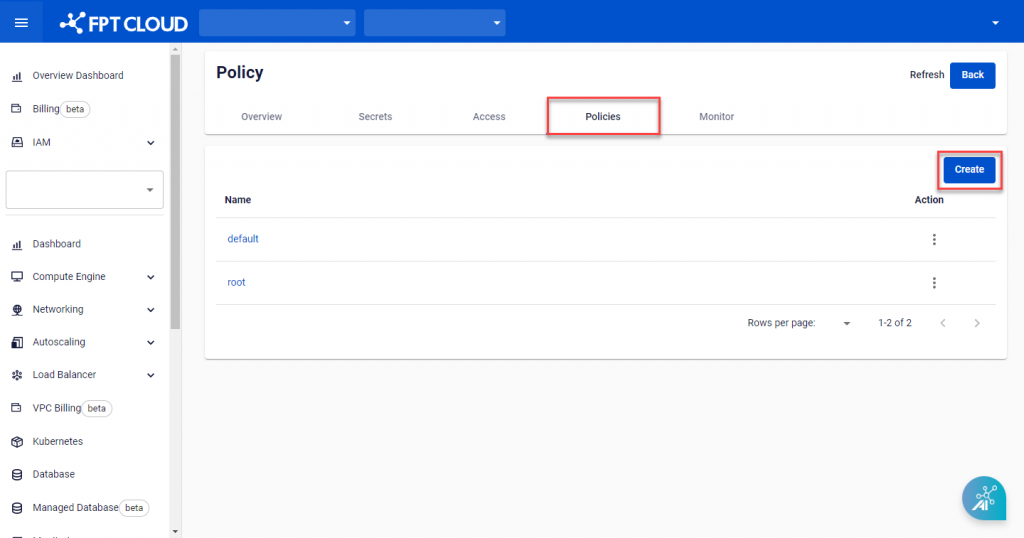
Open the Policies tab and click Create.
-
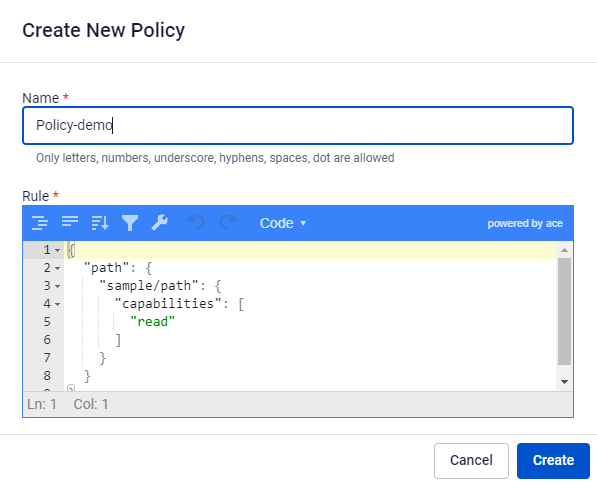
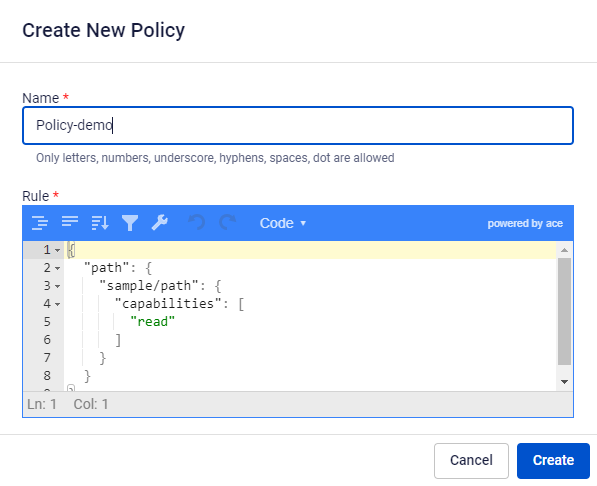
On the Create New Policy screen, enter the required information:
- Name: The name of the Policy.
- Rule: Describes the Secret path that users or applications can access.
-
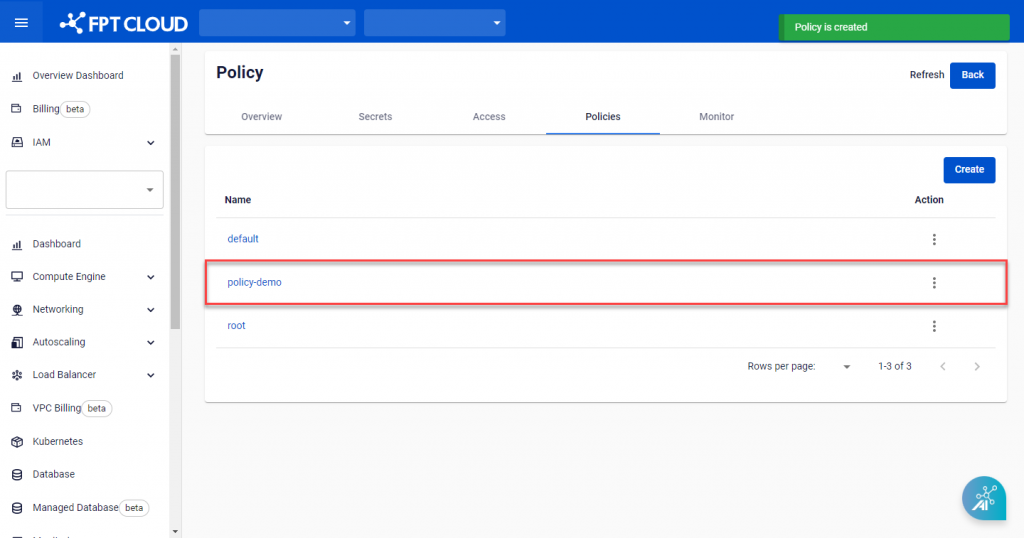
Click Create to finish. The system sends a confirmation message and creates the new Policy.