Delete a Policy
Delete a Policy when its access rules are no longer applicable or necessary. Before deleting, check whether this Policy is currently assigned to any Role.
danger
Deleting a Policy cannot be undone. Roles that use this Policy will lose the corresponding access permissions.
-
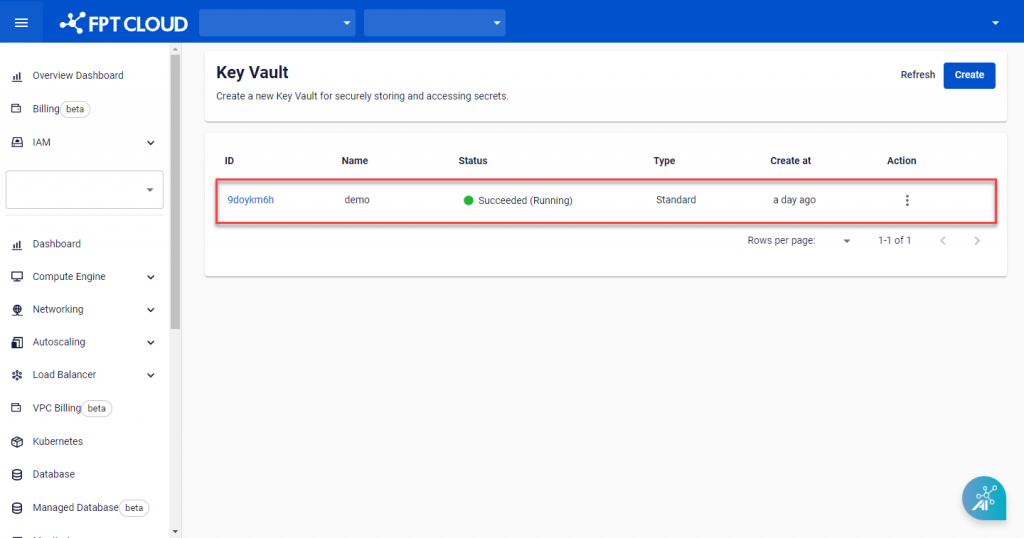
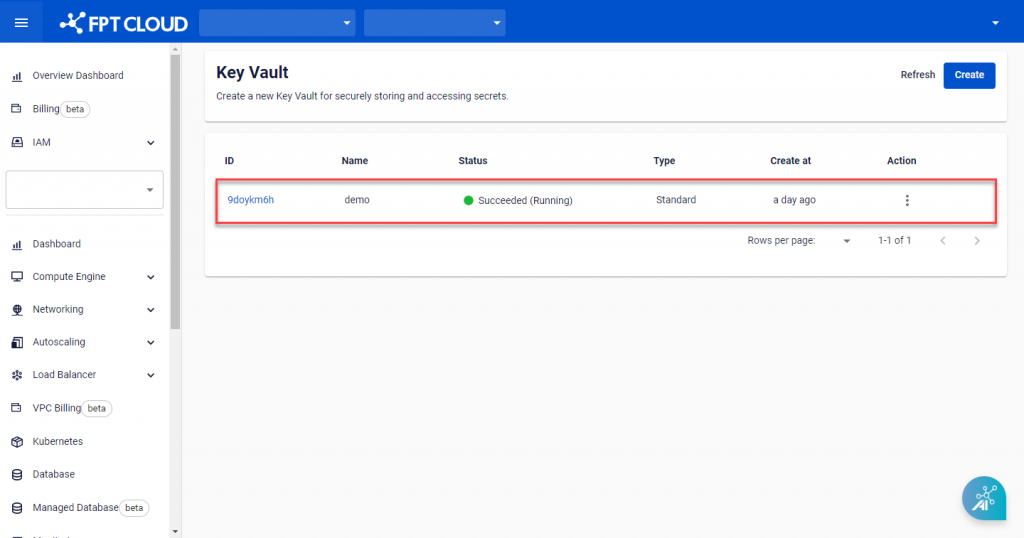
On Key Vault Management, select the Key Vault containing the Policy to delete.
-
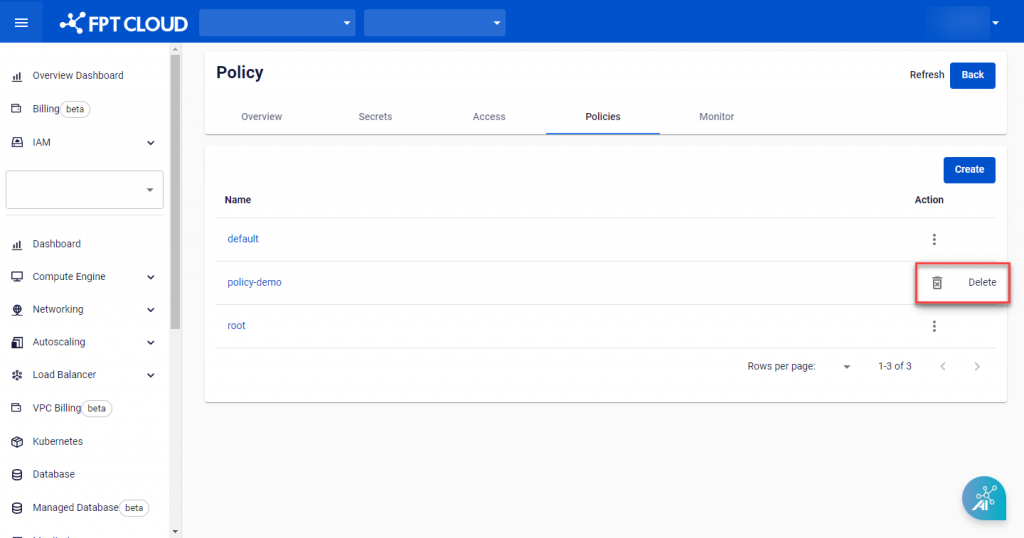
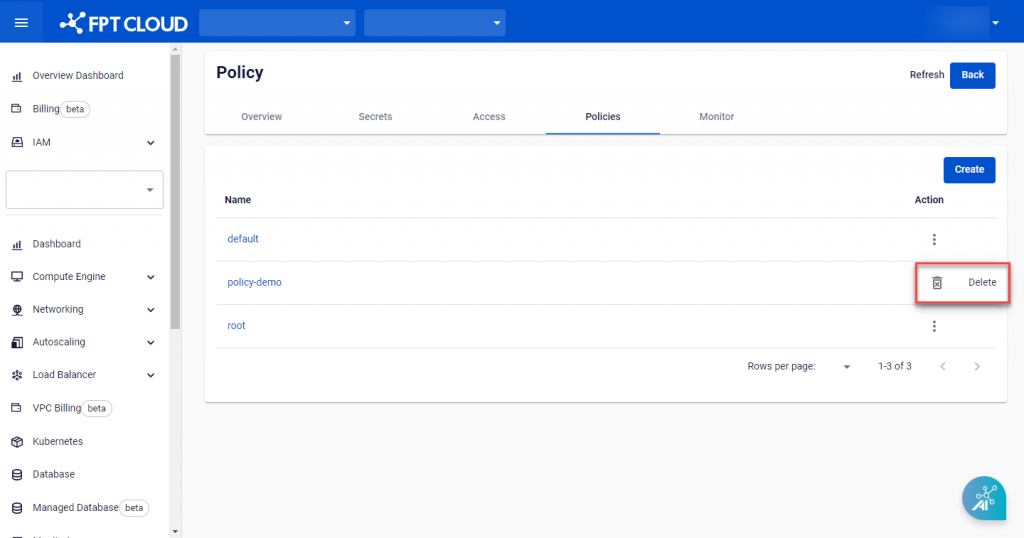
Open the Policies tab and click Delete in the Action menu of the Policy to delete.
-
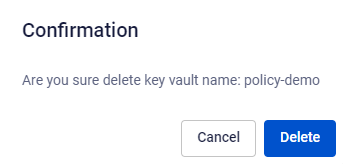
A confirmation dialog appears. Click Delete to confirm deleting the Policy.