Create a Secret in a Secret Engine
A Secret is the unit that stores confidential information in Key/Value format inside a Secret Engine. Each Secret can contain multiple Key/Value pairs and supports versioning to track change history.
-
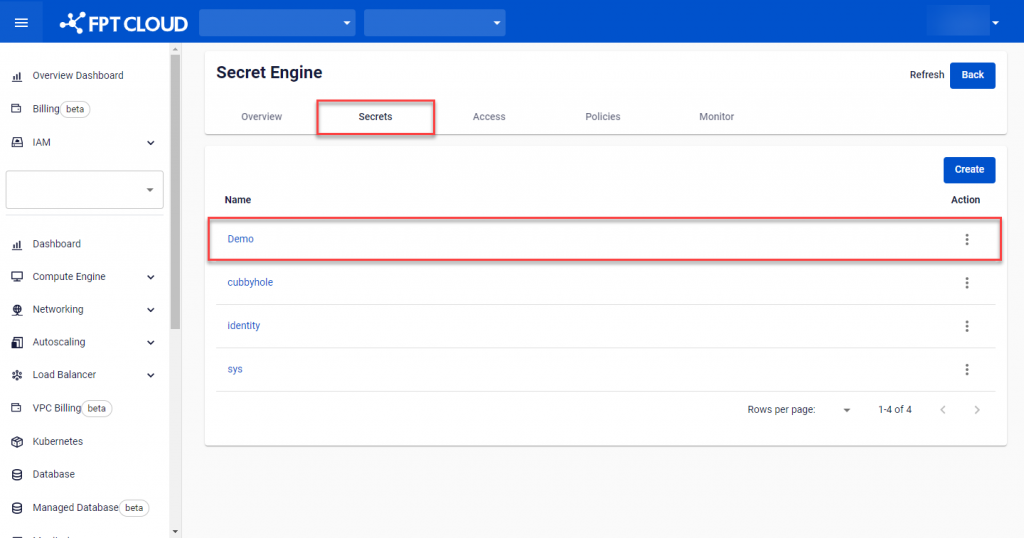
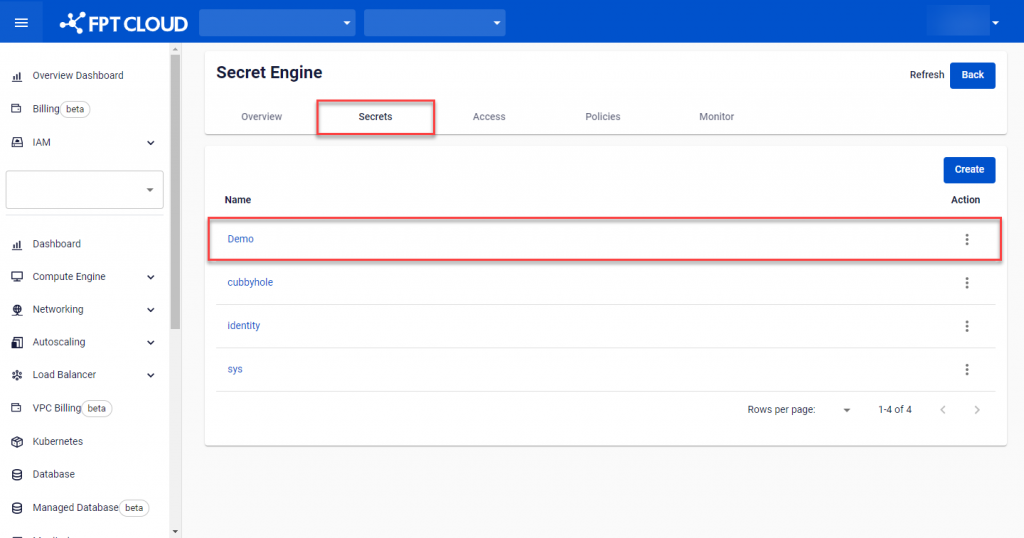
On Secret Engine Detail, select the Secret Engine to add a Secret to.
-
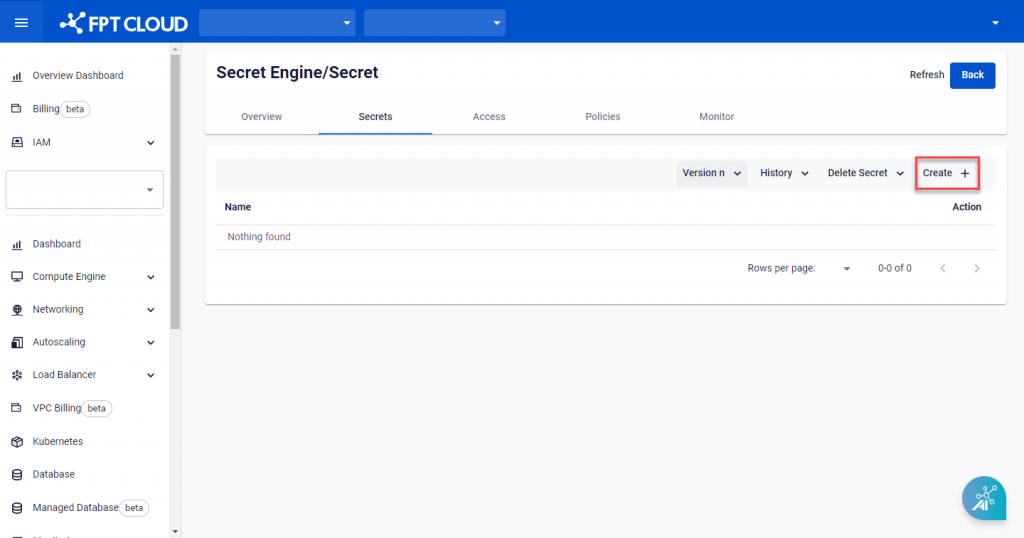
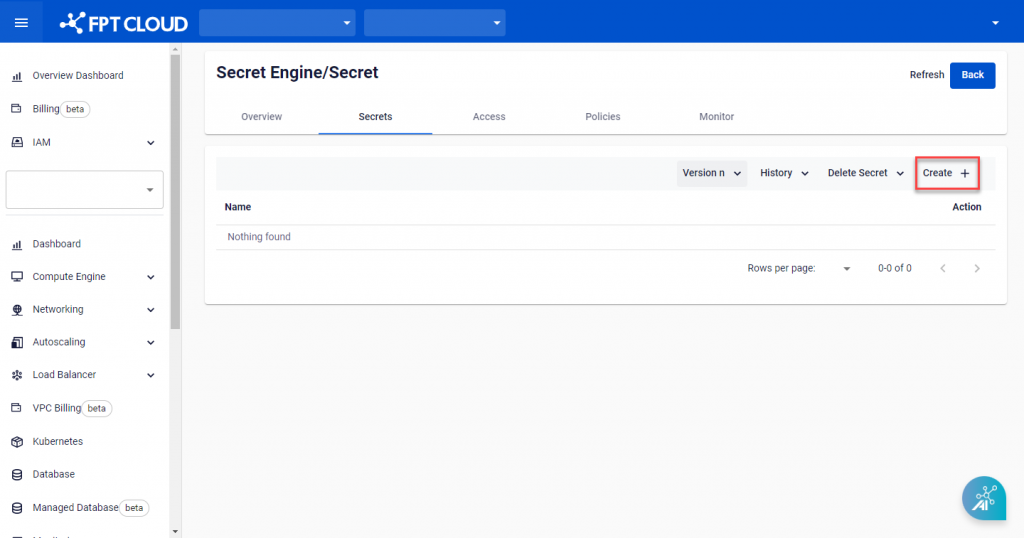
Click Create.
-
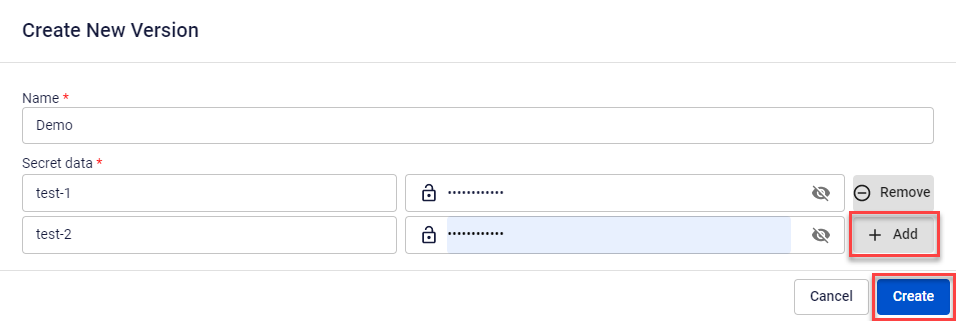
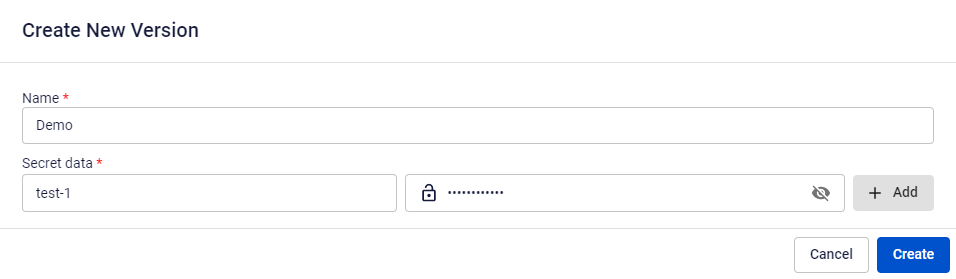
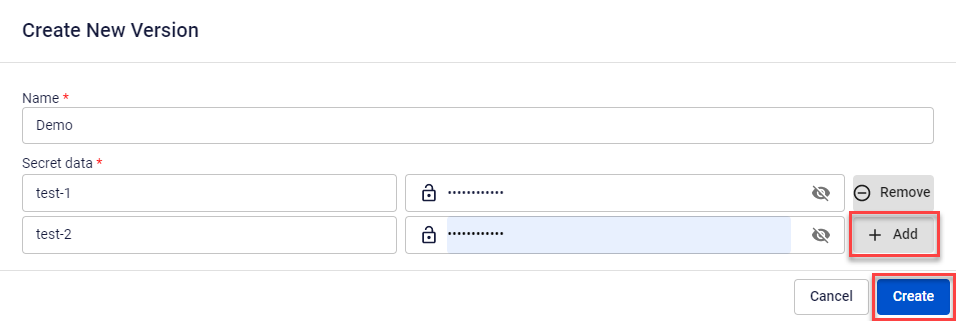
On the Create New Version screen, enter the required information:
- Name: The name of the Secret.
- Secret data: Key/Value format.

-
Click Add to add each Key/Value pair. After declaring all Secrets, click Create to save. The system sends a confirmation message and creates the new Secrets.