Delete a Secret
Delete a Secret when the confidential information is no longer needed or has expired. This operation helps clean up and secure the Vault.
danger
Deleting a Secret cannot be undone. All versions of the Secret will be permanently deleted. Make sure you have backed up any necessary information before proceeding.
-
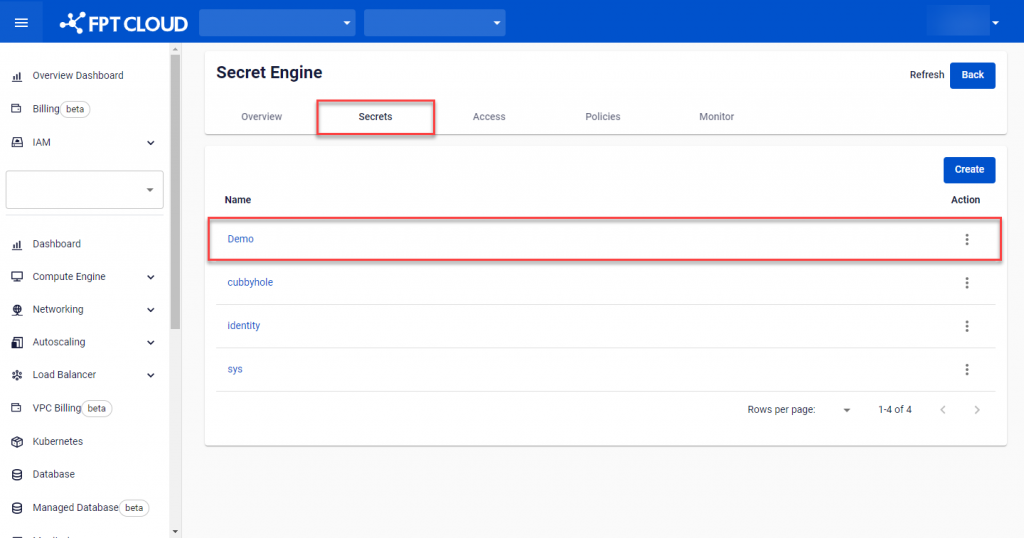
On Secret Engine Detail, select the Secret Engine containing the Secret to delete.
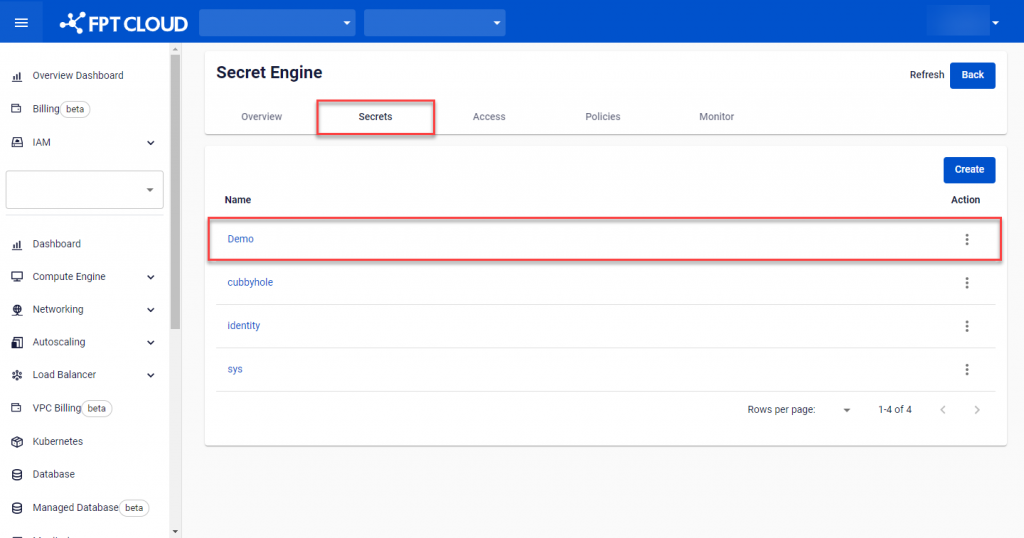
-
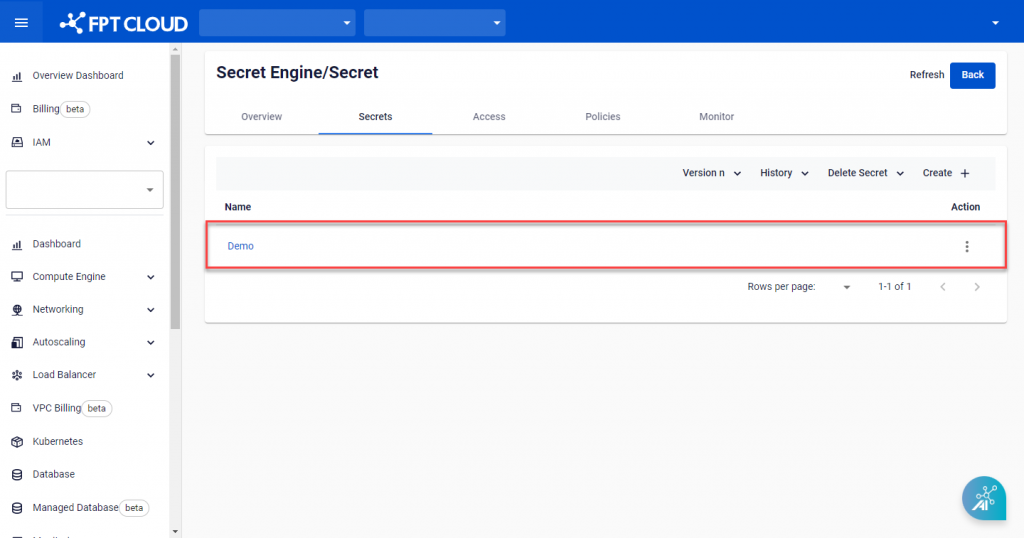
Select the Secret to delete.
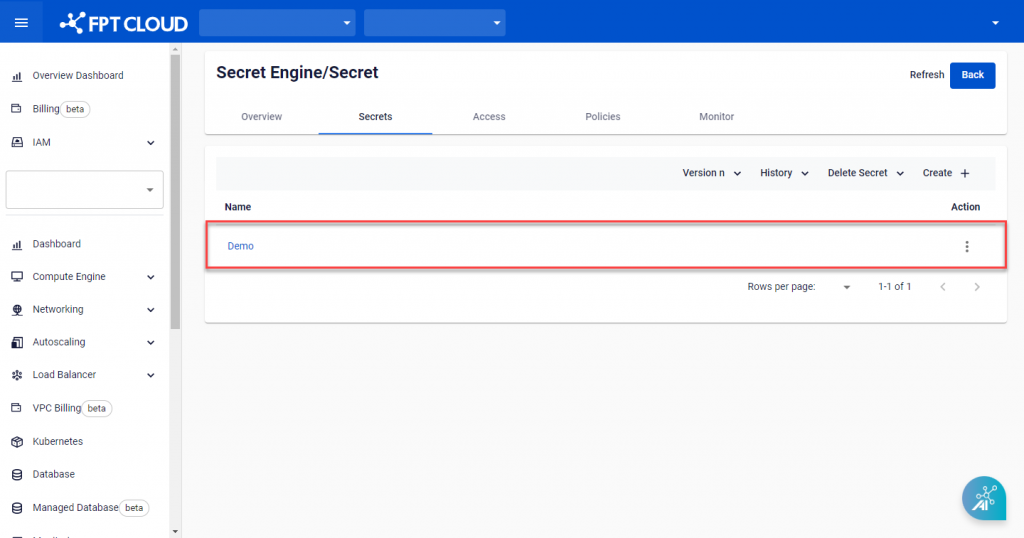
-
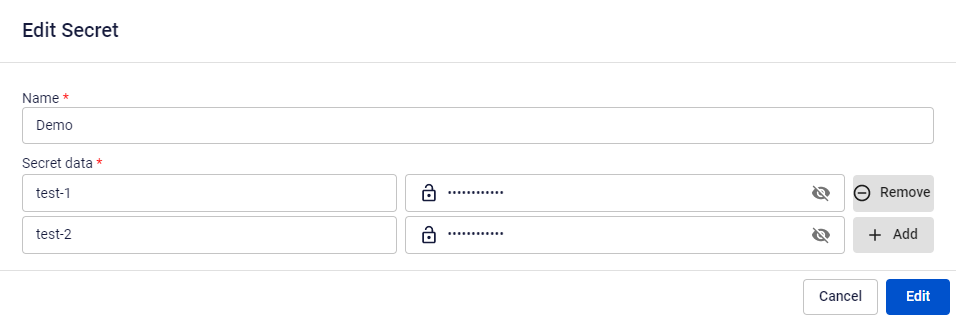
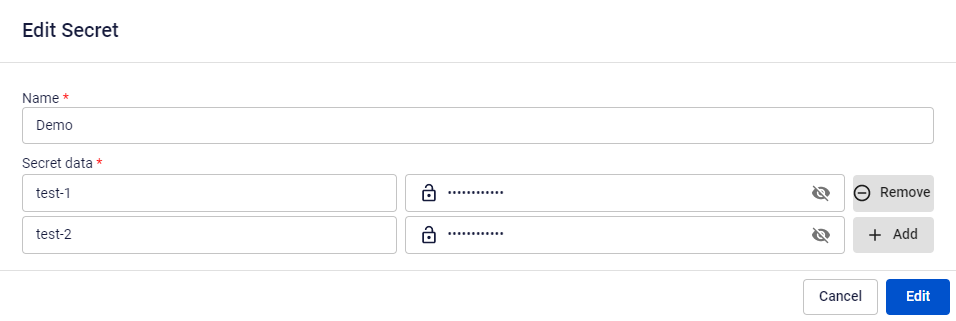
On the Edit Secret screen, click Delete to delete the Secret. Confirm in the dialog that appears.