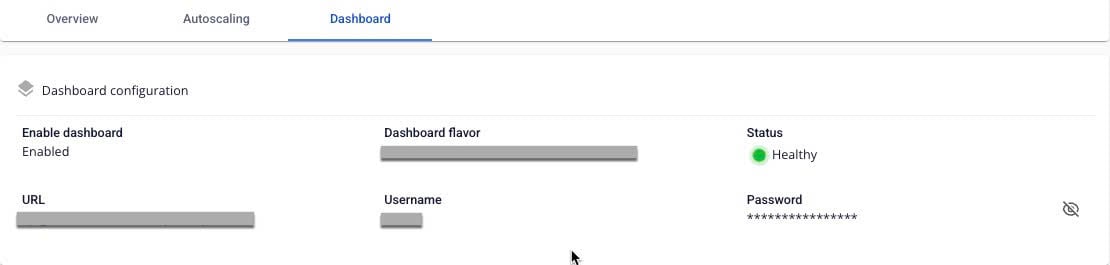
View API Gateway details
To view API Gateway details, follow these steps:
Step 1: In the menu bar, select Integration > API Gateway.
Step 2: In the API Gateway list, select the API Gateway you want to inspect.
- Overview tab: Displays basic information — Basic information, Launch Configuration, Etcd, LB size, and Endpoint.
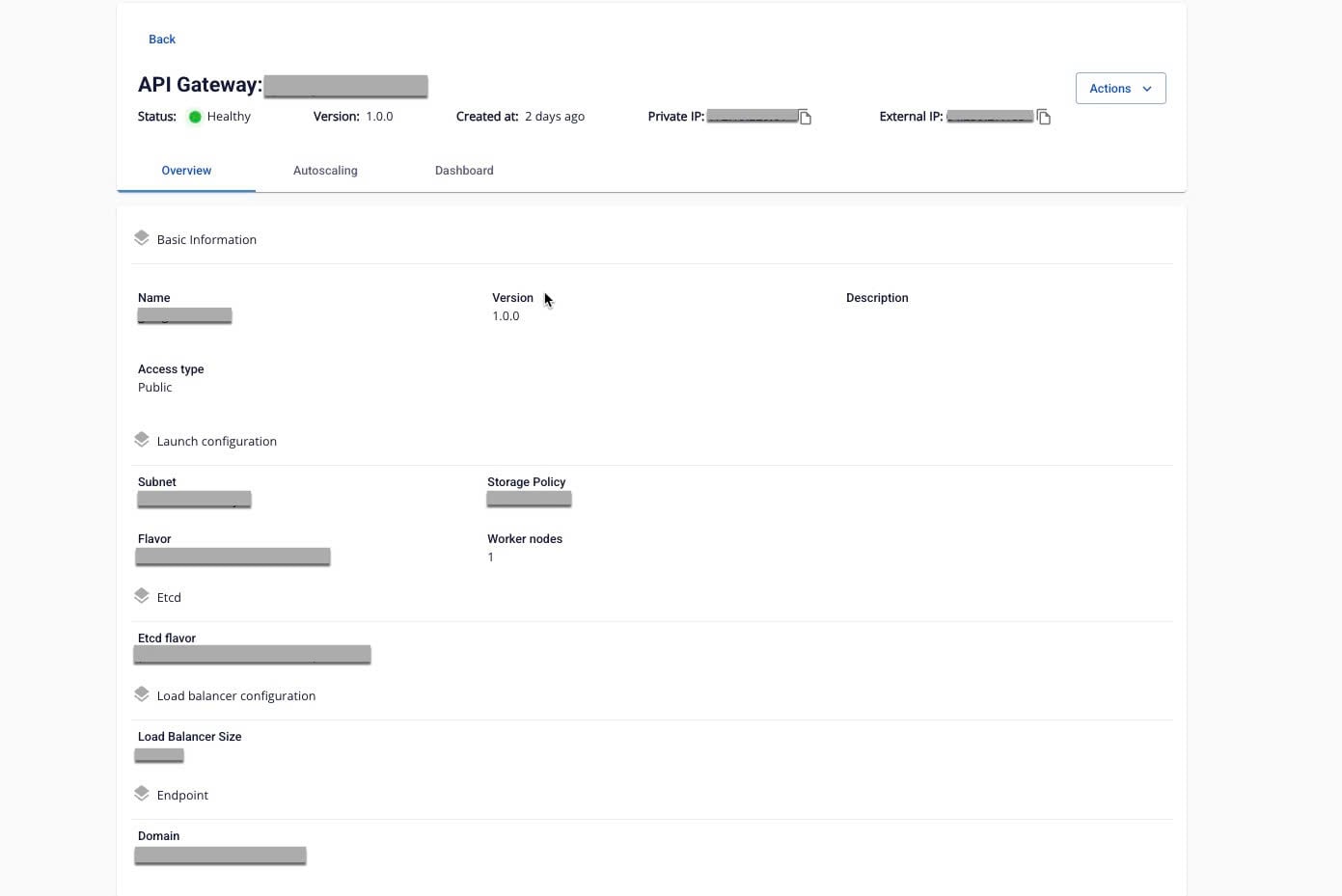
- Autoscaling tab: Displays autoscaling configuration for the API Gateway.

- Dashboard tab: Displays Dashboard information for the API Gateway. If you selected Dashboard = Disable during creation, this tab will not appear.