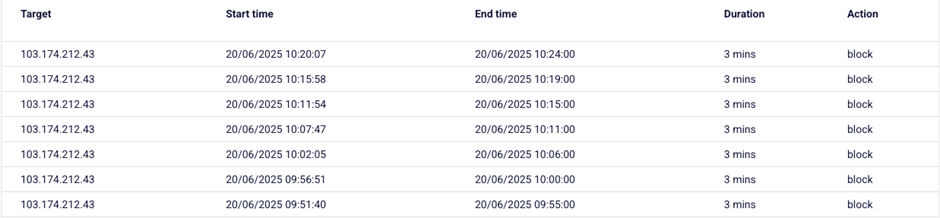
Monitor protected IPs
You can monitor your system and protection status through the dashboard on the FPT Cloud Portal.
- Go to the protected IP list and select the IP you want to inspect.
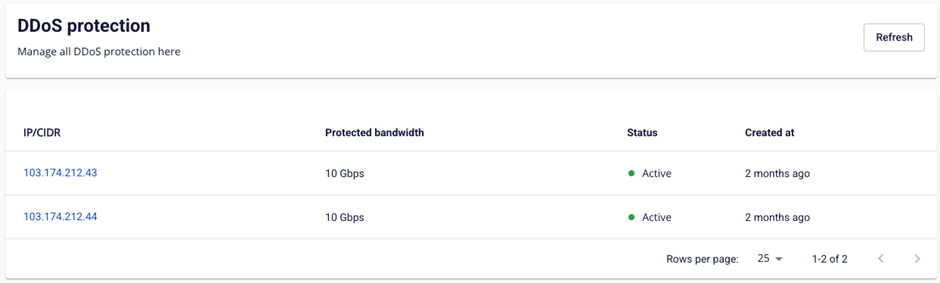
-
Review the protection status:
- No attacks: The system shows that the IP is protected and no attacks have been recorded this month.

- Attacks detected: The system displays detailed information about each attack event.

Monthly protection summary
- Total traffic: Total inbound traffic to the IP this month.
- Block traffic: Total attack traffic detected and blocked.
- Block packet: Total attack packets detected and blocked.
Attack sources
The system lists the main attack sources.
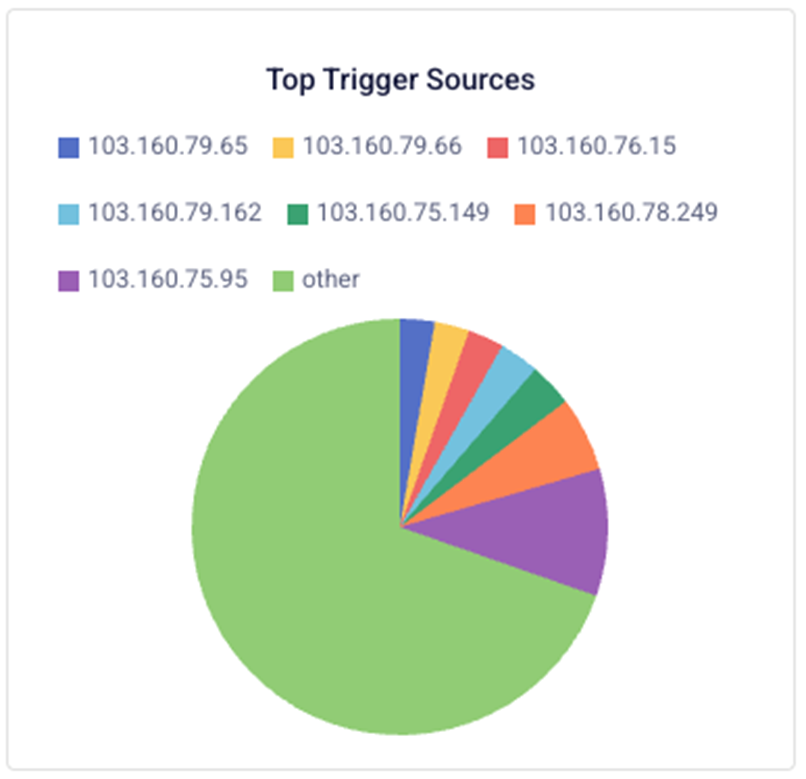
Attacked protocols
The system displays protocols by ID. For reference, see IANA Protocol Numbers.
- 6: TCP
- 17: UDP
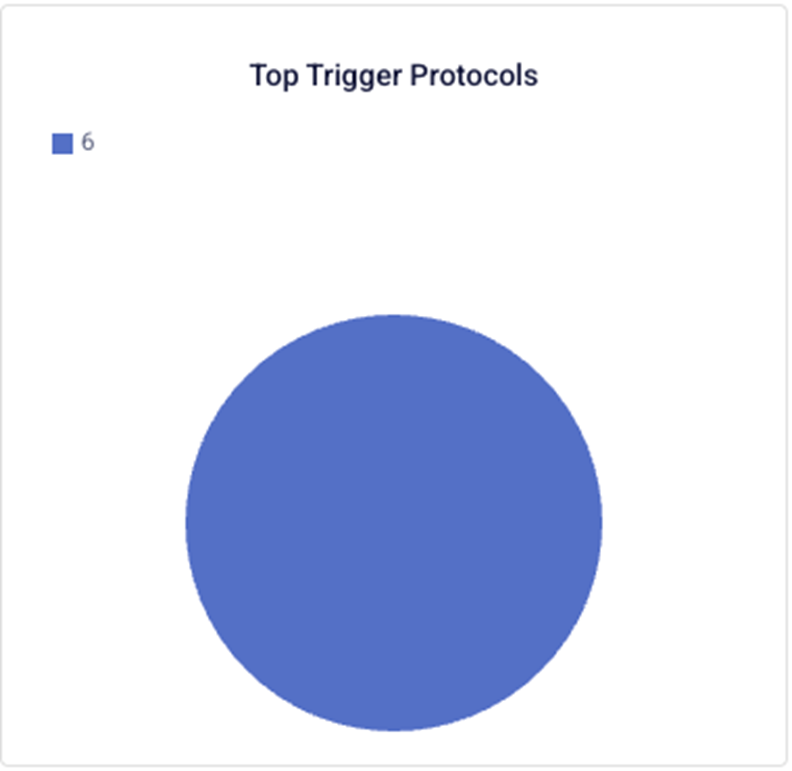
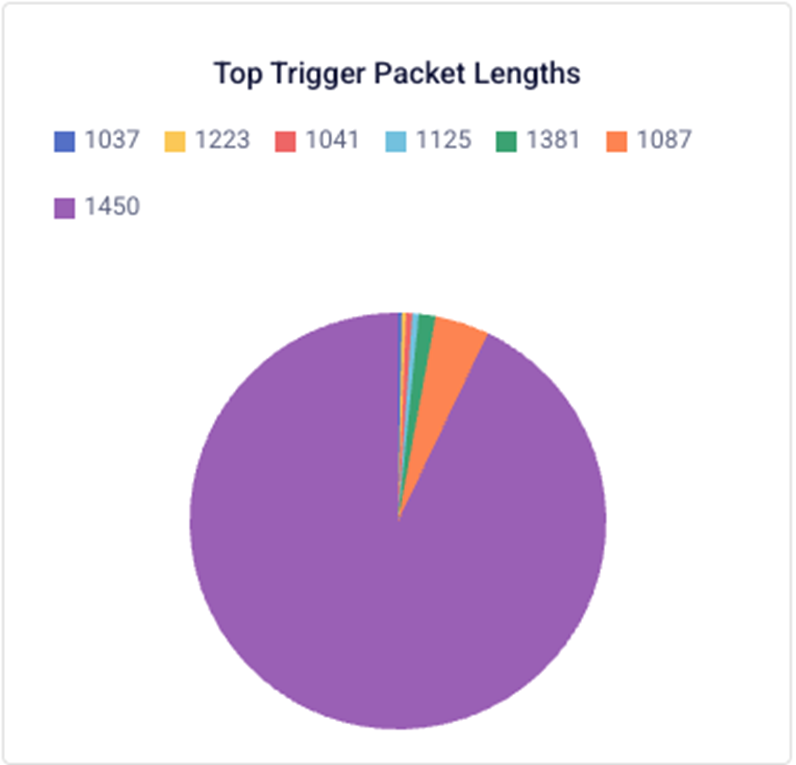
Packet length distribution (unit: bytes)
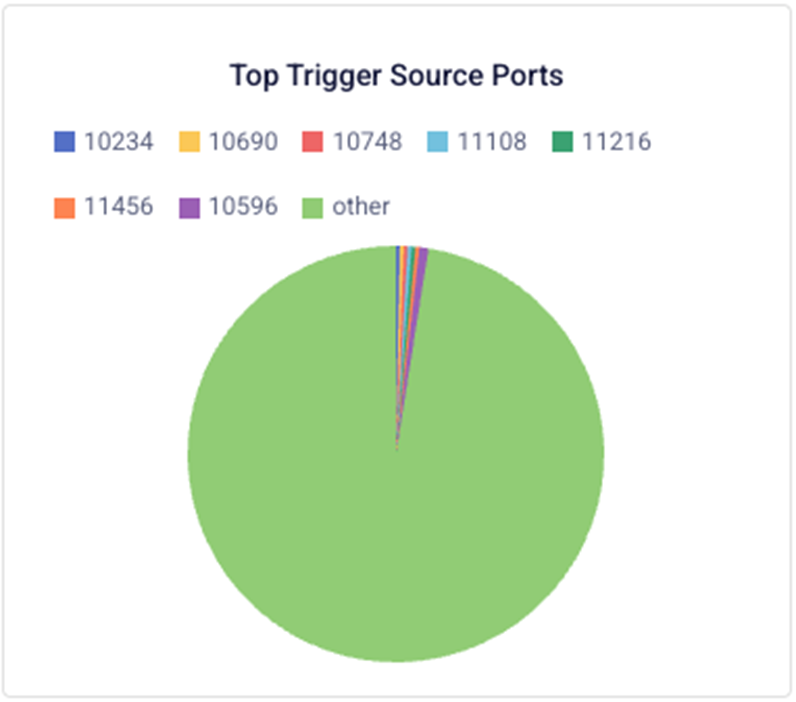
Attack source ports
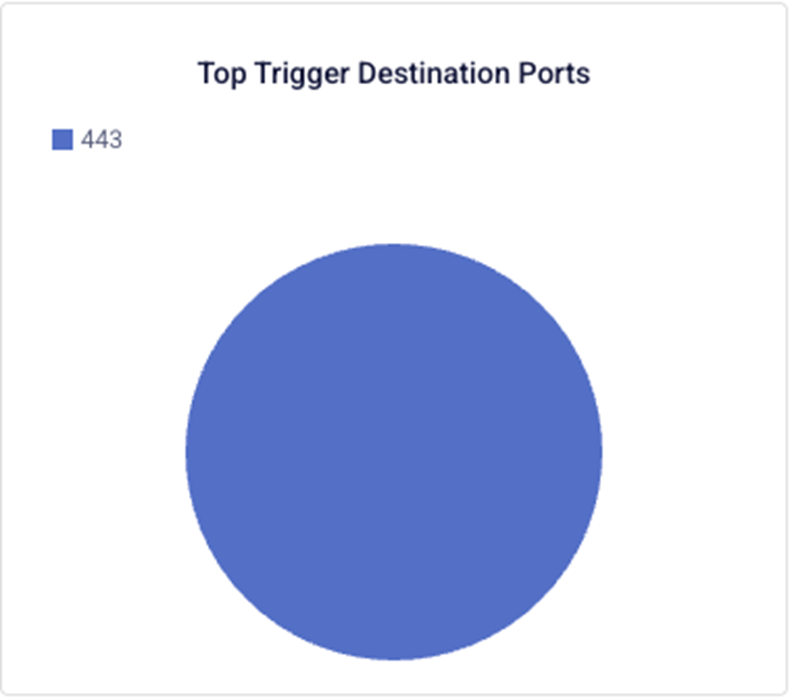
Attacked destination ports
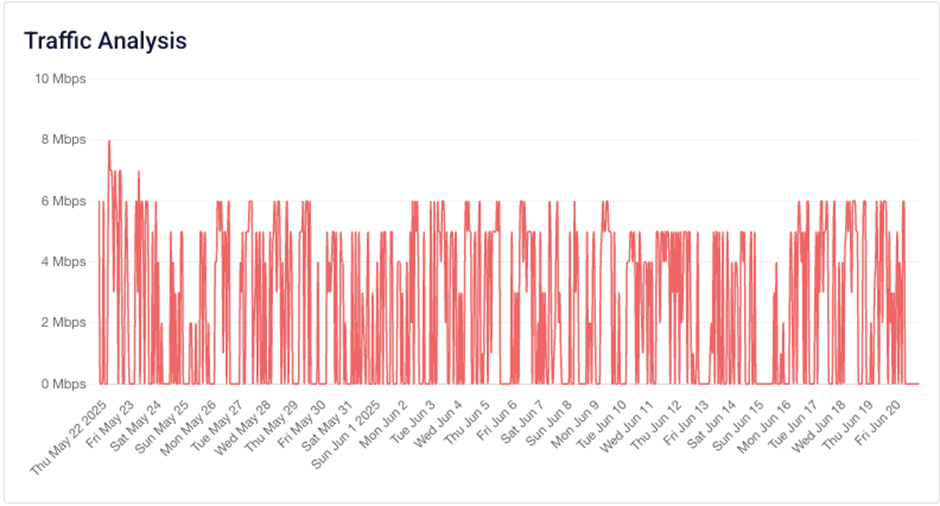
Blocked traffic chart (last 30 days)
Blocked attack details