Delete a Managed GPU Cluster
For Managed GPU Clusters that are no longer needed, you can delete them following these steps.
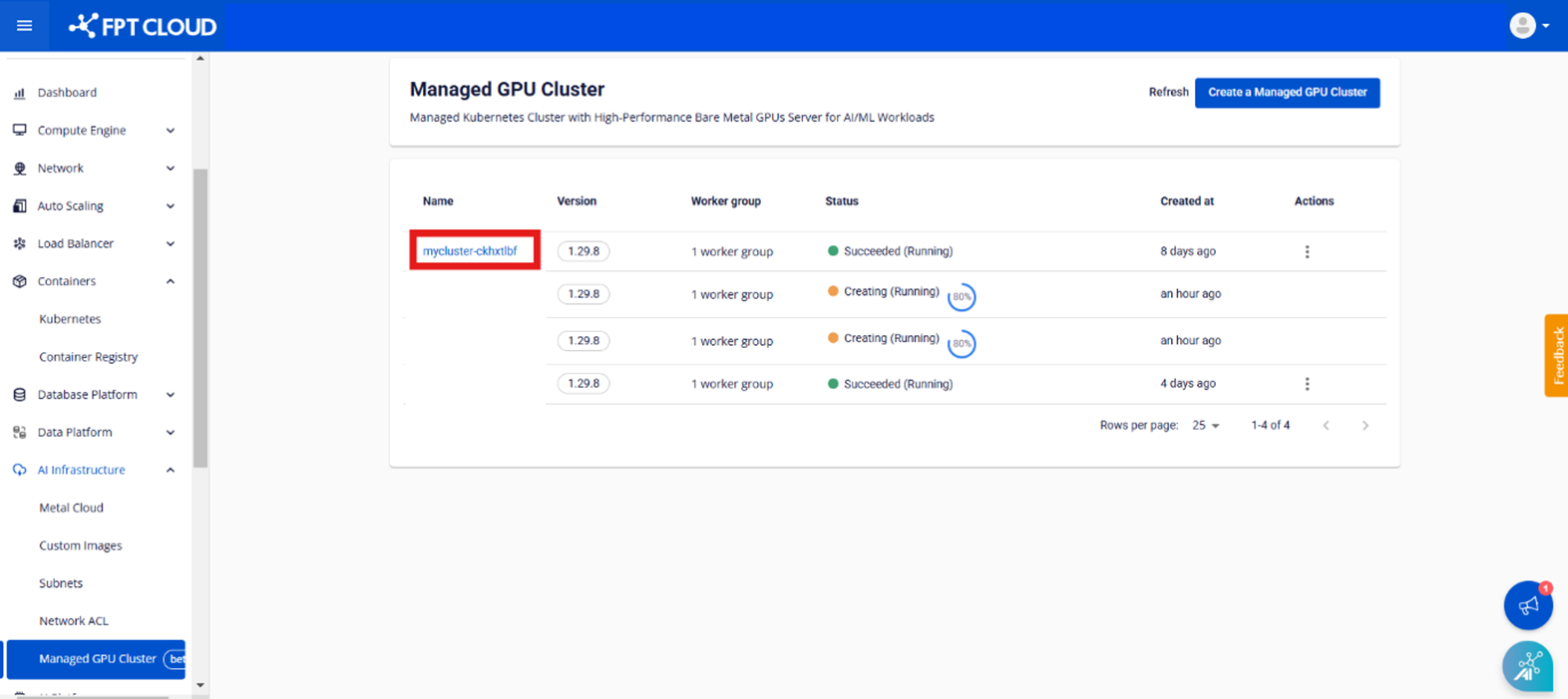
Step 1: In the menu, select [AI Infrastructure] > [Managed GPU Cluster] to display the [GPU Cluster Management] page. Select the cluster you want to access.
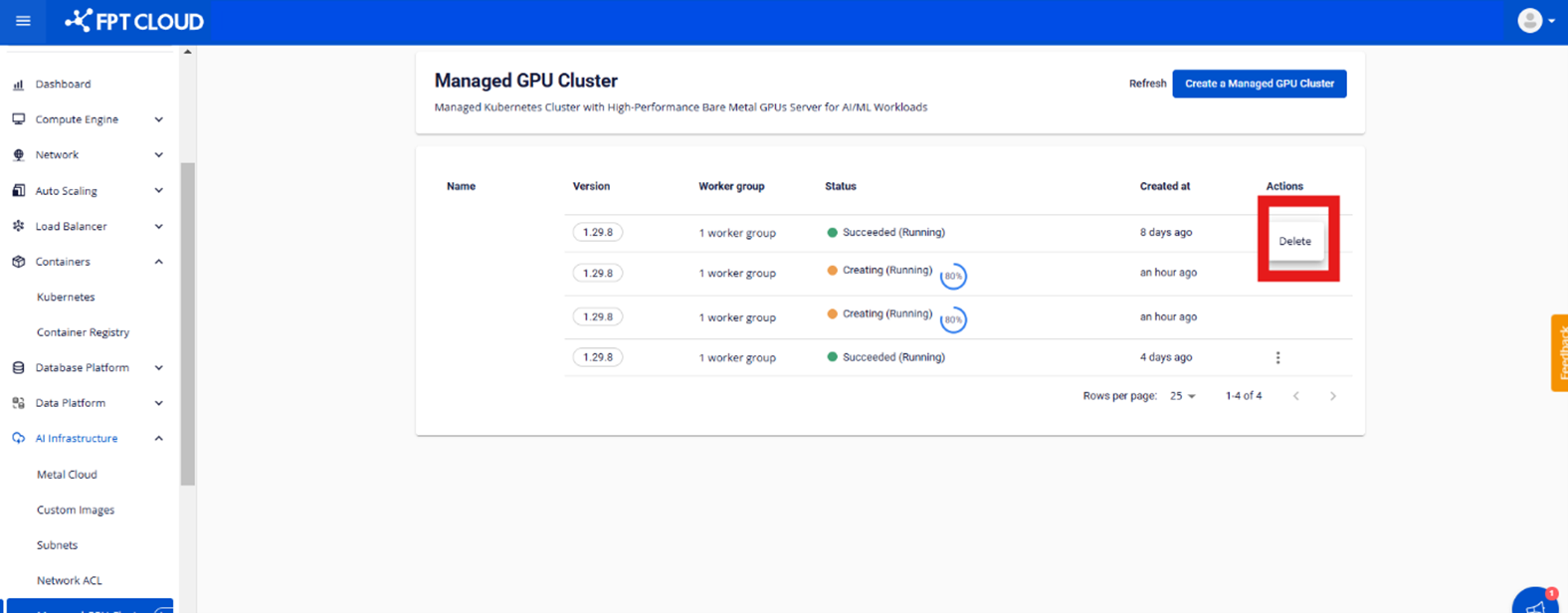
Step 2: In the Action column of the cluster you want to delete, select [Delete].
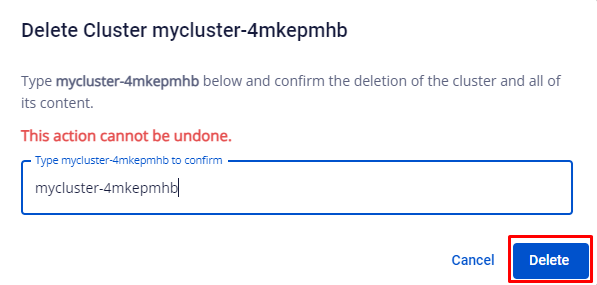
Step 3: Review the warning in the popup and click [Delete] to confirm.