Edit worker group labels and taints
Labels and taints are important features for effectively managing and distributing workloads in systems with multiple worker groups, making it easy to group them by purpose, performance, or geographic area. Managed GPU Cluster supports adding, editing, and deleting labels/taints on the Unify Portal.
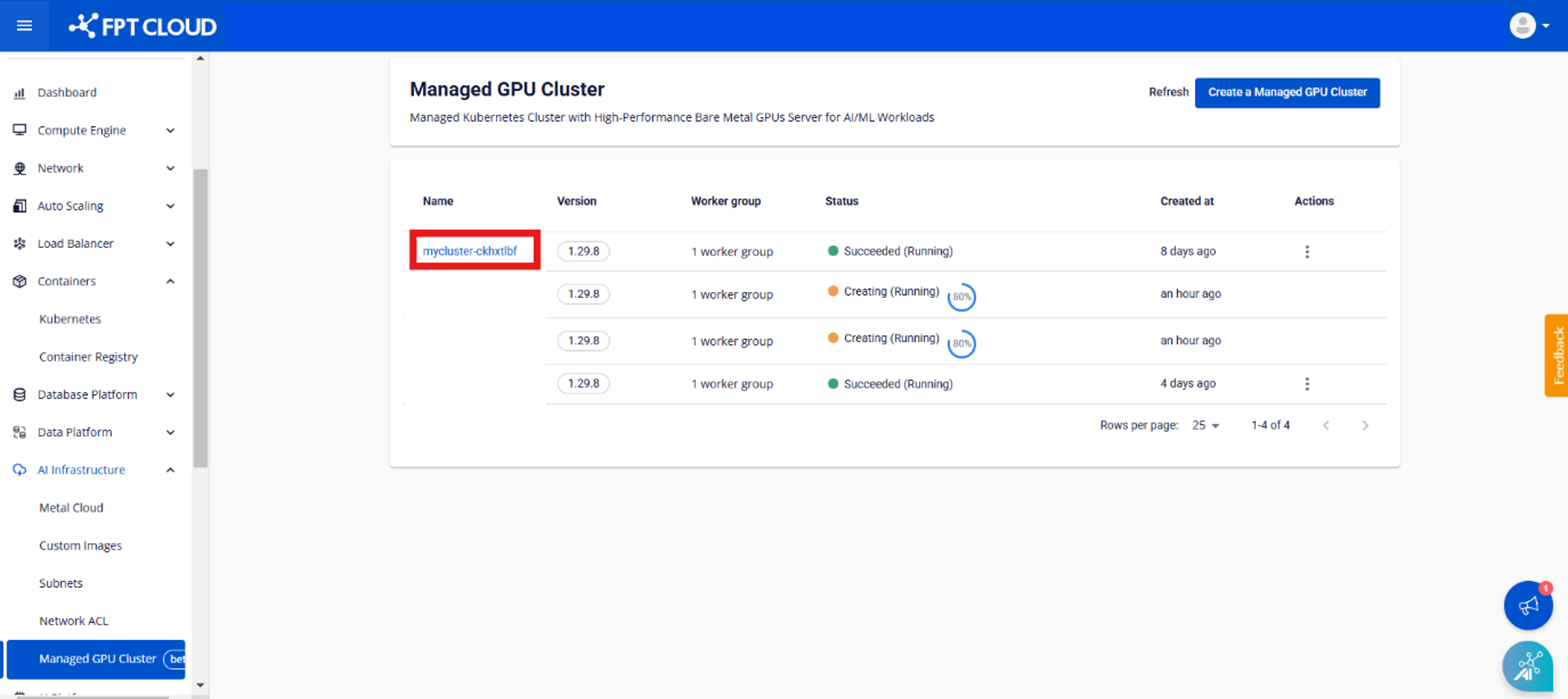
Step 1: In the menu, select [AI Infrastructure] > [Managed GPU Cluster] to display the [Managed GPU Cluster Management] page. Select the cluster whose labels/taints you want to edit.
Step 2: Select Node Pool > Edit Worker
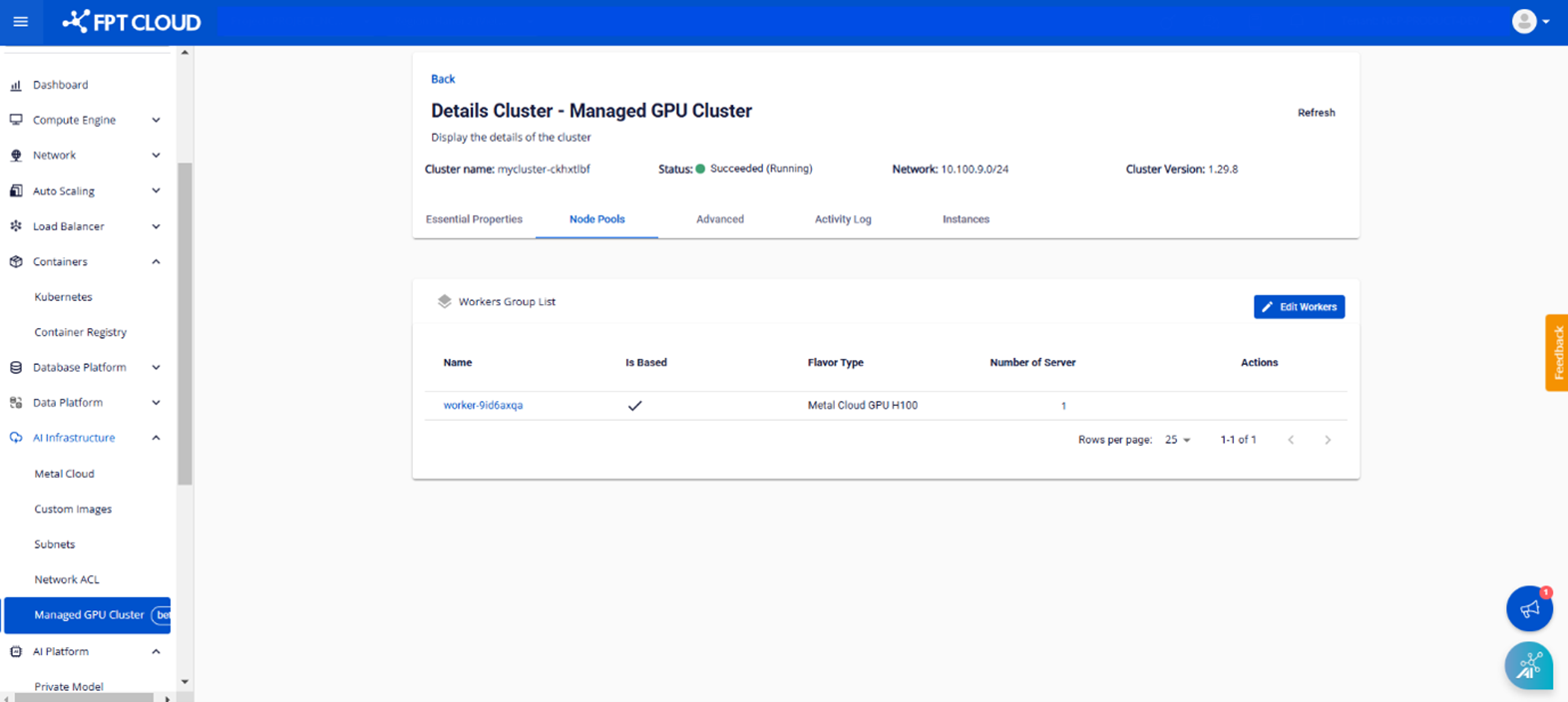
Step 3: Enter the labels and taints you want to add to the worker group and click the [Save] button.


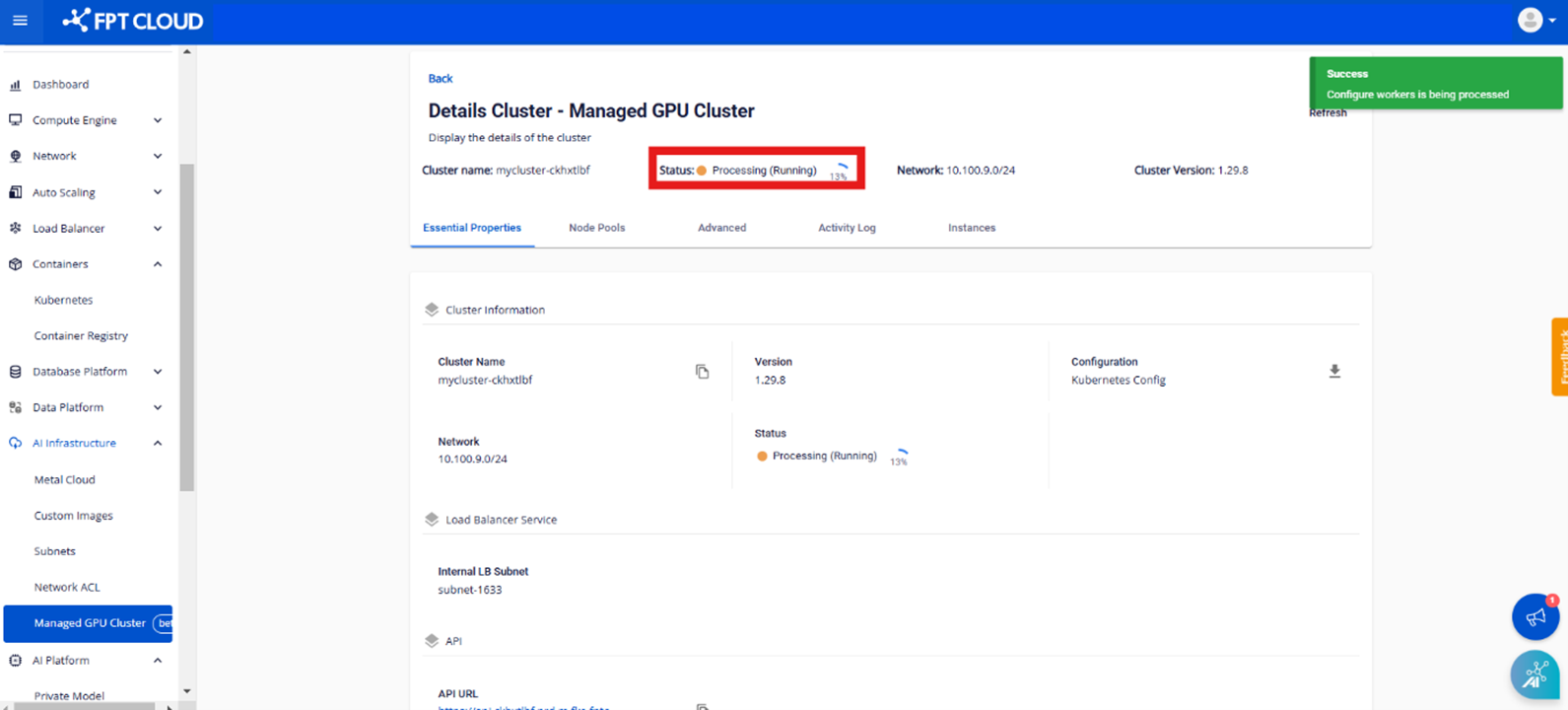
Note: Editing labels and taints takes a few minutes and the cluster status will change to Processing. You cannot edit the cluster until the process is complete.