Lock instance deletion
You can lock a virtual machine to prevent it from being deleted using the following steps.
-
In Instance Management, select the virtual machine, then click Actions → Lock Deletion.
-
A confirmation dialog displays the virtual machine name. Click Lock Instance Deletion to confirm.
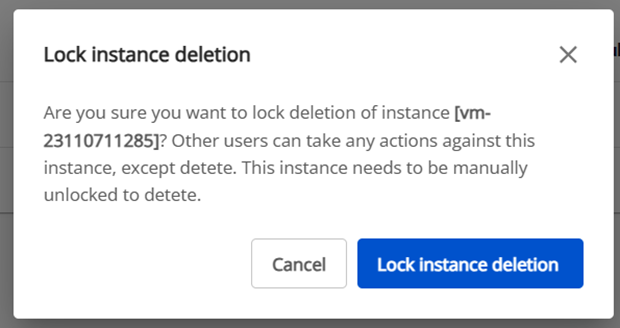
The virtual machine cannot be deleted until it is unlocked.