View notifications
Clicking the notification bell opens a dropdown list of recent actions. Unread notifications are marked with a blue dot; read notifications have no indicator.
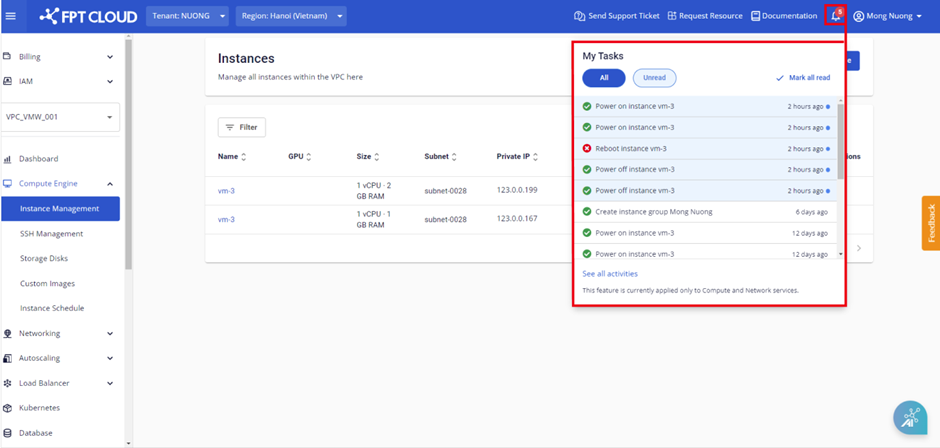
Each notification contains activity details, the notification timestamp, and a direct link to the related content. A link at the bottom of the dropdown provides quick access to all your notifications.
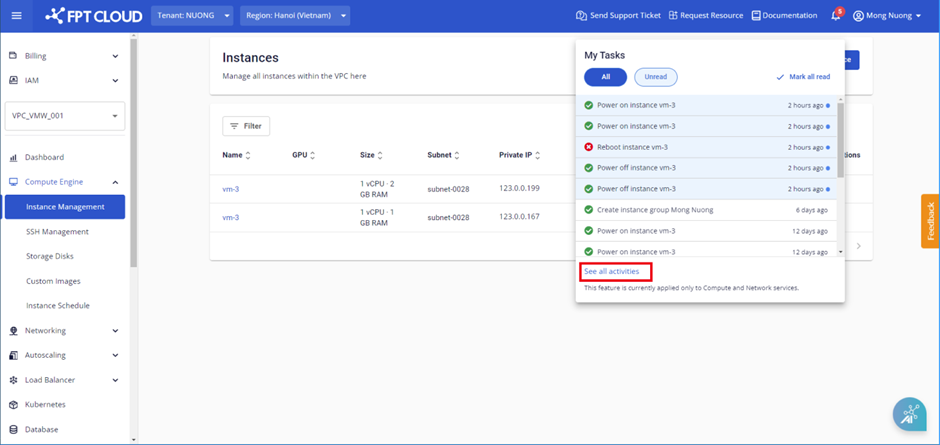
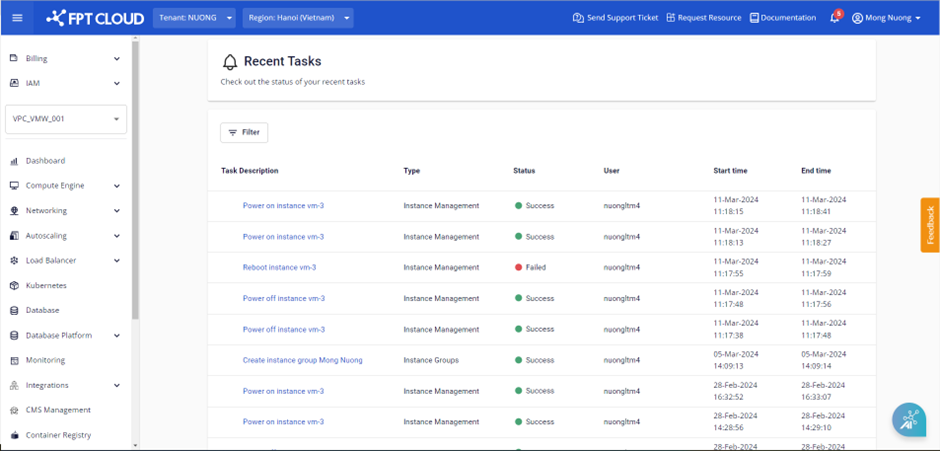
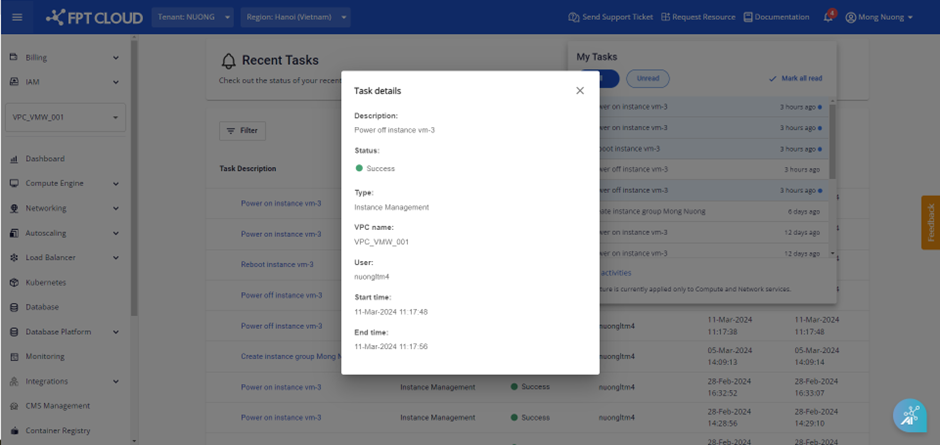
Clicking anywhere inside a notification takes you to the detailed information page for that action.
note
- Clicking Mark all read changes all unread notifications to read status.
- If you perform multiple actions at the same time, notifications appear in the order those actions were executed.