Create a Token
Creating a Token lets you authenticate when using Terraform or the API to manage resources on FPT Cloud.
Create a Token
-
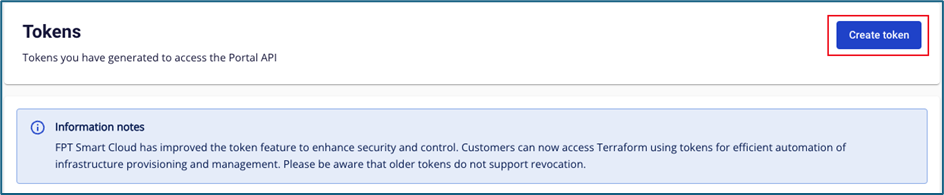
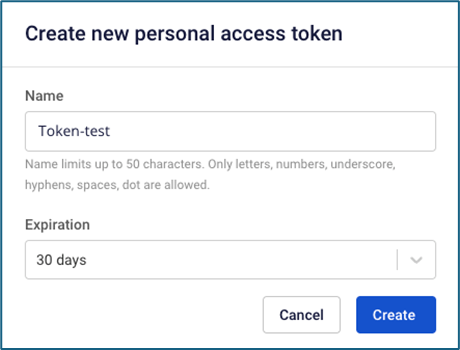
On the Token page, click Create token.
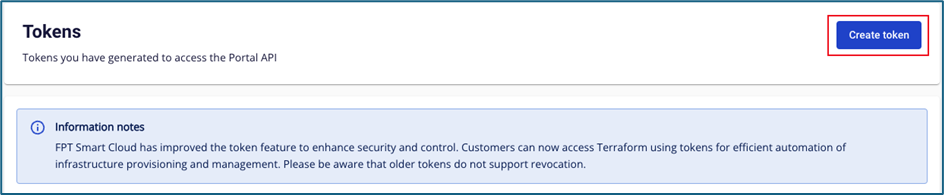
-
Enter the details:
- Token name: Maximum 50 characters (letters, numbers,
-,_,., and spaces). - Expiry time: Select from the list.
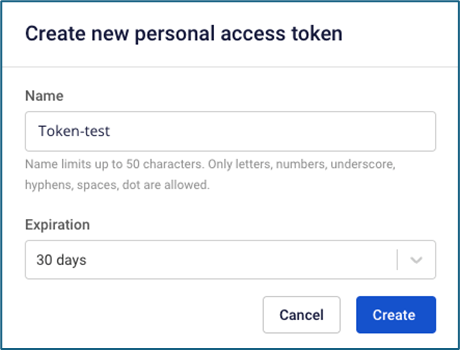
- Token name: Maximum 50 characters (letters, numbers,
-
Click Create.
-
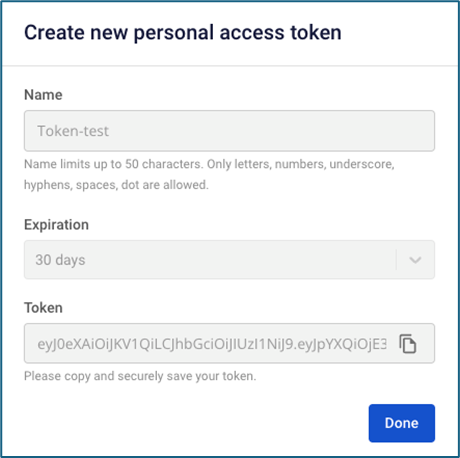
The system displays your Token. Copy and store it securely.
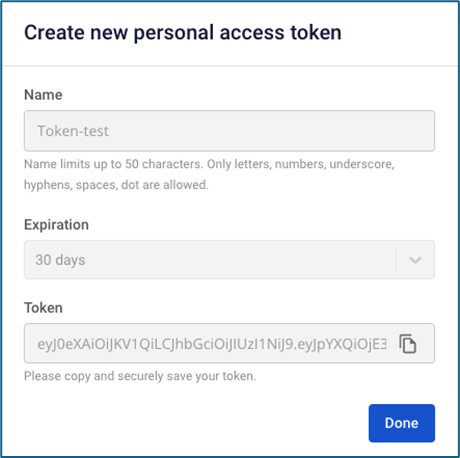
danger
The Token is displayed only once. After clicking Done, you cannot view it again. FPT Cloud Portal does not store your Token.