Disable a policy
To use the Disable Policy feature, you must log in to the system with Tenant owner permissions.
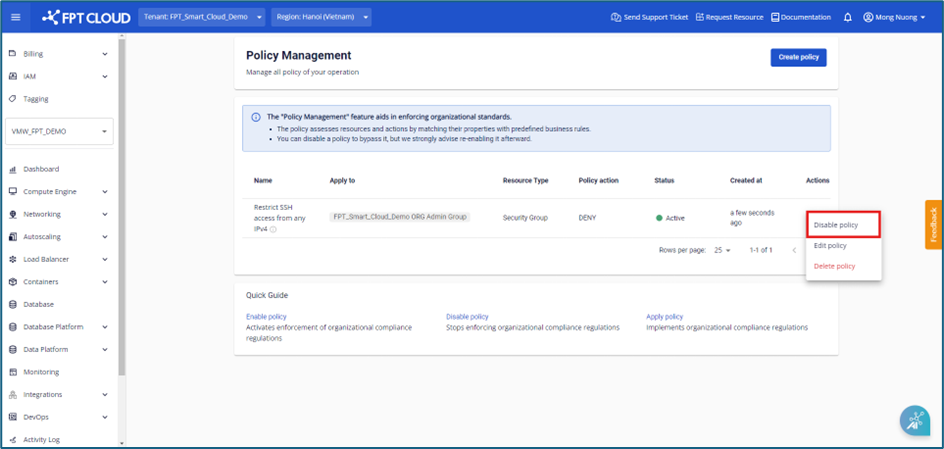
Step 1: In the menu, select Policy Management. Select a policy with Active status, then select Actions > Disable policy.
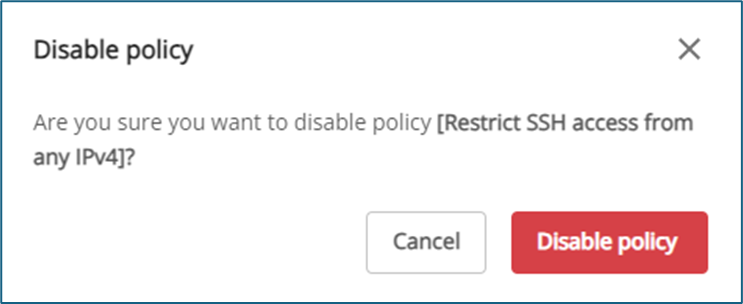
Step 2: A dialog box appears. Click Disable policy to confirm the action. The system will disable the policy and update its status on the Policy Management screen.
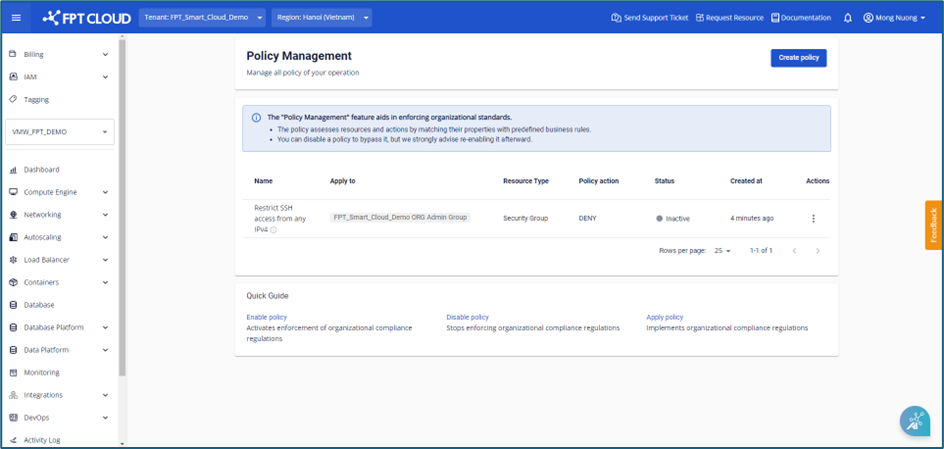
Step 3: The system disables the policy and updates its status from Active to Inactive on the Policy Management screen.