Backup and restore a cluster
To back up a Kubernetes cluster, use the Backup & Recovery service to back up the master nodes.
- From the menu, select Backup & Recovery. The Backup & Recovery page appears.
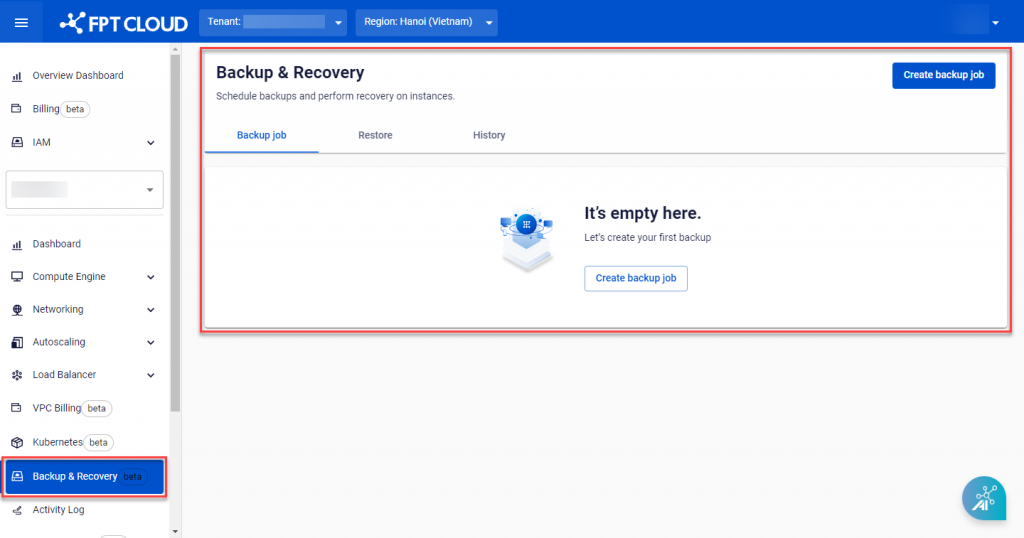
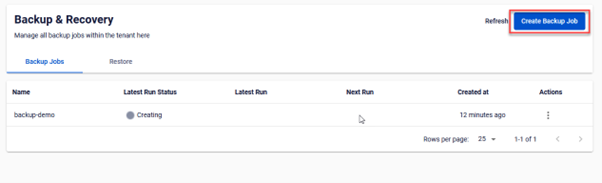
- Click Create Backup Job.
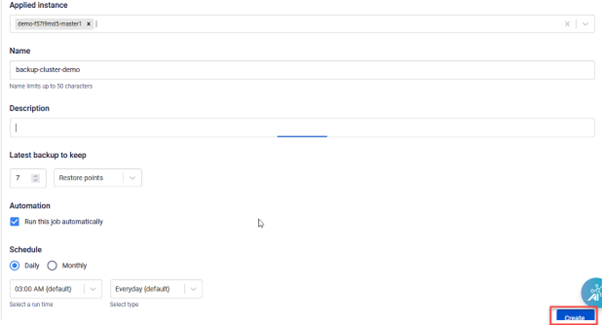
- On the New Backup Job screen, select all master node VMs for the cluster you want to back up. Configure Retention and Schedule as needed, then click Create.