Delete a robot account
When a robot account is no longer needed, you can delete it to clean up and reduce your security attack surface. FPT Cloud supports deleting one or multiple robot accounts at the same time.
danger
Deleting a robot account cannot be undone. CI/CD pipelines using this account will immediately lose access.
-
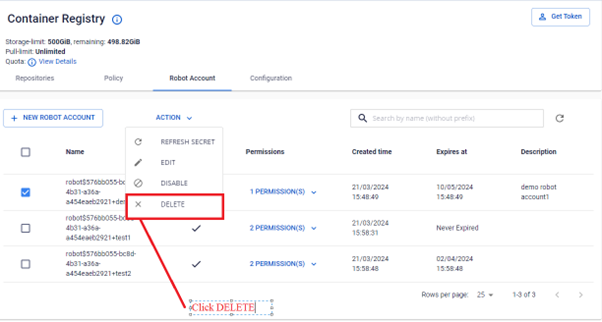
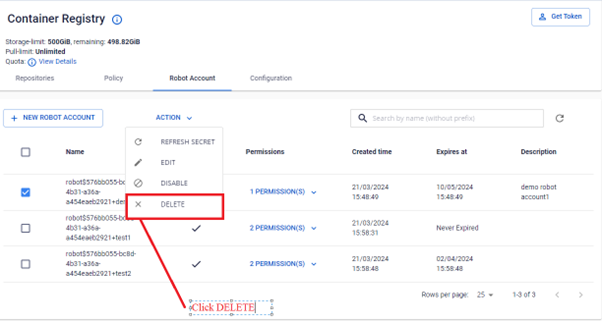
In the Robot Account list, select the robot account to delete, then select ACTION DELETE.
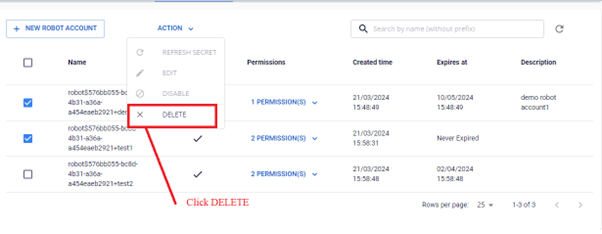
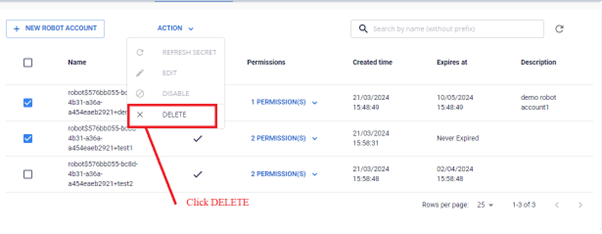
To delete multiple robot accounts at once, select multiple accounts before performing the action.
-
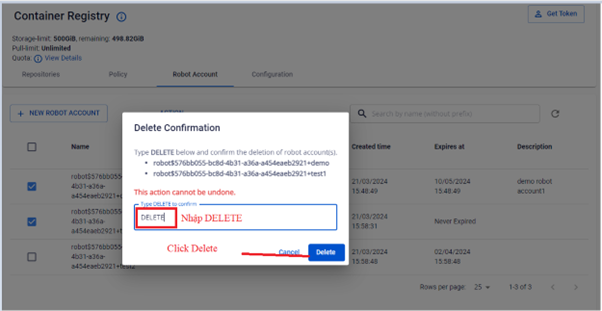
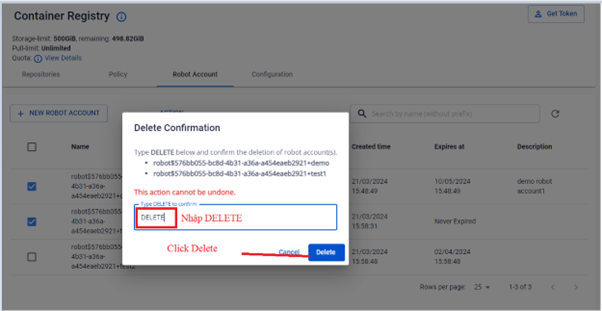
In the confirmation dialog, enter DELETE to confirm the deletion.
-
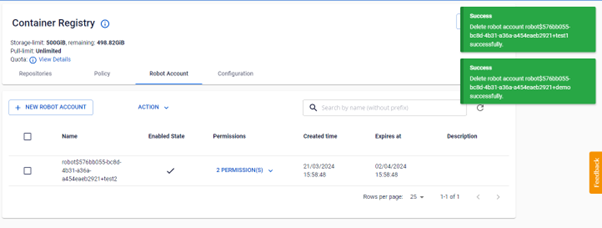
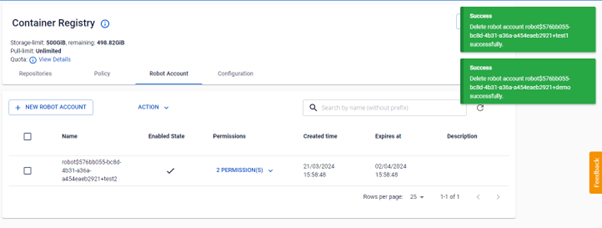
Verify the list after deletion.