Deactivating the FPT Database Engine service
Deactivating the FPT Database Engine service will stop all database creation and management capabilities within the selected VPC. This operation can only be performed when there are no databases remaining in the VPC. The steps are as follows:
Step 1: Access the database management page
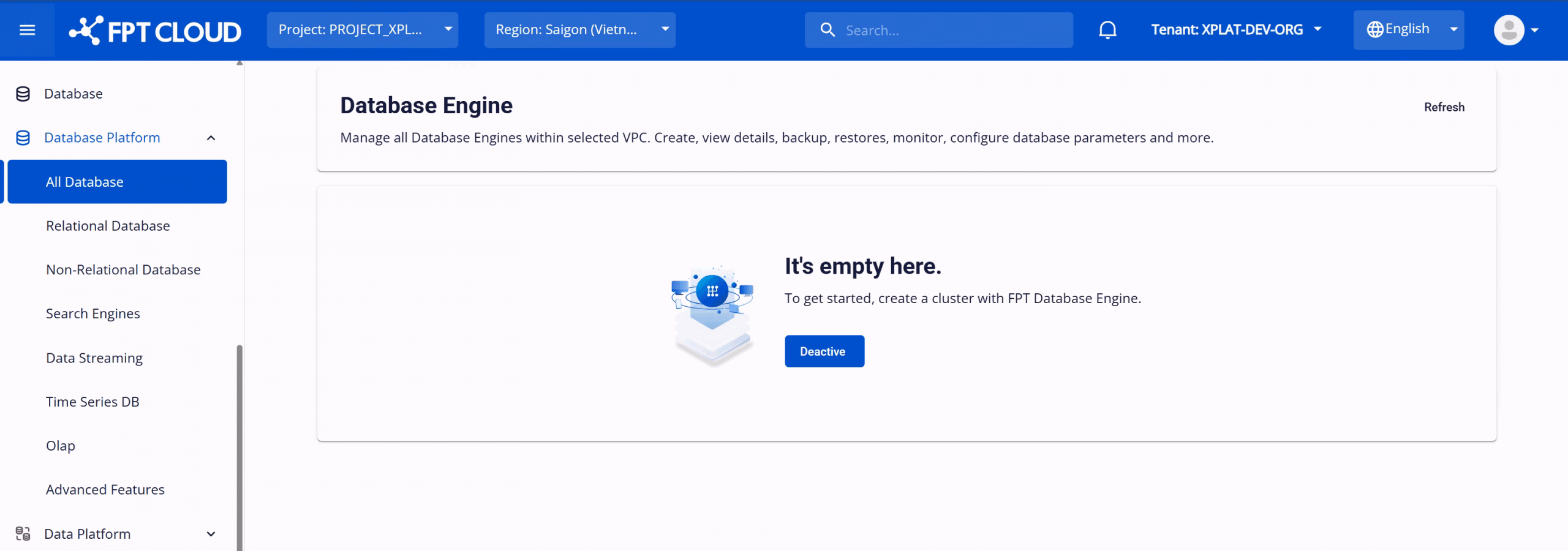
Log in to FPT Cloud Portal. After logging in successfully, from the main menu, select Database Platform > All Databases. The Database Engine Management interface will appear as follows:
Step 2: Deactivate the FPT Database Engine service
On the Database Engine Management page, click Deactivate to deactivate the service. The system will switch to the deactivation processing screen. This process may take approximately 8–10 minutes to complete.
After deactivation, the service status will change to Inactive, and all FPT Database Engine service operations will be blocked.