Activate database service
When FPT Database Engine service is not yet enabled, you cannot create or manage databases. Enabling the service initializes the required backend components and makes FPT Database Engine ready for use. This activation is required only once per VPC.
Step 1: Log in to the FPT Cloud Portal. From the main menu, select Database Platform > All Databases to open the Database Engine Management interface.
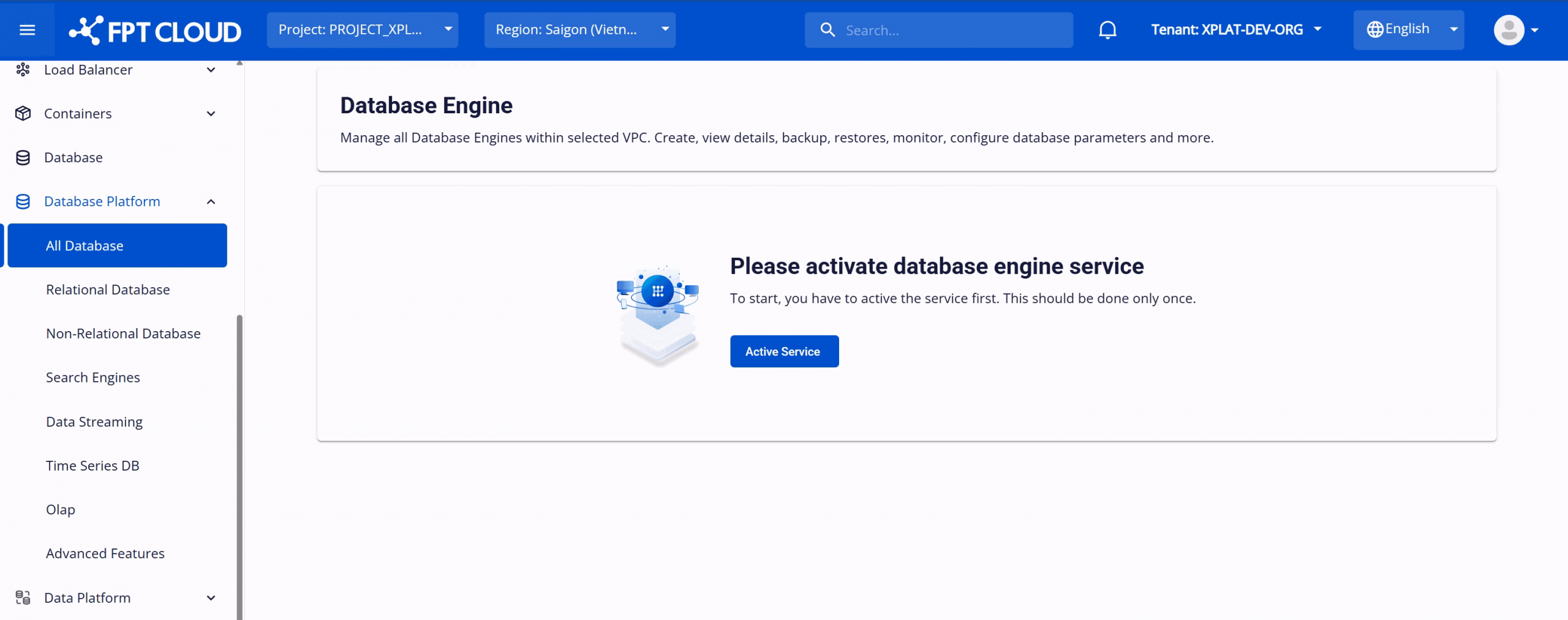
Step 2: On the Database Engine Management page, click Activate Service to enable the service. The system begins a service activation process that takes approximately 8–10 minutes.
Once provisioned, the service status changes to Active and database creation features become available.