Deactivate database service
Deactivating FPT Database Engine Service disables all capabilities to create and manage databases within the selected VPC.
note
This action can only be performed when there are no existing database resources in the VPC.
Step 1: Log in to the FPT Cloud Portal. From the main menu, select Database Platform > All Databases to open the Database Engine Management interface.
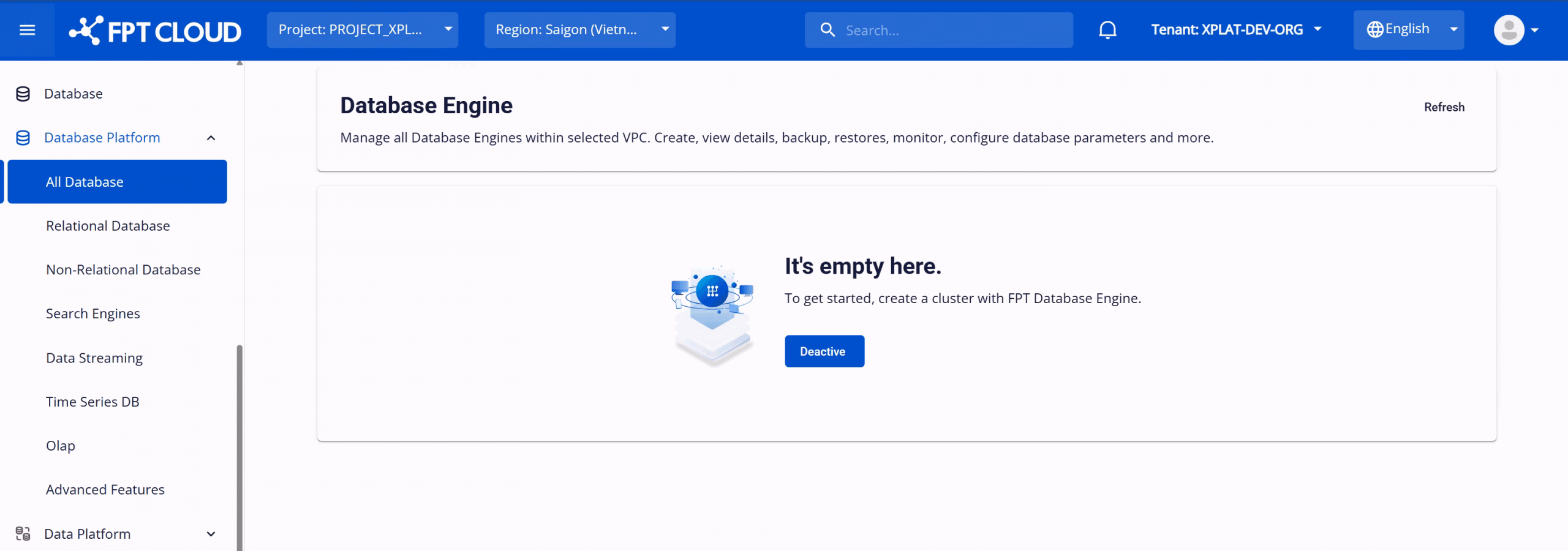
Step 2: On the Database Engine Management page, click Deactivate to disable the service. The system will begin a deactivation process that takes approximately 8–10 minutes.
After deactivation, the service status changes to Inactive and all FPT Database Engine operations are blocked.