View Event Gateway Information
To view Event Gateway information, follow the steps below:
Step 1: In the menu bar, select Integration > Event Gateway.
Step 2: In the Event Gateway list, select the Event Gateway whose information you want to view.
-
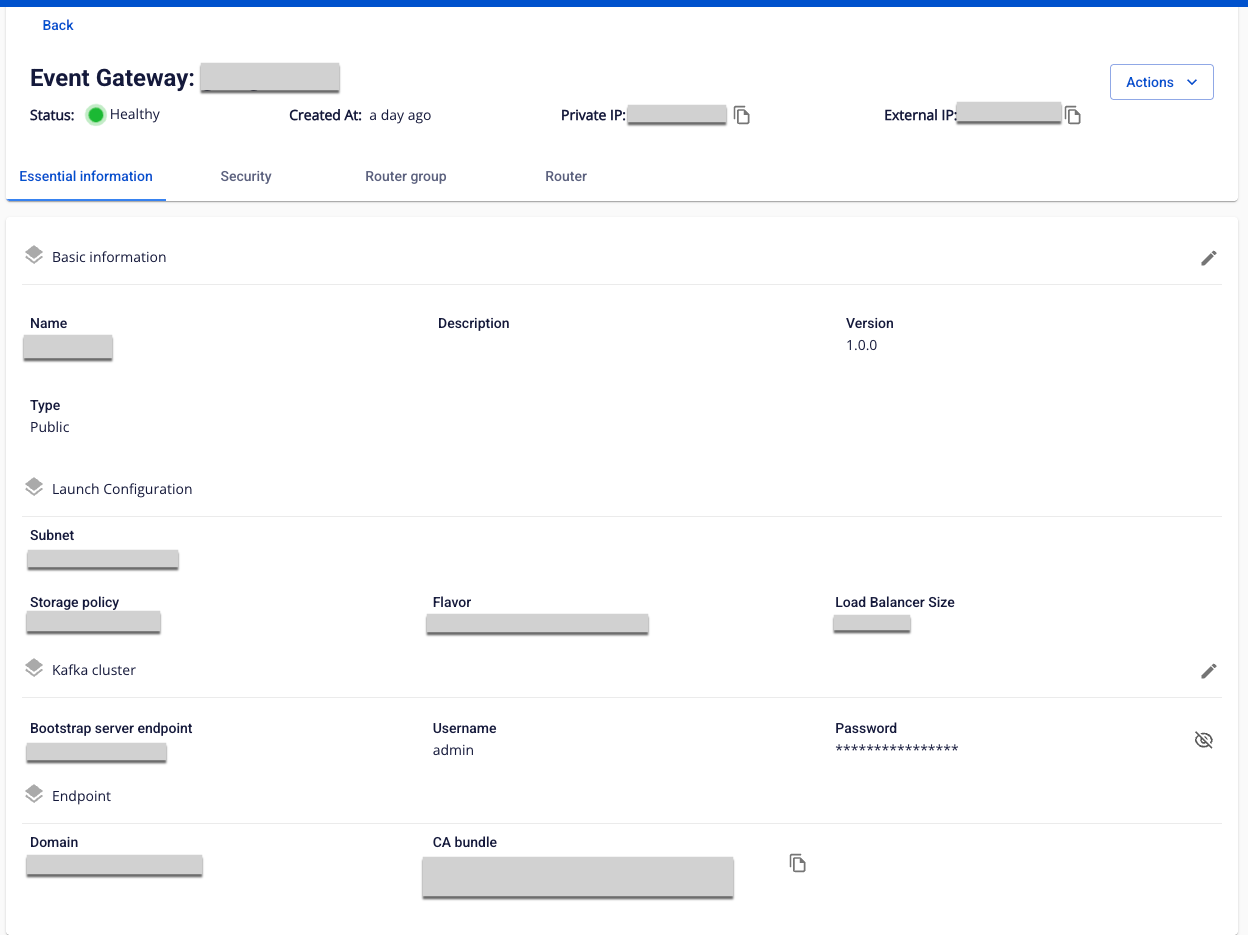
Essential Information tab
Displays basic information about the Event Gateway: Basic information, Launch Configuration, Kafka cluster, Endpoint.
-
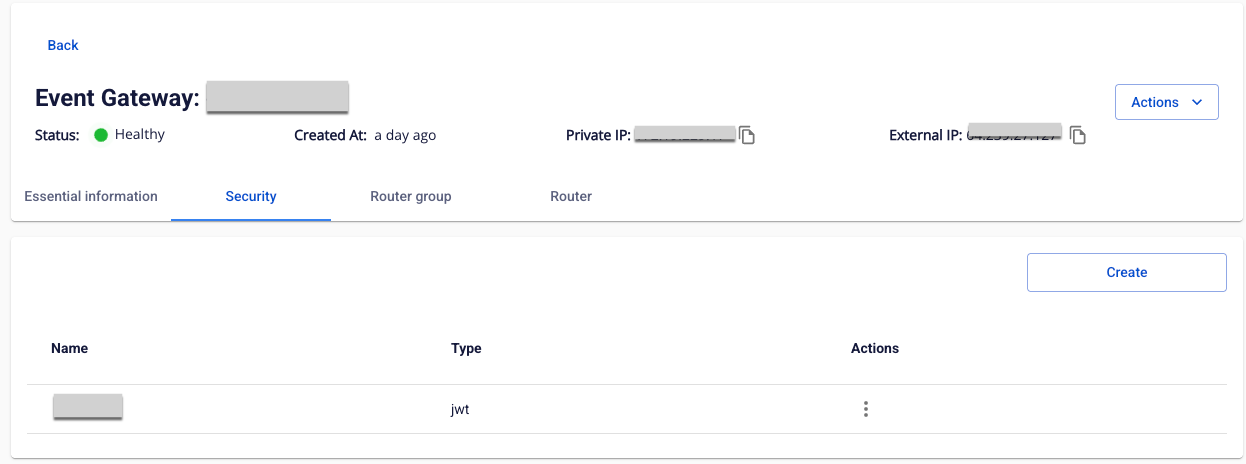
Security tab
Displays the list of Security configurations for the Event Gateway.
-
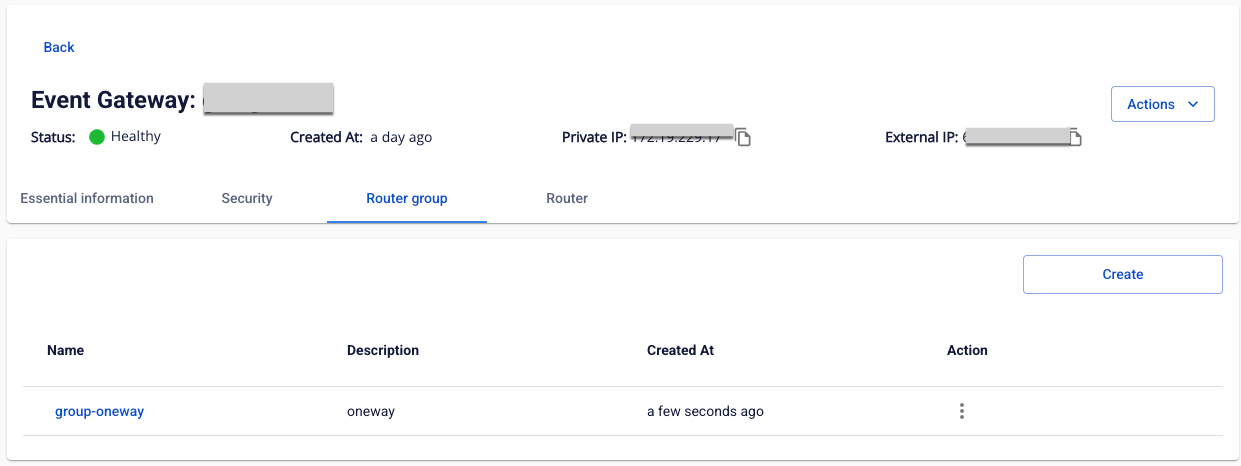
Router group tab
Displays the list of Router groups for the Event Gateway.
-
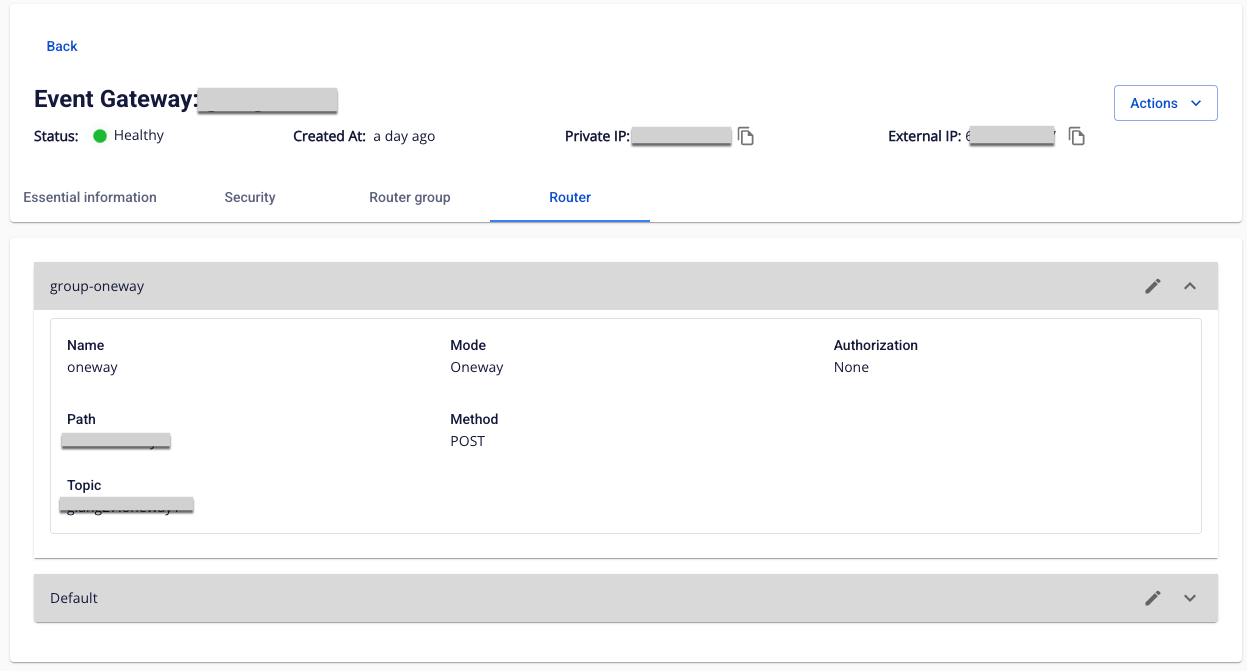
Router tab
Displays the list of Routers grouped by Router group for the Event Gateway.