Delete Peering Connection
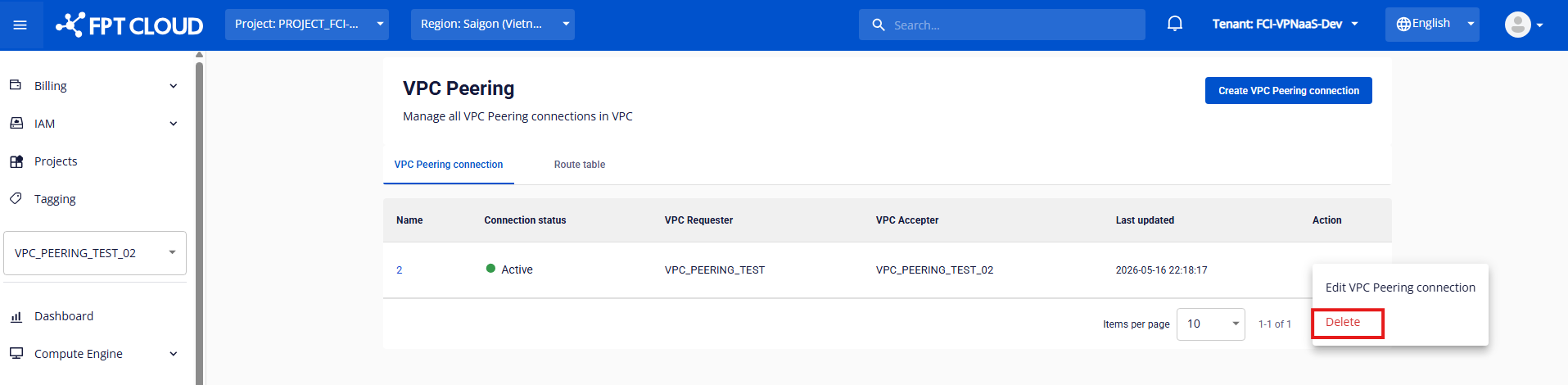
To delete a VPC Peering Connection, click Delete in the Action column of the connection you want to remove.
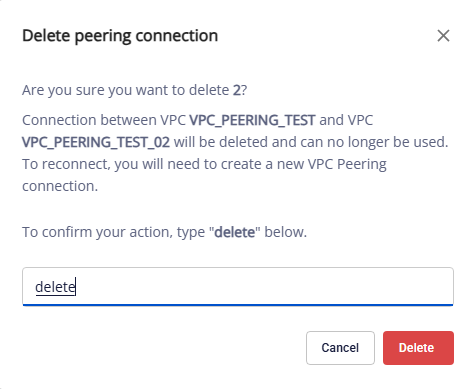
A confirmation dialog appears — type delete and click Delete VPC Peering Connection to remove it, or Cancel to abort.
caution
Once deleted, the VPC Peering Connection cannot be recovered. Any routes using this connection will stop working — review the impact carefully before confirming the deletion.