Delete a schedule
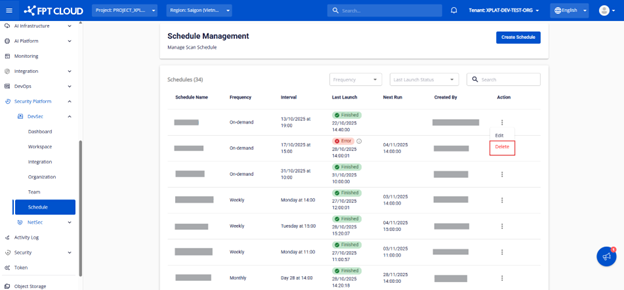
In the Schedule Management screen, click the ⋮ icon on a schedule, then select Delete.
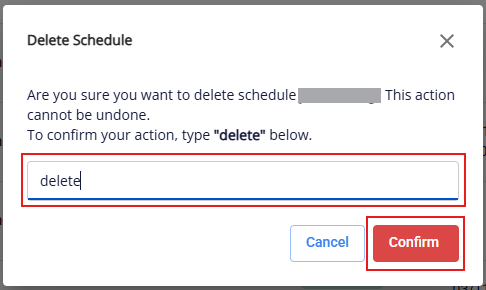
A confirmation popup appears. Type "delete" and click Confirm to confirm deletion.
In the Schedule Management screen, click the ⋮ icon on a schedule, then select Delete.
A confirmation popup appears. Type "delete" and click Confirm to confirm deletion.