Download access history
You can download the access history list for your organization.
-
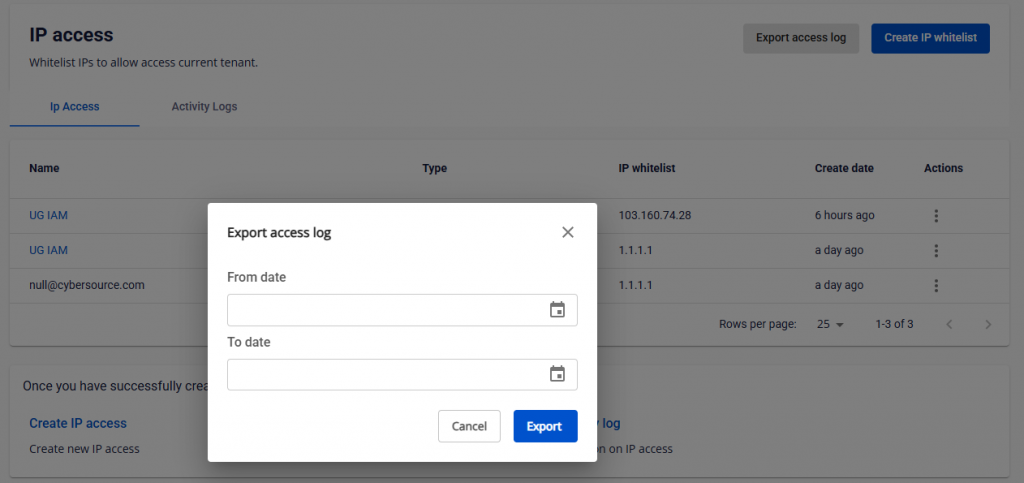
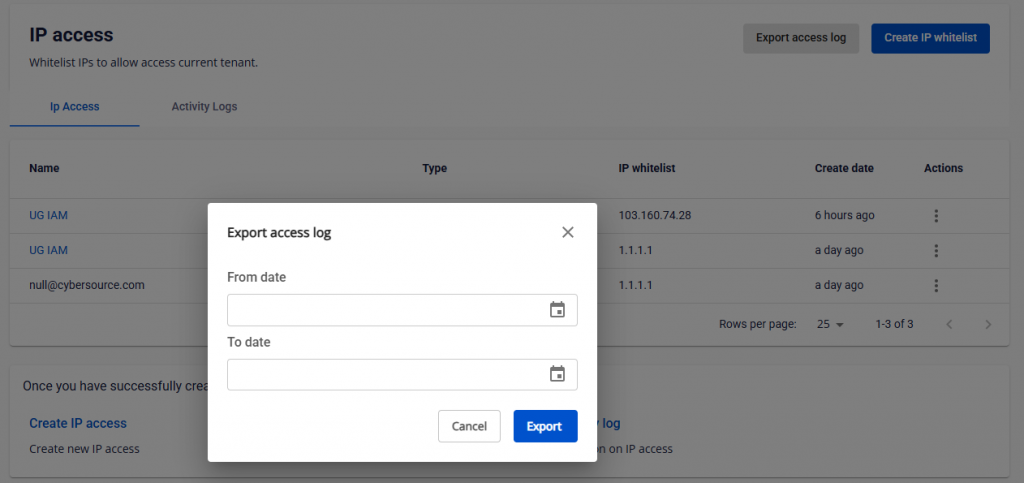
On the IP Access page, click Export access log, then select the date range to download (maximum 7 days).
-
Check your email for the access history file. The system sends the file to the email address of the currently logged-in user. The file contains the following information:
- User: Email address of the user who accessed the URL.
- URL: The URL the user accessed.
- IP: The IP address from which the user accessed.
- Response HTTP Code: The HTTP response status when the user accessed the URL.
- Date & Time: The time of access.