Create a User Group
-
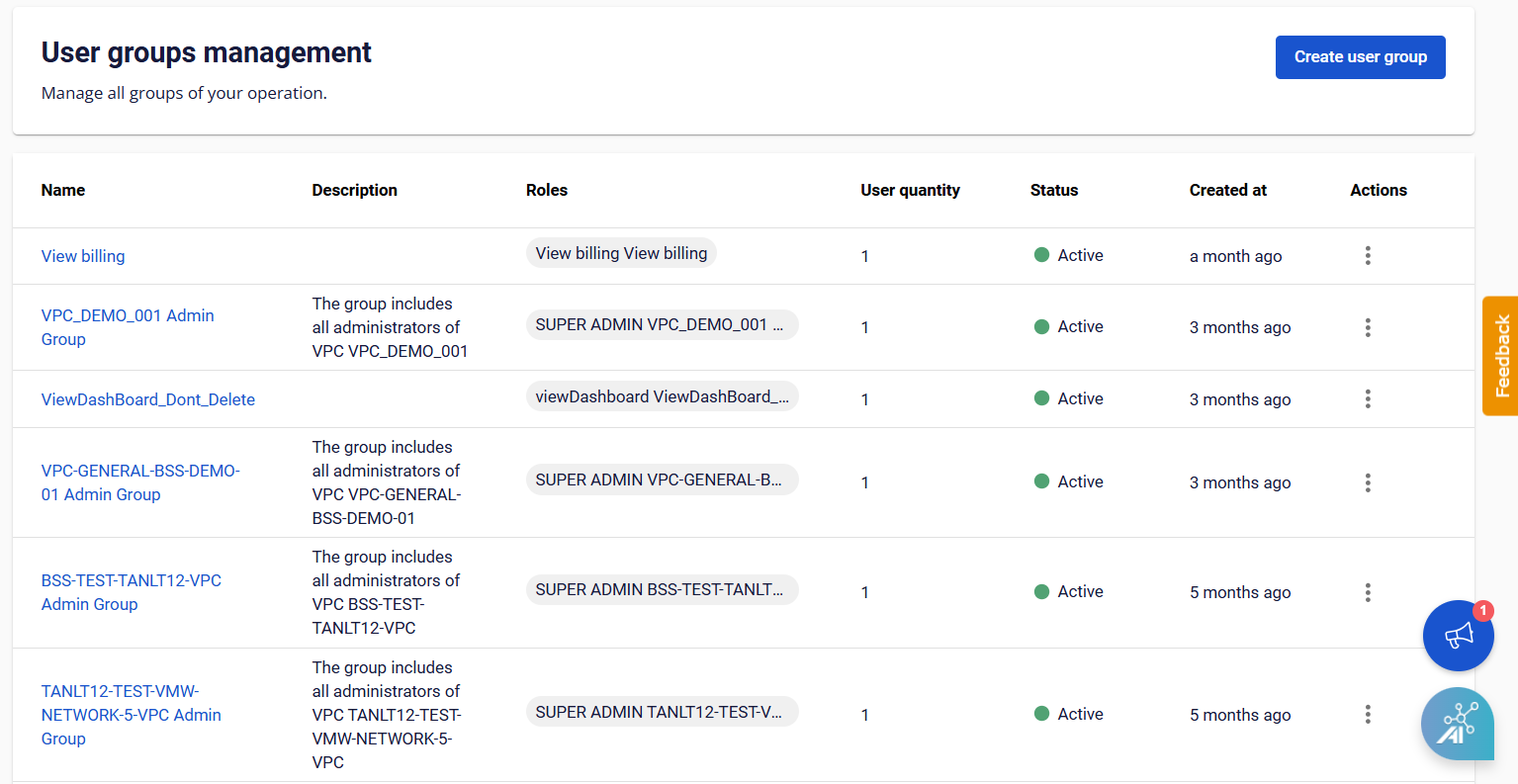
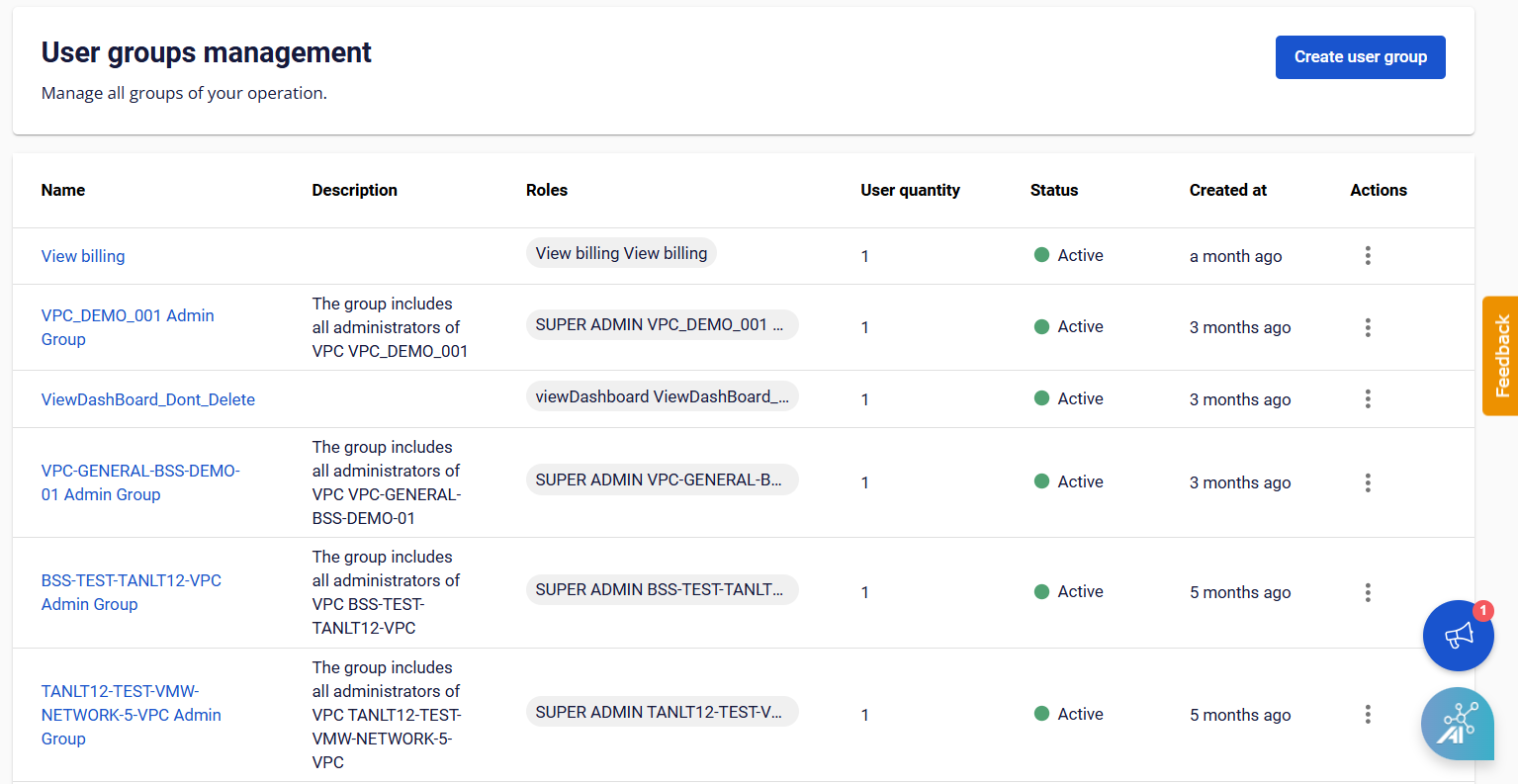
From the menu, select IAM > User Groups, then click Create User Group.
-
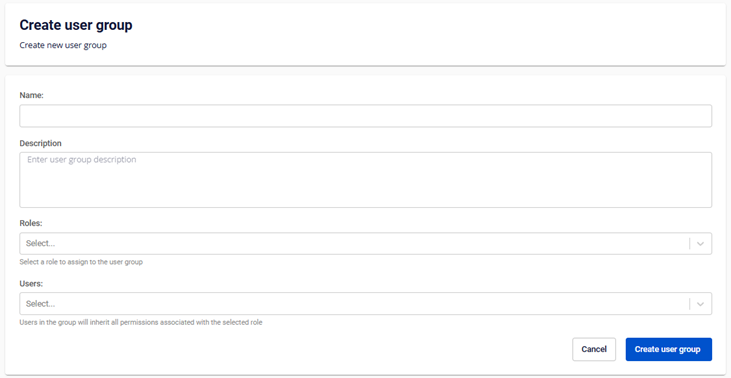
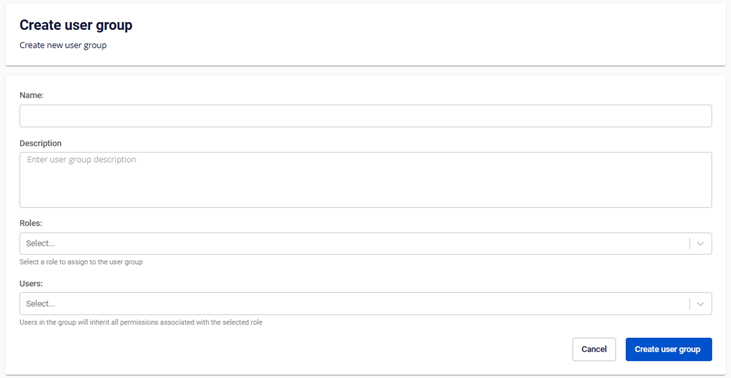
On the Create User Group page, enter the required information:
- Name: The name of the User Group.
- Description: A description of the User Group.
- Role: Assign one or more roles to the User Group.
- User: Add existing users to the User Group.
-
Click Create User Group. The system processes the request and displays the result.