Edit a User Group
-
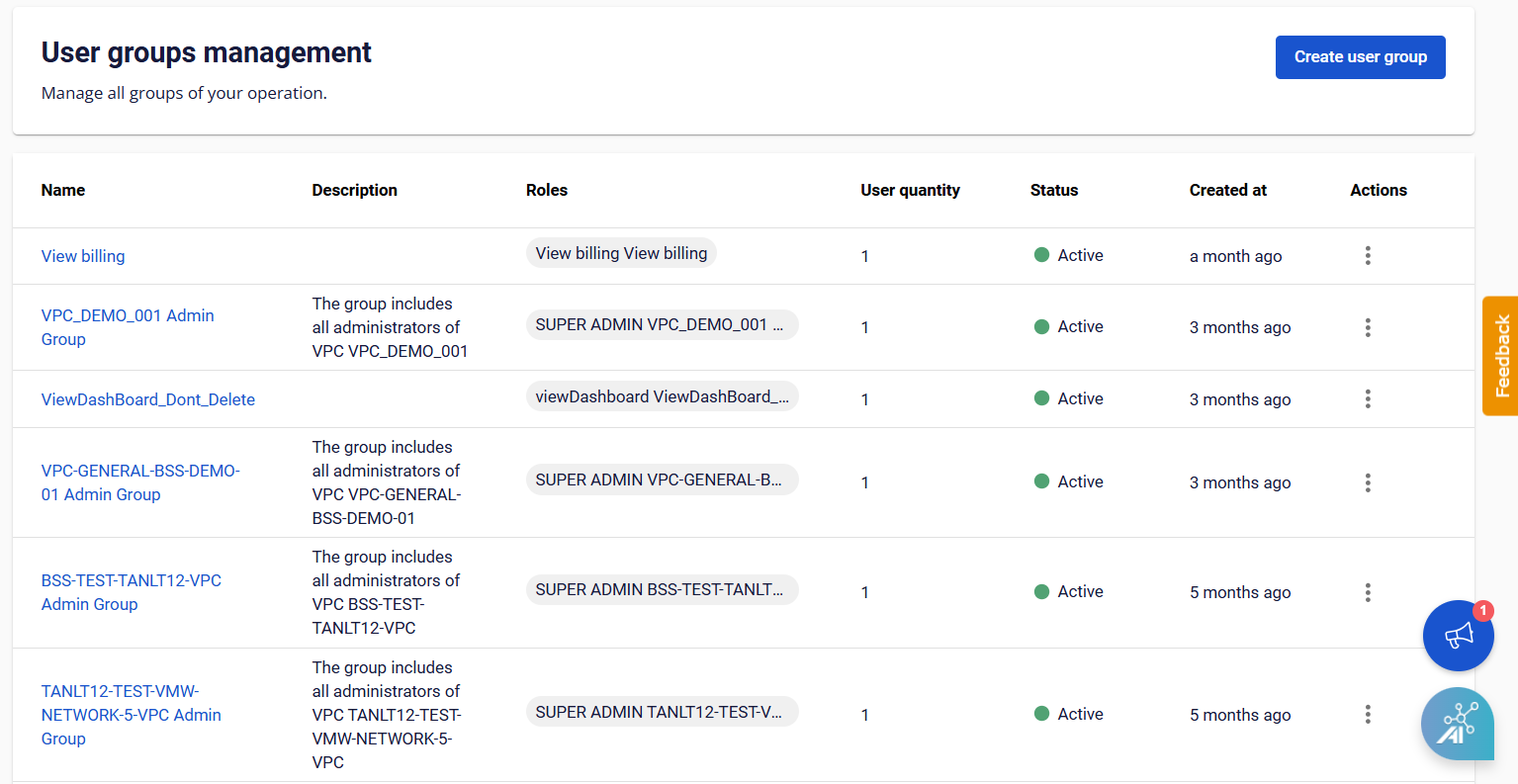
From the menu, select IAM > User Groups.
-
Select Action at the end of the User Group you want to update, then choose the operation:
- Manage user: Add or remove users in the group.
- Manage role: Add or remove roles assigned to the group.
- Edit information: Update the group name and description.