View Submitted Requests
Accounts with Tenant Owner permissions can view all requests created by themselves or by other VPC Owners. Accounts with VPC Owner permissions can only view requests created by themselves and cannot view requests created by other VPC Owners or Tenant Owners.
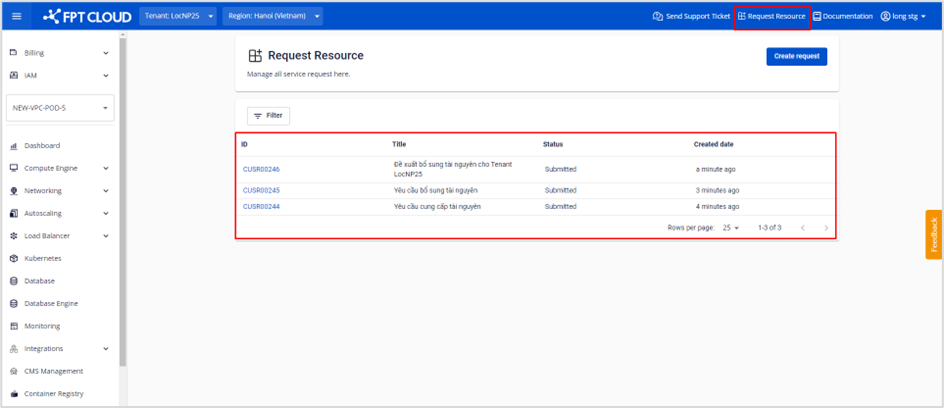
Step 1: In the menu, select Request Resource. The screen displays a list of resource request tickets.
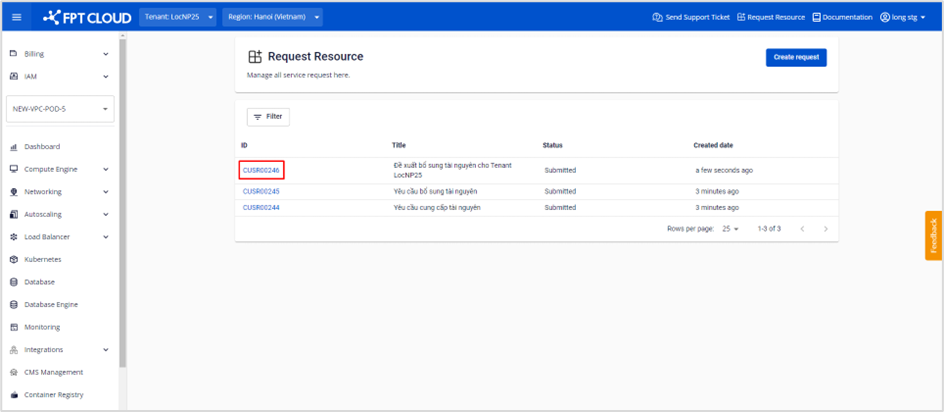
Step 2: Select a ticket by clicking on a request ID.
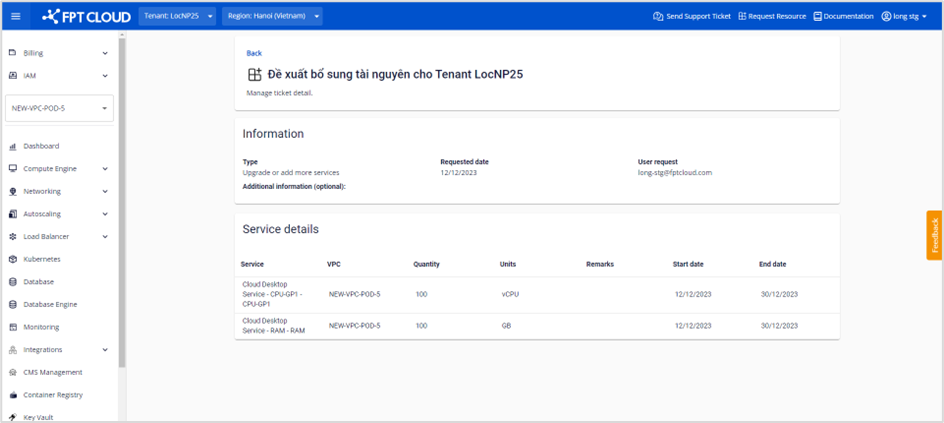
Step 3: The screen displays the detailed information of the request ticket.