Alert Rule Template の統合
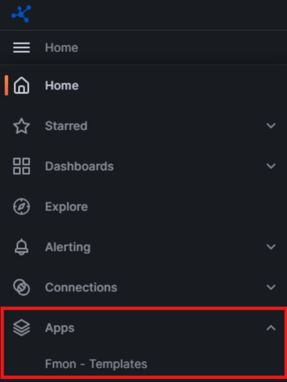
ステップ 1: Grafana インターフェースでサイドバーメニューを開きます。

ステップ 2: Apps を開き、Fmon – Templates を選択します。
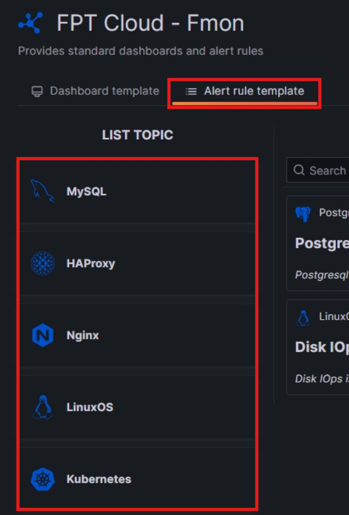
ステップ 3: Fmon – Templates インターフェースで、Alert rule template タブを選択し、Alert Rule を追加したいサービスの Topic を選択します。
ステップ 4: 希望する各 Alert rule の Integrate をクリックします。
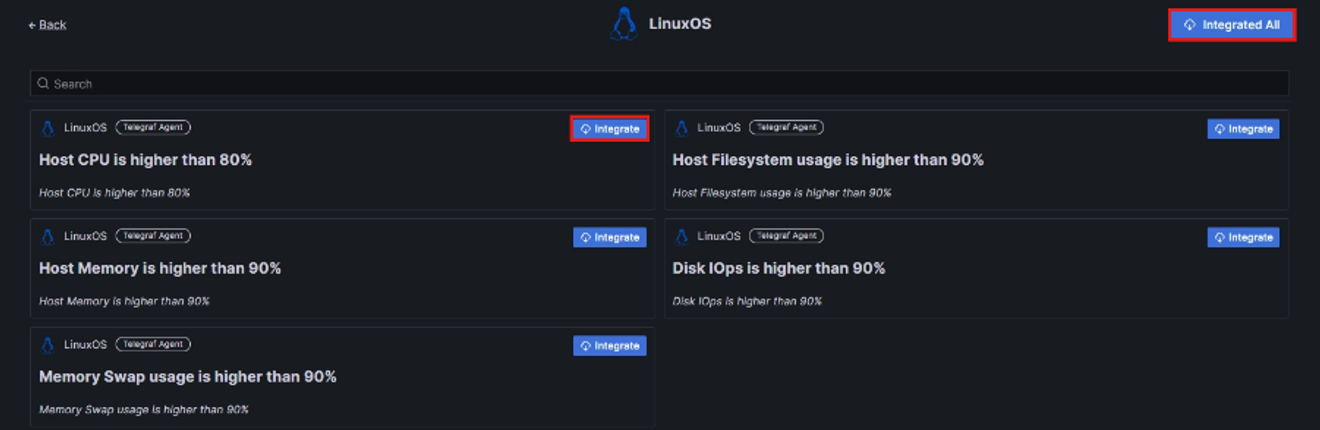
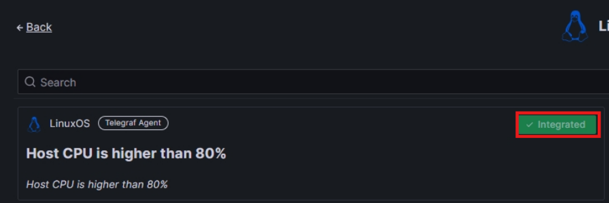
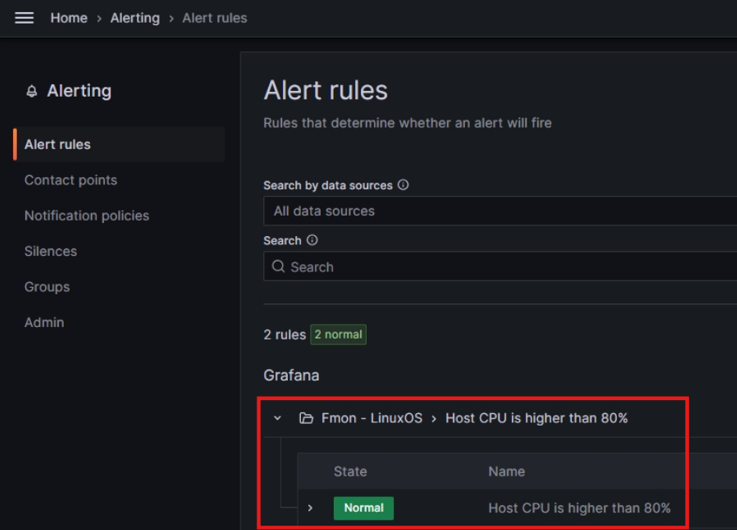
ステップ 5: Alert Rule の統合状態が Integrated に変わると、希望する Alert Rule がお客様の Alert Rules に追加されています。