Integrate alert rule template
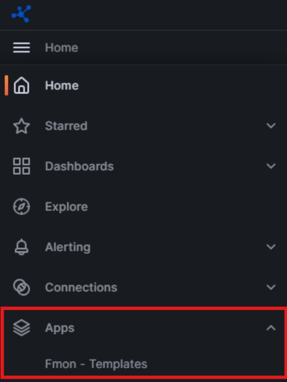
Step 1: In the Grafana interface, open the sidebar menu.

Step 2: Open Apps and select Fmon – Templates.
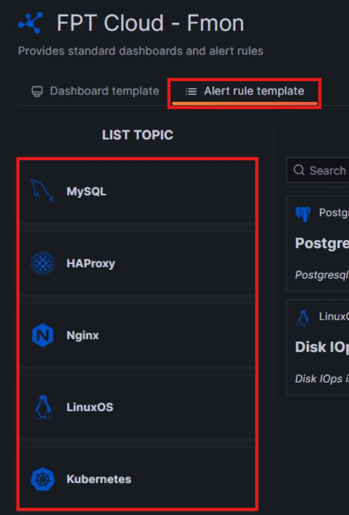
Step 3: In the Fmon – Templates interface, select the Alert rule template tab and choose the Topic for the service you want to add an alert rule for.
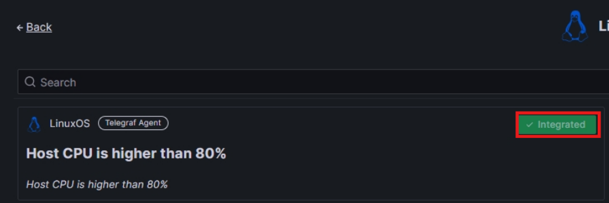
Step 4: Click Integrate for each desired alert rule.
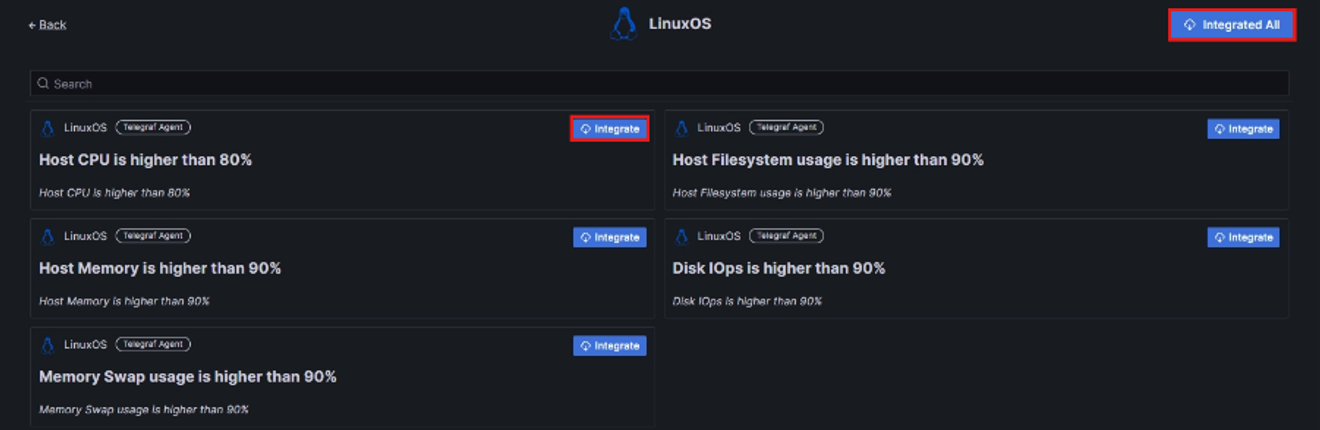
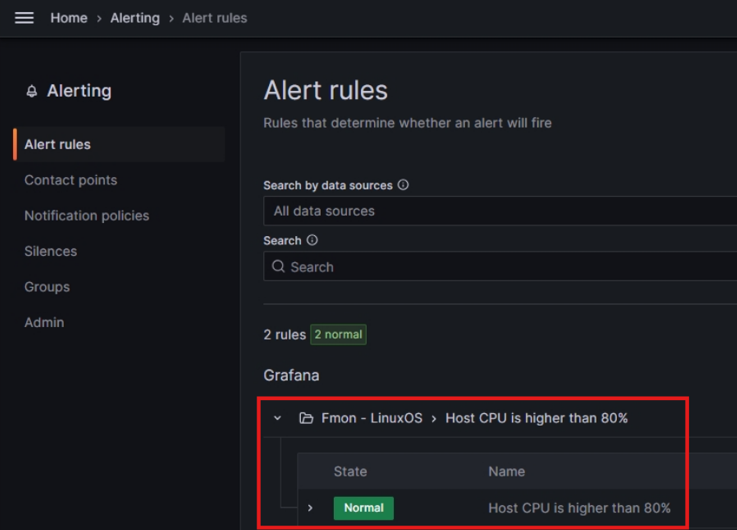
Step 5: When the alert rule status changes to Integrated, the alert rule has been added to the Alert Rules section.