Initial setup
If this is your first time using FPT Model Serving, first check and complete the following tasks:
- Create an FPT Cloud account and log in to FPT Portal
To begin using FPT Model Serving, you need to log in to FPT Portal. Please visit https://console.fptcloud.com com and log in with the FPT Cloud account and password that have been provided. Make sure to select the correct Tenant, Region, and VPC to use the service. If you do not have an FPT Cloud account yet, visit the homepage at https://fptcloud.com/ Then select the "Sign Up" function and enter the information as instructed by the system. Our support team will contact you shortly to verify the details and create your account. If you encounter any issues during the process, please contact our Support team for assistance. 2. Activate the resource package to start using
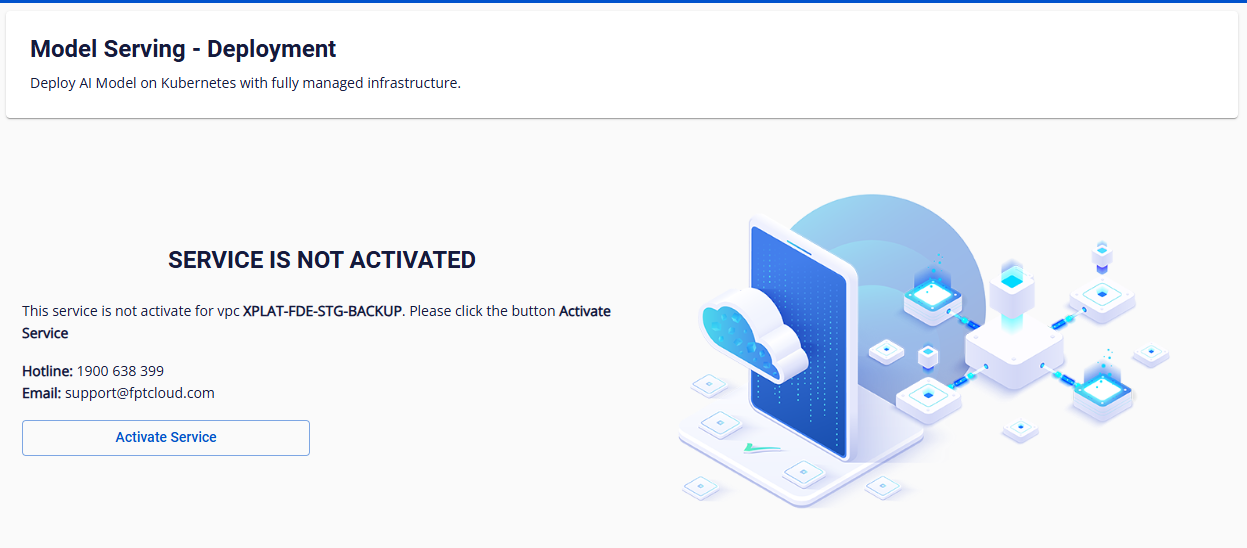
After successfully logging into console.fptcloud.com, the user goes to the AI Platform section, selects Active Service , and clicks Active.
- Initialize a Kubernetes (K8S) cluster for serving
To use Model Serving, a Kubernetes Cluster is required to provide processing power for AI Models.