Delete a Custom Image
When a Custom Image is no longer needed, you can delete it from the system.
danger
A deleted Custom Image cannot be recovered. Make sure no Instances are currently using this image before deleting it.
Delete a Custom Image
-
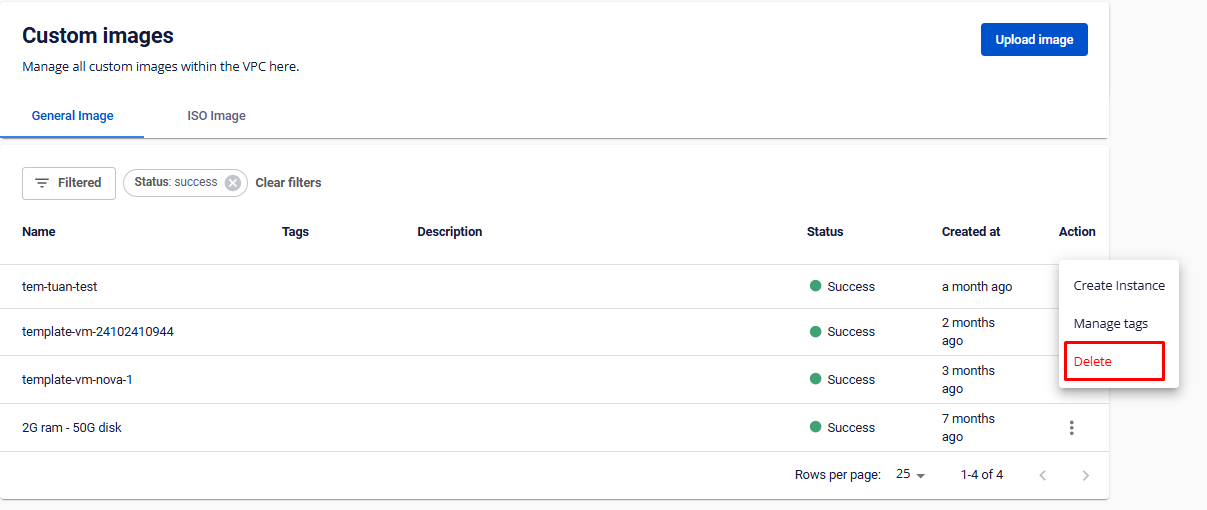
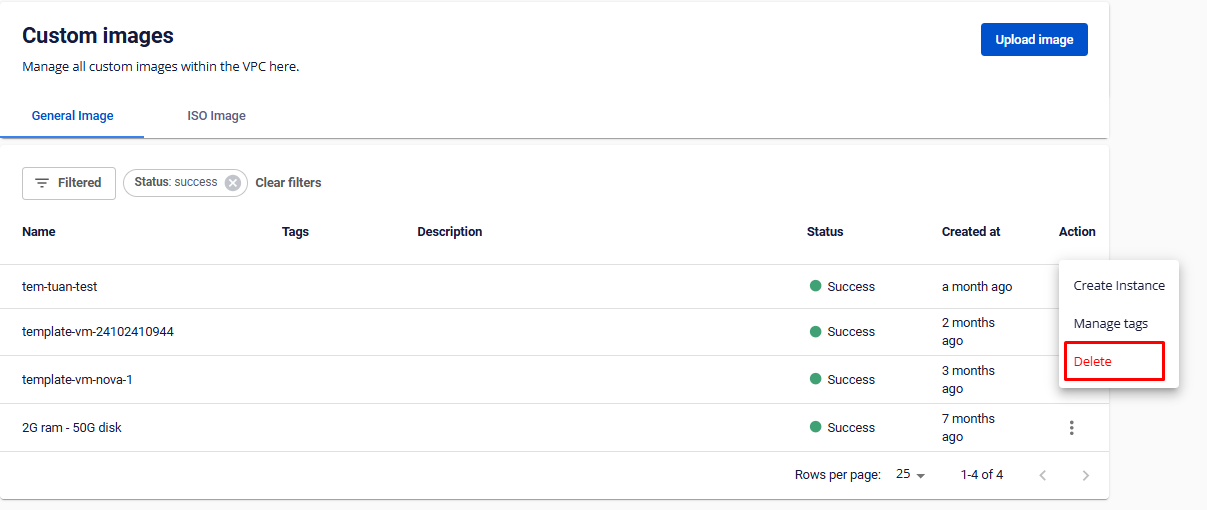
In Custom Image, click Actions → Delete.
-
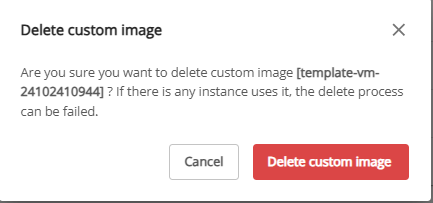
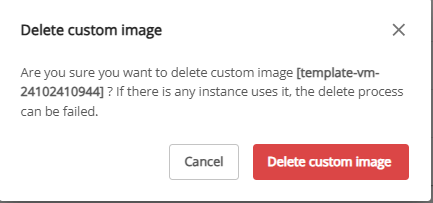
Confirm in the popup, then click Delete custom image.