Schedule a retention rule
Instead of running retention rules manually, you can set a schedule so the system executes them automatically on a recurring basis, keeping storage usage consistently optimized.
-
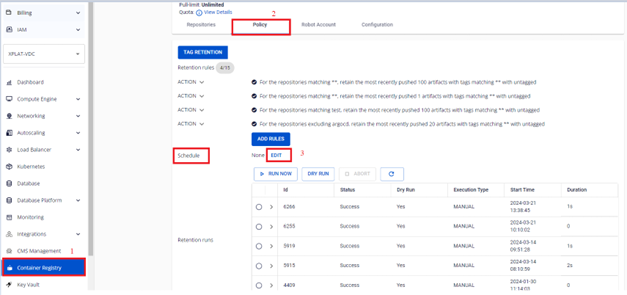
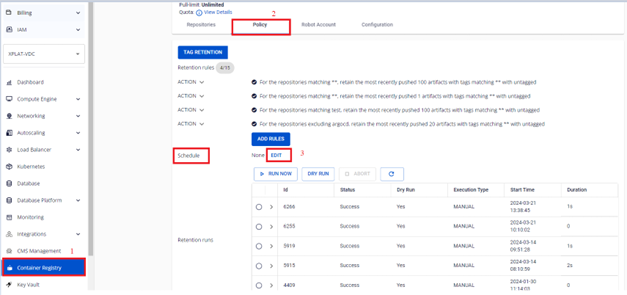
On the FPT Portal menu, select Container Registry > Policy > Schedule > Edit.
-
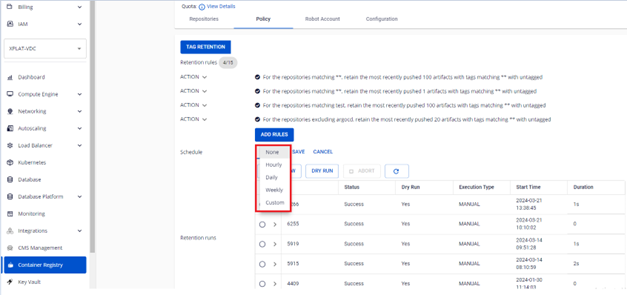
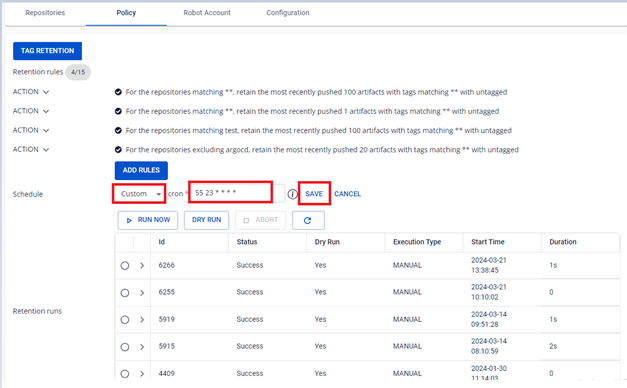
Select the execution frequency for the retention rule.
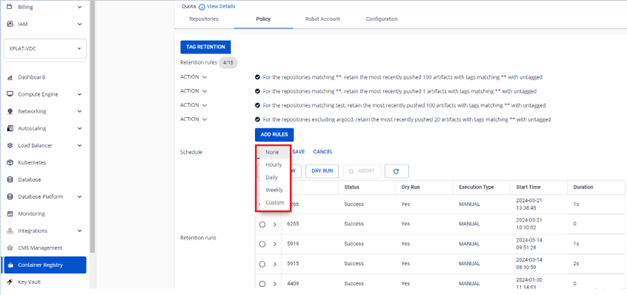
Option Description None No schedule — run manually from Portal Hourly Run once every hour Daily Run every day at 7:00 AM Weekly Run once every week Custom Enter a custom cron expression warningIf you define multiple rules, the schedule applies to all rules. You cannot set different schedules for individual rules.
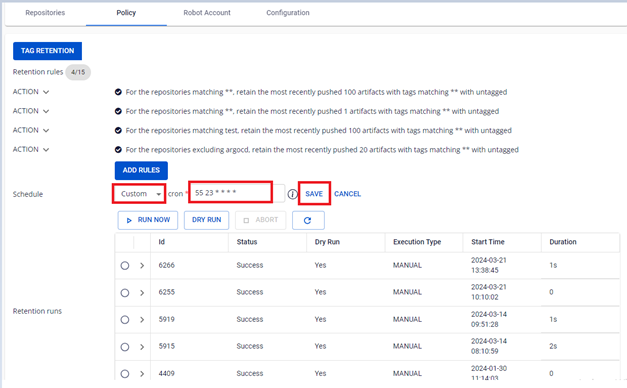
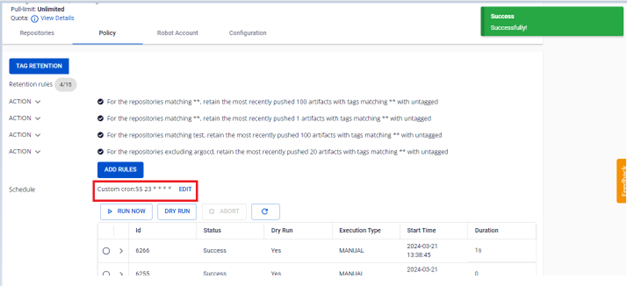
Custom schedule configuration example:
-
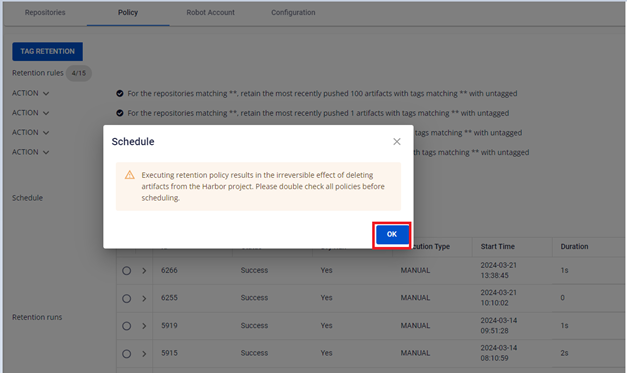
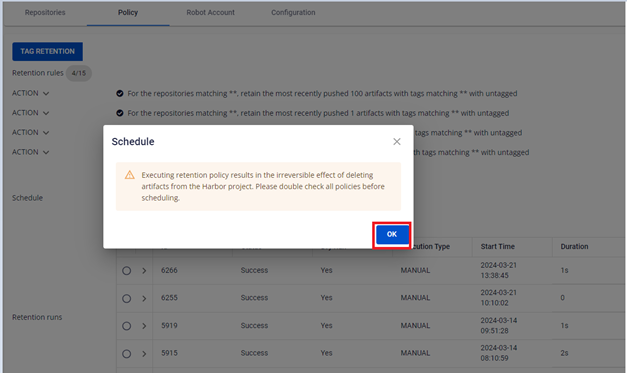
Click Save > OK to save the schedule.
-
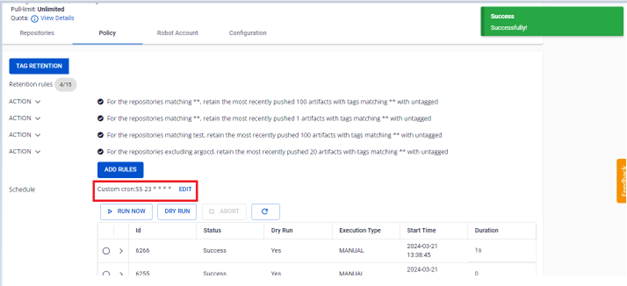
Verify the result after configuring the schedule.